
Leaderboard
-
Gado
Members1Points10Posts

Popular Content
Showing content with the highest reputation on 03/01/18 in Posts
-
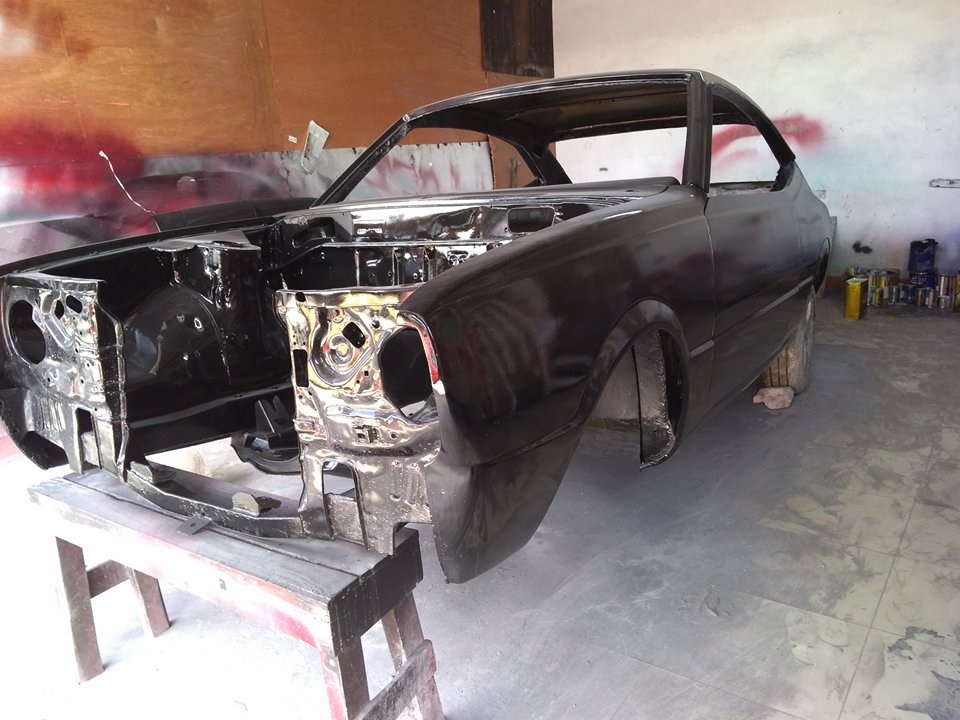
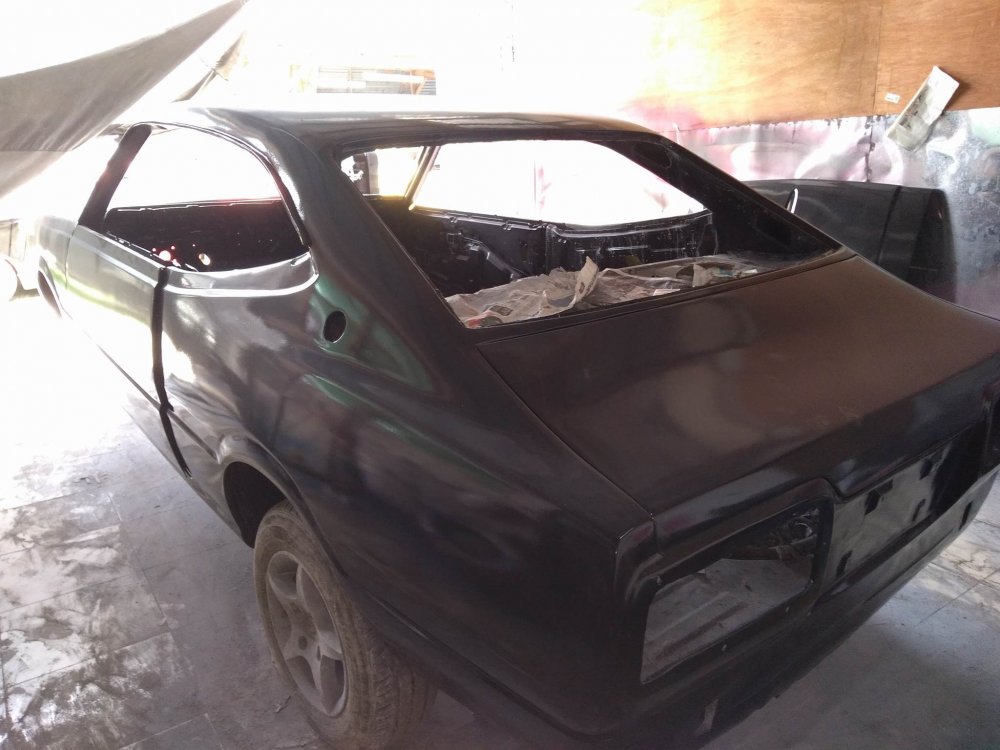
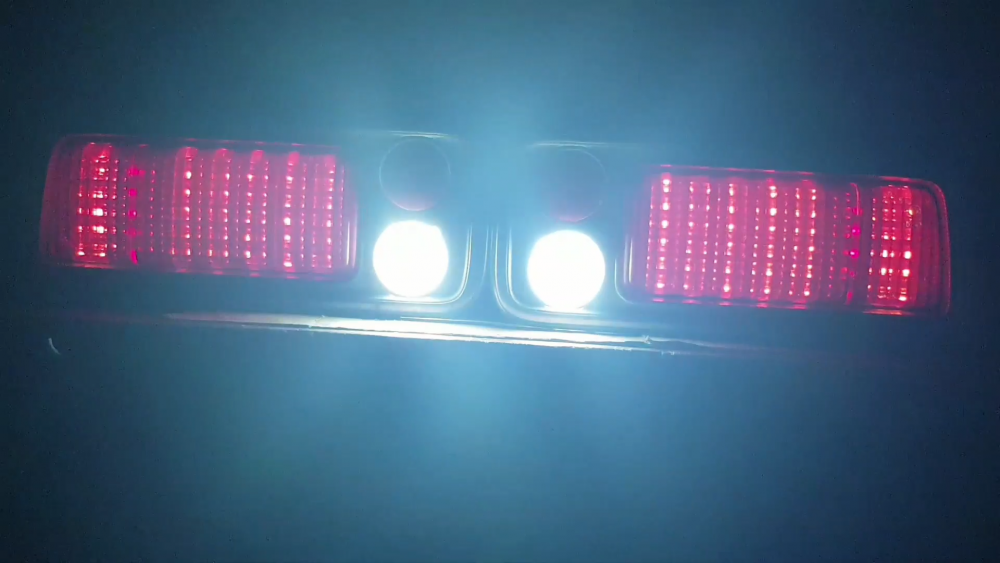
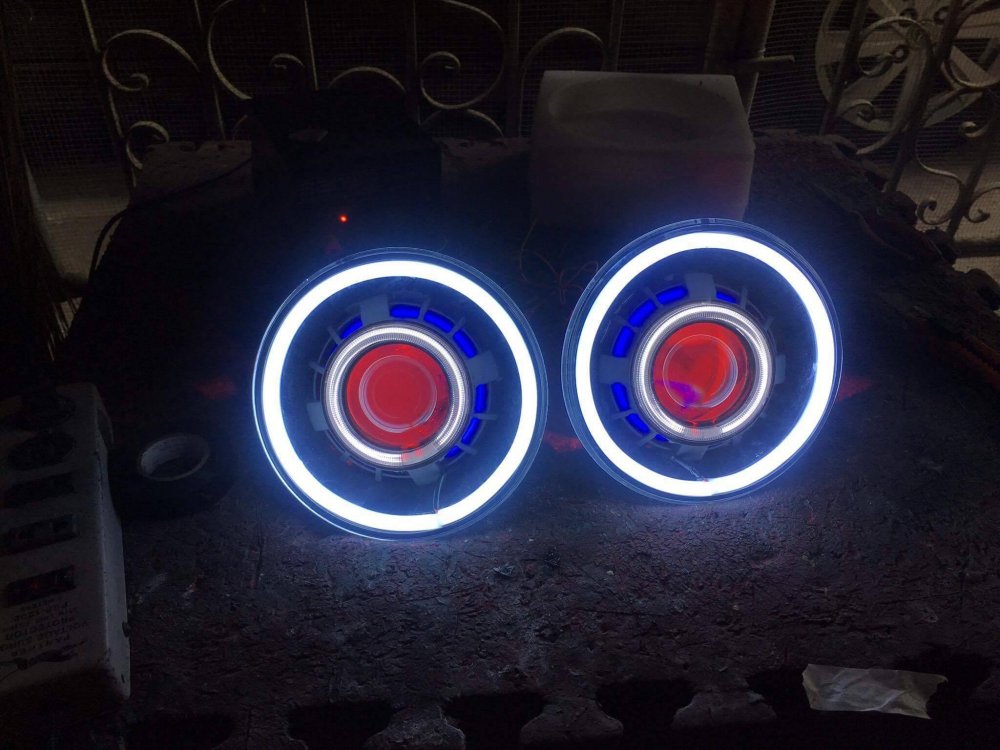
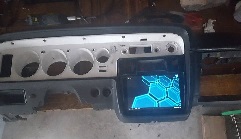
1 pointName: Joey Car: KE35 (Project Bambie) Motor & Driveline: Toyota 4k engine Suspension & Brakes: Stock set up for now Wheels & Tyres: I have no idea, they were on the car Interior: Still working on that Body: Black Other: Lots of custom odds and ends. I ended scoring a couple of tail lights, so I did a couple different LED conversions. I built some custom projector demon eye headlights with the outer ring serving as accent and turn signal lights. started a custom tablet radio system in the dash, and modernized the ac controls and relocated them into my center console, and decided to make my own dash cover. Still a tone of more work to be done!

 1 point


