
Leaderboard
-
Skoob90
Members1Points1Posts

Popular Content
Showing content with the highest reputation on 01/14/21 in Posts
-
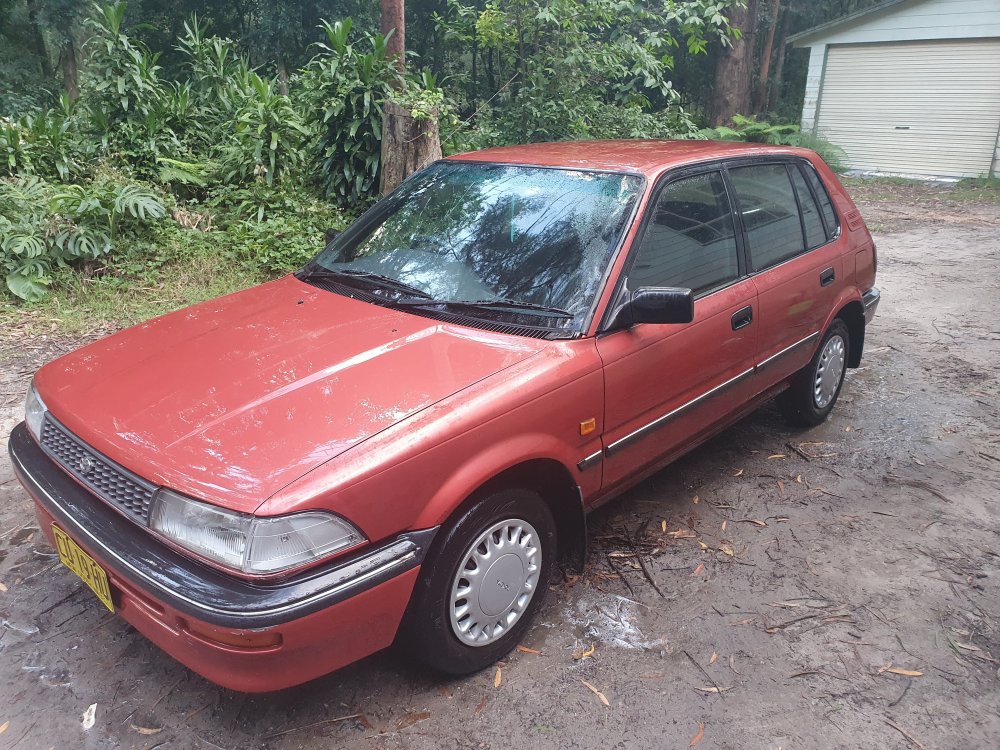
1 pointHi everyone. New here. My name's Steve and this is my first corolla. I've heard a few times over the years that these cars are special. Now I own one I see why. This one cost me $750 and had no rear muffler and a smashed windscreen, which is getting fixed Thursday, but even the few drives I've had in it have me smiling and wanting to get it back to its best. The body is rough with a few dents and scrapes etc but there is no rust to speak of and it's mechanically great at this point. Please I'd love to hear advice, tips, knowledge etc that anyone can share with me as this car is going to be around a while and I want it to be great. (My 2yr old daughter has already claimed it as her car haha).
 1 point
