Skip to content
View in the app

A better way to browse. Learn more.

rollaclub.com

A full-screen app on your home screen with push notifications, badges and more.

To install this app on iOS and iPadOS
  1. Tap the Share icon in Safari
  2. Scroll the menu and tap Add to Home Screen.
  3. Tap Add in the top-right corner.
To install this app on Android
  1. Tap the 3-dot menu (⋮) in the top-right corner of the browser.
  2. Tap Add to Home screen or Install app.
  3. Confirm by tapping Install.

Leaderboard

Popular Content

Showing content with the highest reputation on 05/28/24 in Posts

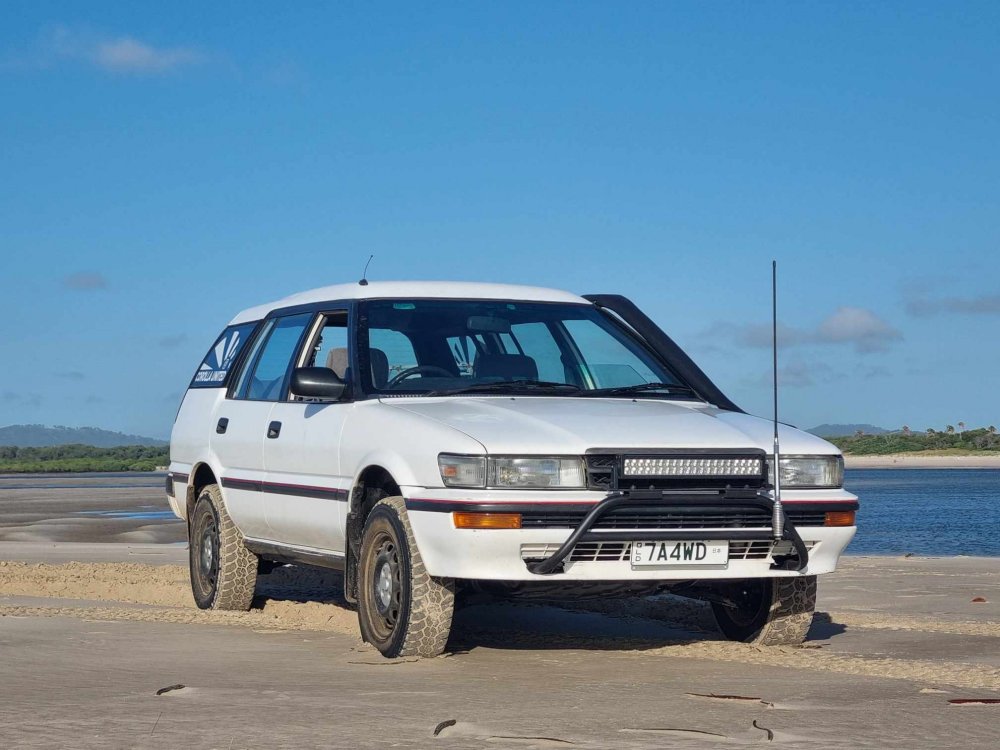
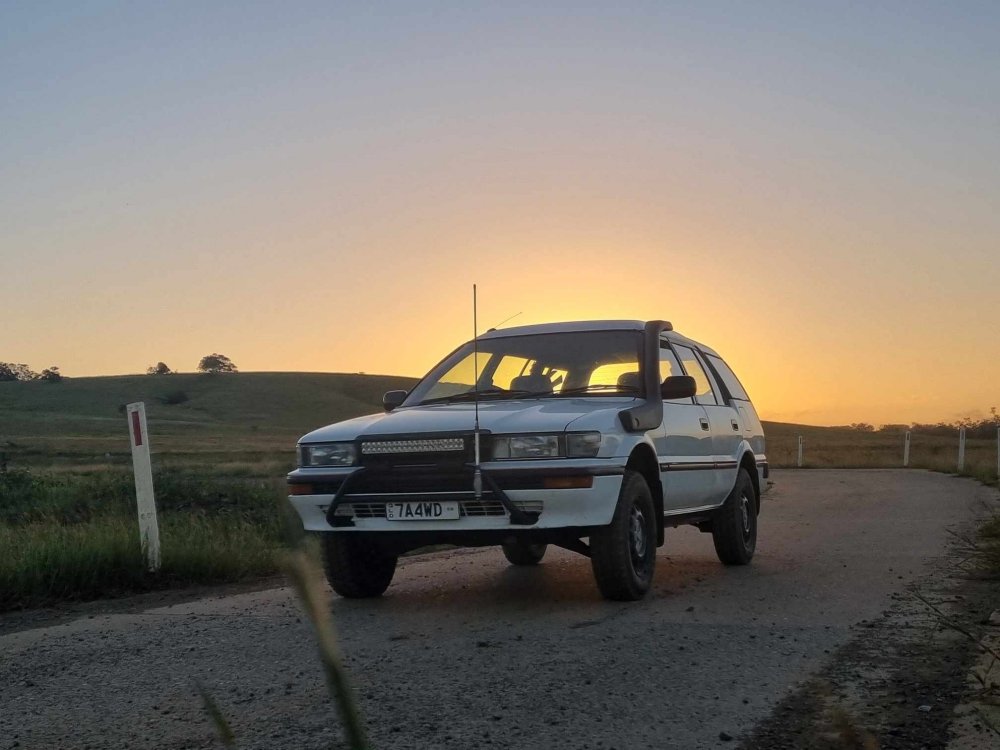
  1. Well BIG update, long story short she is finished and now registered! Here's some photos from it's shake down trip! Started off at a spot out of town for sunrise. Then went down onto the beach! Here's a shot of the finished engine bay! Also fitted up a D21 Navara/Pathfinder snorkel! Fits really well and gives the factory look I was going for! Fitted up some flush mount LED reverse lights in the rear bumper. Really enjoying exploring in the old girl, a few more trips coming up soon!

Account

Navigation

Search

Search

Configure browser push notifications

Chrome (Android)
  1. Tap the lock icon next to the address bar.
  2. Tap Permissions → Notifications.
  3. Adjust your preference.
Chrome (Desktop)
  1. Click the padlock icon in the address bar.
  2. Select Site settings.
  3. Find Notifications and adjust your preference.