Skip to content
View in the app

A better way to browse. Learn more.

rollaclub.com

A full-screen app on your home screen with push notifications, badges and more.

To install this app on iOS and iPadOS
  1. Tap the Share icon in Safari
  2. Scroll the menu and tap Add to Home Screen.
  3. Tap Add in the top-right corner.
To install this app on Android
  1. Tap the 3-dot menu (⋮) in the top-right corner of the browser.
  2. Tap Add to Home screen or Install app.
  3. Confirm by tapping Install.

Fakhir_tariq

Members
  • Joined

  • Last visited

  1. Looking for DIFF upgrade; please suggest...?
  2. Fakhir_tariq posted a topic in KE70 Projects
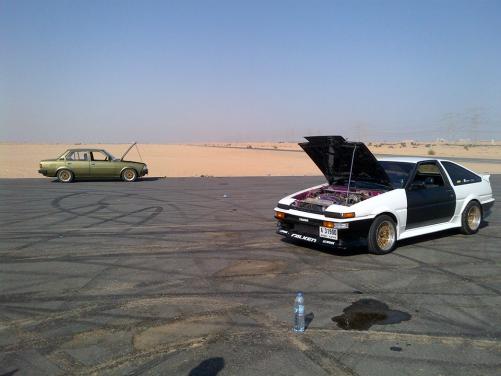
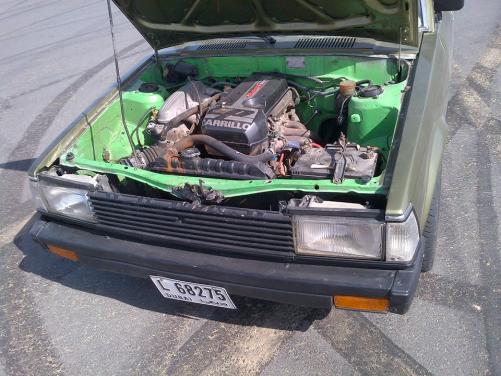
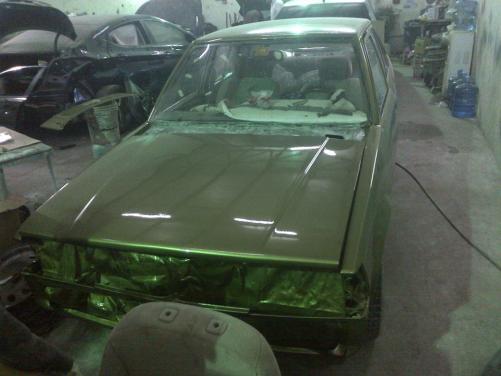
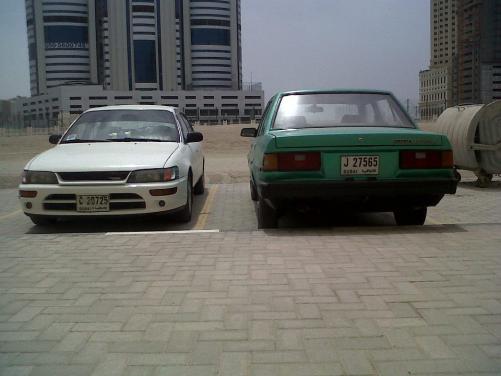
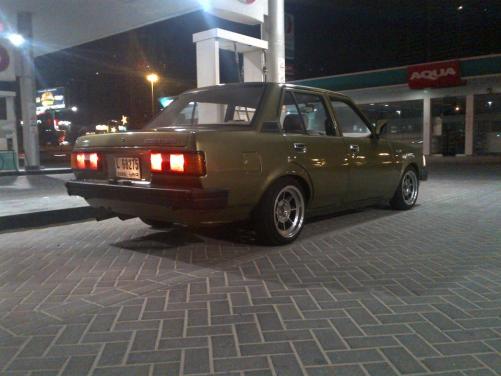
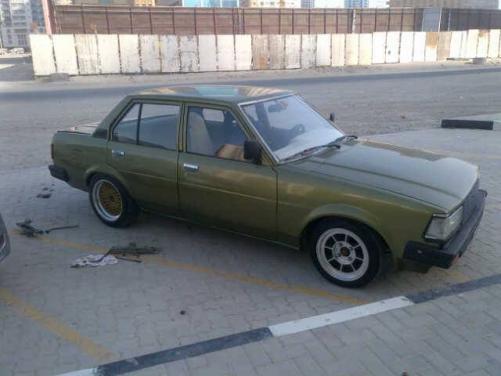
    Hi folks, I have been following this forum for quite some time;& realized that I should also post some pics of my KE70 from UAE. A long way to go ... but slowly it has started taking shape, currently running on 3s beams with 6 speed tranny & locked Diff. comments are welcomed.
Account

Navigation

Search

Search

Configure browser push notifications

Chrome (Android)
  1. Tap the lock icon next to the address bar.
  2. Tap Permissions → Notifications.
  3. Adjust your preference.
Chrome (Desktop)
  1. Click the padlock icon in the address bar.
  2. Select Site settings.
  3. Find Notifications and adjust your preference.