
Leaderboard
-
Clapped out
Donor2Points1102Posts

Popular Content
Showing content with the highest reputation on 05/01/19 in Posts
-
Hiya fellow rollaclubbers! I've had a passion for ke30's for almost 20 years now, and thought I'd post up my slow going project!😂😂 I acquired this old girl 5 years ago, after being on chassis stands for that time, it's finally rolling again! So, the aim for this old girl, recycle and reuse the various shit loads of parts I have in my possession, and keep the build cost to an absolute minimum! This isn't going to be any show winning car, just a tidy driver! Story so far, All freshly painted underneath, engine bay! All new suspension bushes, shocks, springs, wheel bearings, running a 4.3 Borg Warner diff up back! That's it for now, stay tuned!
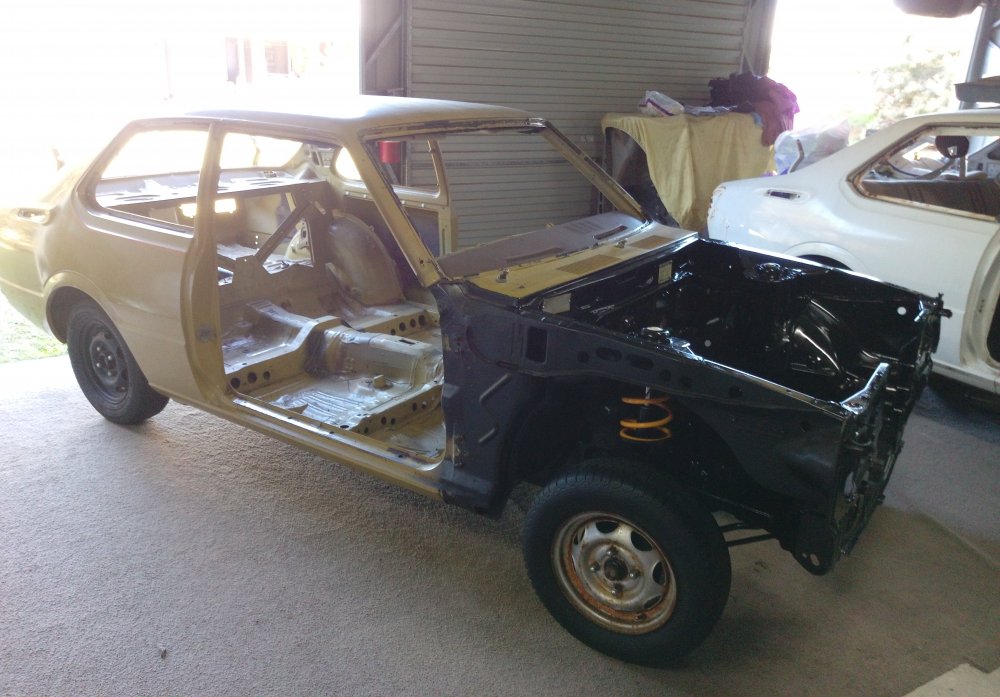
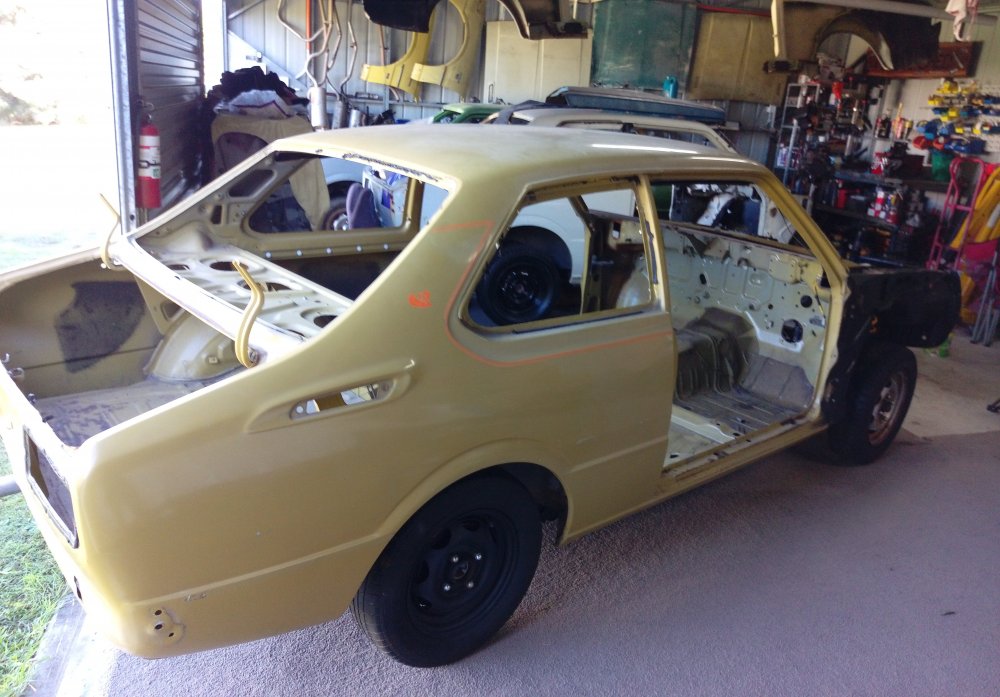
 1 point
 -
While I was at it, I decided to fish out an intake and some wheels I've got sitting around, what you guys think?😂😂
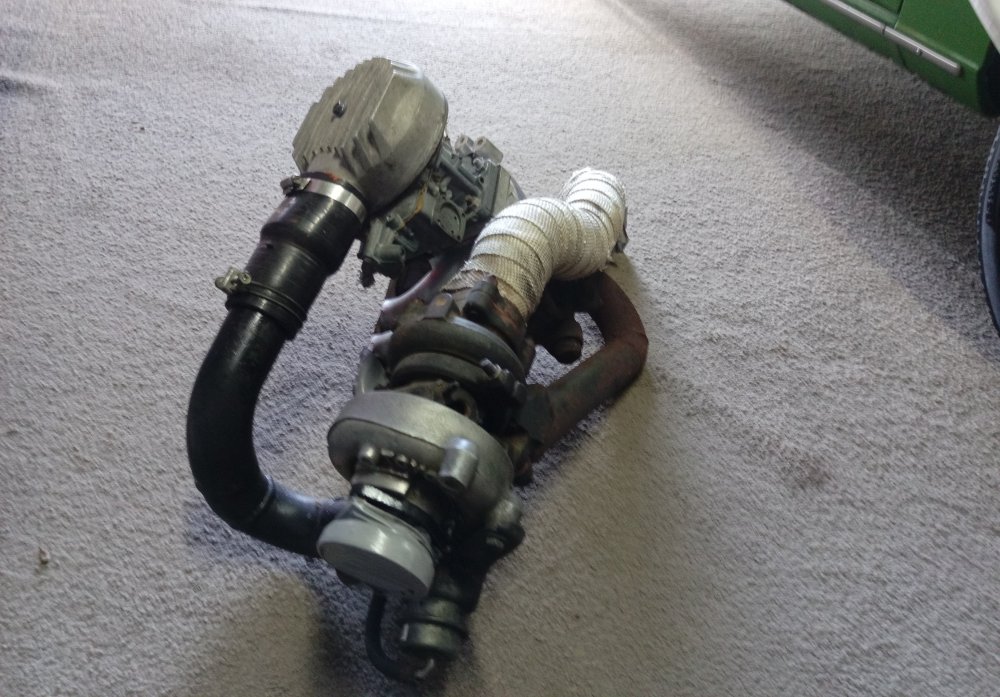
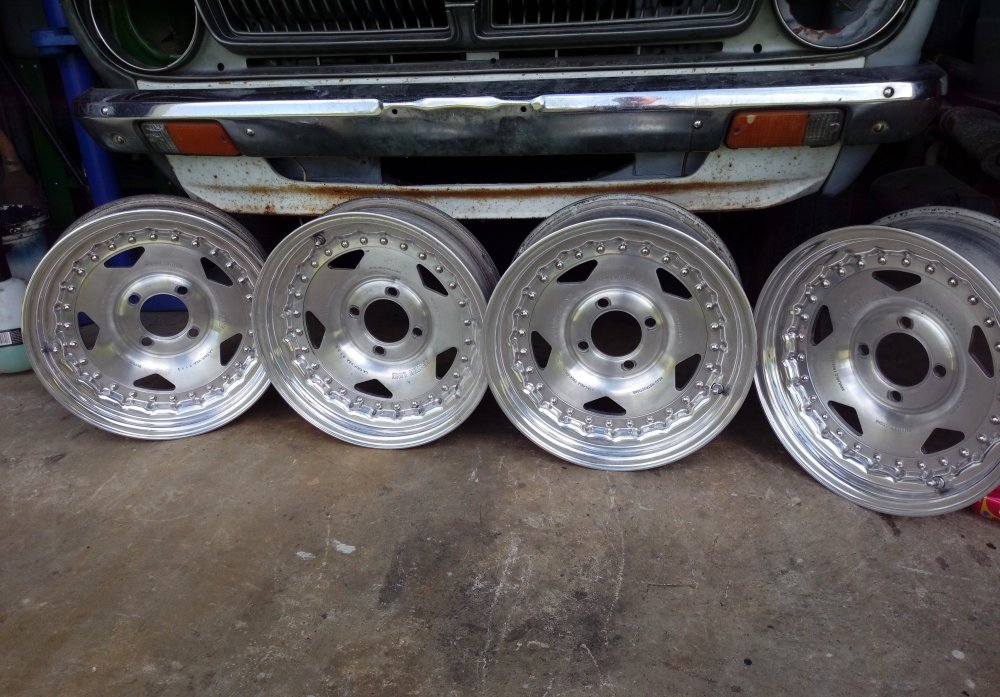 1 point


