Skip to content
View in the app

A better way to browse. Learn more.

rollaclub.com

A full-screen app on your home screen with push notifications, badges and more.

To install this app on iOS and iPadOS
  1. Tap the Share icon in Safari
  2. Scroll the menu and tap Add to Home Screen.
  3. Tap Add in the top-right corner.
To install this app on Android
  1. Tap the 3-dot menu (⋮) in the top-right corner of the browser.
  2. Tap Add to Home screen or Install app.
  3. Confirm by tapping Install.

Brunalli18

Members
  • Joined

  • Last visited

  1. Brunalli18 posted a topic in WA / Perth
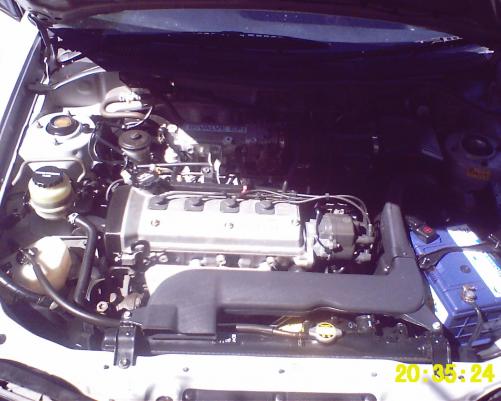
    Hi guys just posting this here in case anyone is interested in parts from my Paseo. Mum was driving it and had an accident so if anyone wants parts from it let me know. This is the wreck
  2. well i was thinking about a celica for my next car because apparently their like a paseo but bigger. Just because i like the look of a paseo is all
  3. cool thanks guys
  4. Brunalli18 posted a topic in WA / Perth
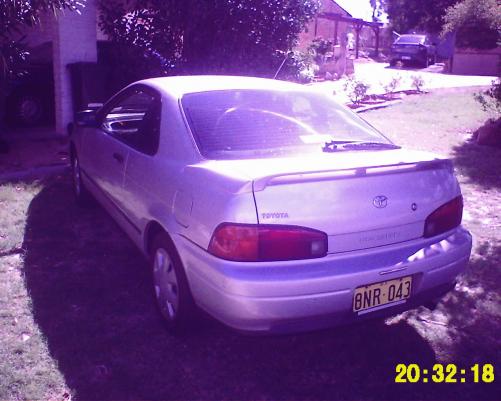
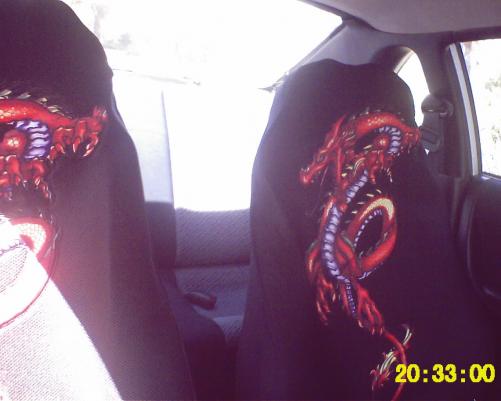
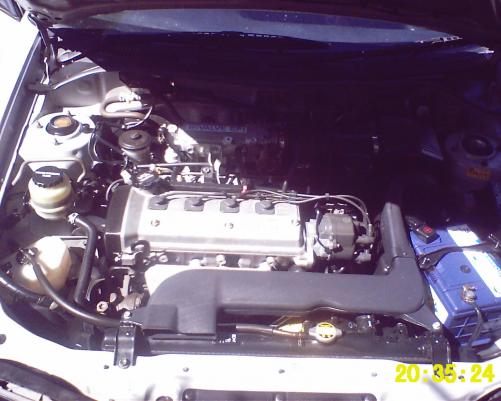
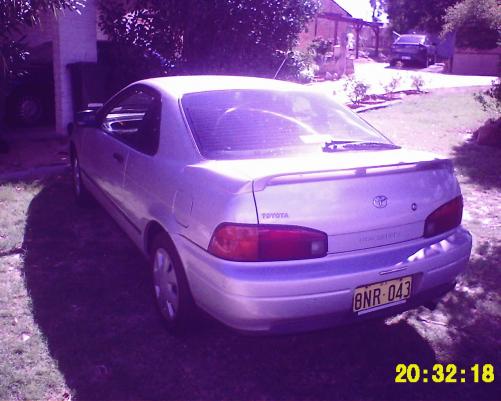
    hello people this is my first car and I'm looking for suggestions about what i should do to it heres some pics sorry for poor quality
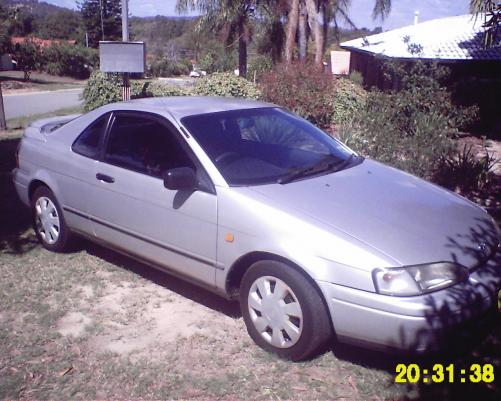
  5. name:Jesse ride: 1993 Toyota Paseo ocupation:Factory worker msn: [email protected] hoping to add pics later today and looking for recomendations on whether to get a body kit and rims yay pics sorry for poor quality its a crappy camera
Account

Navigation

Search

Search

Configure browser push notifications

Chrome (Android)
  1. Tap the lock icon next to the address bar.
  2. Tap Permissions → Notifications.
  3. Adjust your preference.
Chrome (Desktop)
  1. Click the padlock icon in the address bar.
  2. Select Site settings.
  3. Find Notifications and adjust your preference.