

Backyard Engineering
Members
-
Joined
-
Last visited
-
:dance:
-
:dance::dance::dance:for sale or swap is my little beast its factory turbo g100 has new gt15 turbo 3 months rego full 2 and a half inch exhaust custom dump new front mount new cv and clutch has oil cooler lowerd 17inch rims also set of 15 has immobiliser and paint is faded on roof right hand gard but is fun little car asking 2500 ono pm me or email me at [email protected]
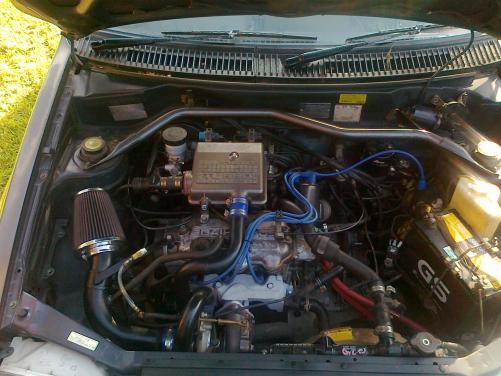
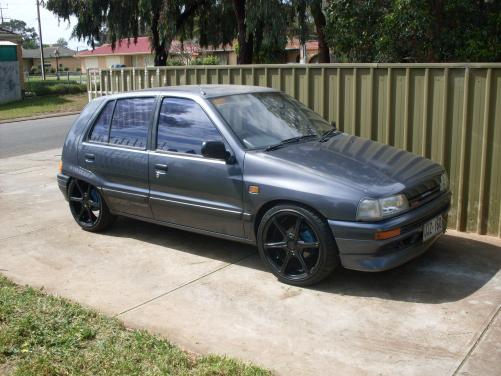
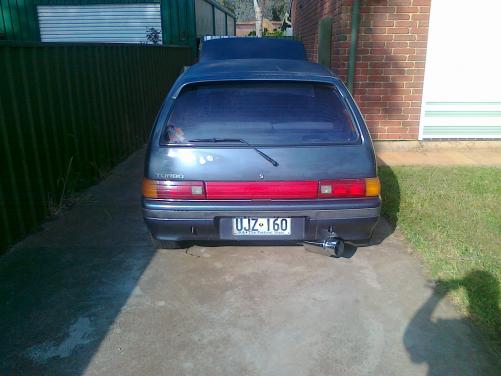
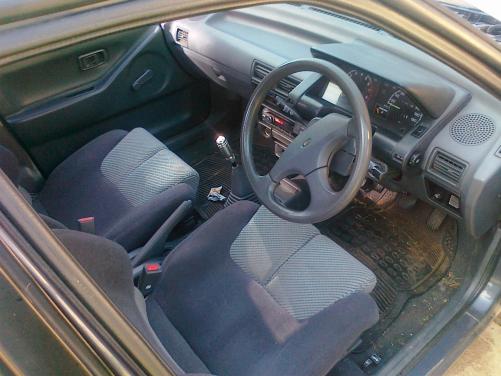
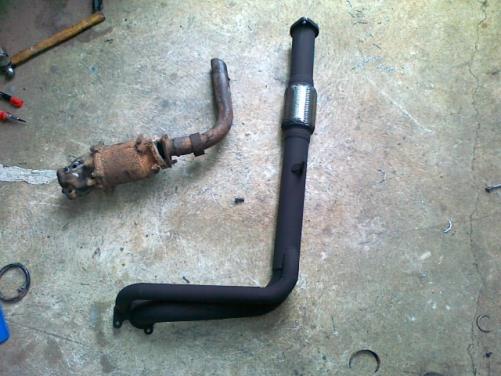 can't seem to find any cool build ups you done on hear manyeah funny stuff it cracks me up you clown new motor plus parts all up 1100 dam cheap people pay twice that to get it built :blinks: its a fun hack who cares if it only lasted 2mins setup works it was all made from crap any ways :cool:yep motor went bang :lolcry: picked up 20 valve block got set of ross forged piston for her with total seal rings and a set of rod bolts ill gets some picks of build up yes it lasted longer then six mounths :dance:[
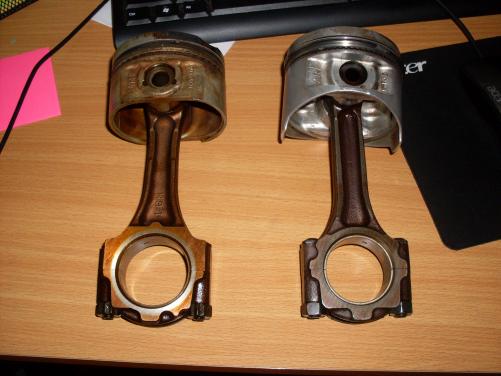

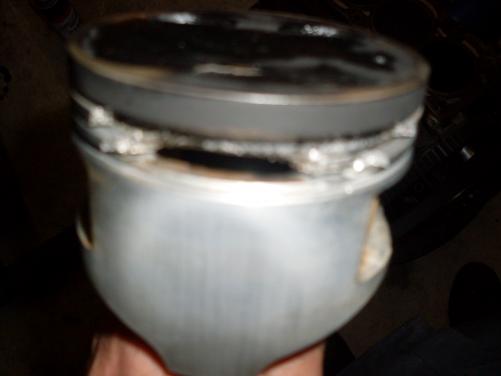 have you got webber on old girl c and m engines does sweet cam grind for k s and his only round corner from you can't remember the specs :Psweet ride :Pthats right man just getting it all working sweet then ill do rods pistons :)micro tech man does not miss a beatwill have vids up soon :)


