Skip to content
View in the app

A better way to browse. Learn more.

rollaclub.com

A full-screen app on your home screen with push notifications, badges and more.

To install this app on iOS and iPadOS
  1. Tap the Share icon in Safari
  2. Scroll the menu and tap Add to Home Screen.
  3. Tap Add in the top-right corner.
To install this app on Android
  1. Tap the 3-dot menu (⋮) in the top-right corner of the browser.
  2. Tap Add to Home screen or Install app.
  3. Confirm by tapping Install.

simonjob

Regular Member
  • Joined

  • Last visited

Everything posted by simonjob

  1. stock ones atm but looking at getting 15x8 for it
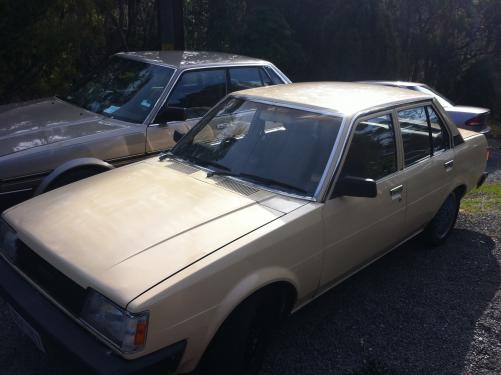
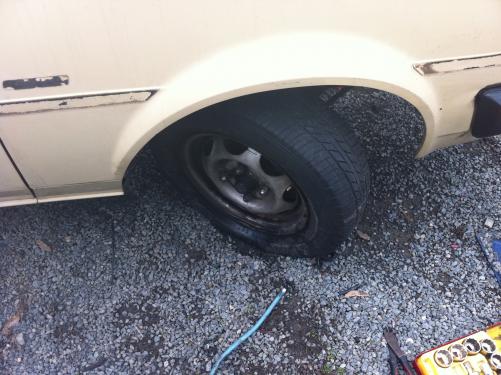
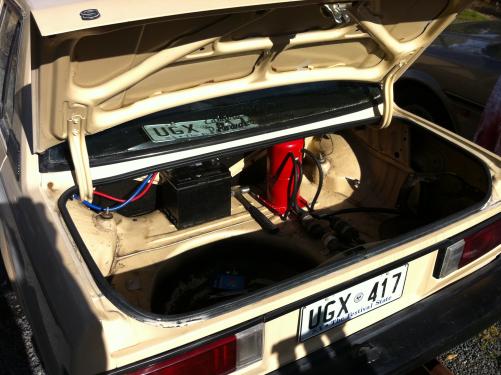
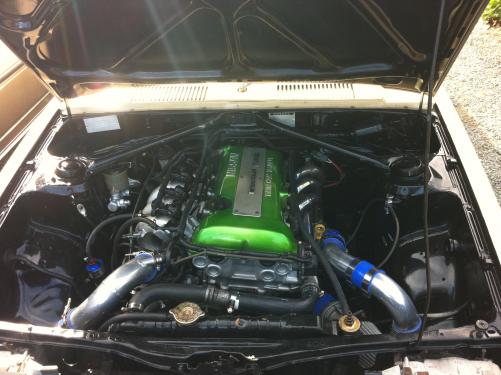
  2. hey i thort ill start a ride thing i got a ae71 6 montehs ago and i have been in the proses of puting a sr20det and thort ill put a fue pics up of the progress of it
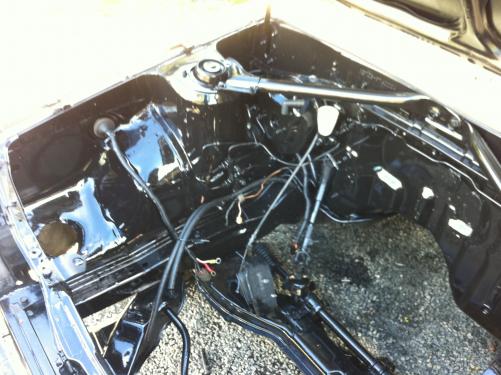
  3. hey all i am new the the corolla scene i have a ae71 that i am doing a sr20 det swap to i am looking forward to going on drives with you and looking forward to your useful info on problems i may encounter i am located in Adelaide hills i am 22 years old i work at a ford dealer ans a merc

Account

Navigation

Search

Search

Configure browser push notifications

Chrome (Android)
  1. Tap the lock icon next to the address bar.
  2. Tap Permissions → Notifications.
  3. Adjust your preference.
Chrome (Desktop)
  1. Click the padlock icon in the address bar.
  2. Select Site settings.
  3. Find Notifications and adjust your preference.