Skip to content
View in the app

A better way to browse. Learn more.

rollaclub.com

A full-screen app on your home screen with push notifications, badges and more.

To install this app on iOS and iPadOS
  1. Tap the Share icon in Safari
  2. Scroll the menu and tap Add to Home Screen.
  3. Tap Add in the top-right corner.
To install this app on Android
  1. Tap the 3-dot menu (⋮) in the top-right corner of the browser.
  2. Tap Add to Home screen or Install app.
  3. Confirm by tapping Install.

fergie86

Members
  • Joined

  • Last visited

Everything posted by fergie86

  1. i got a good idea of how to get it running good. but a 4k is not in the equation
  2. but chris thats only cos youve only got like 8 valves which is barely even a number
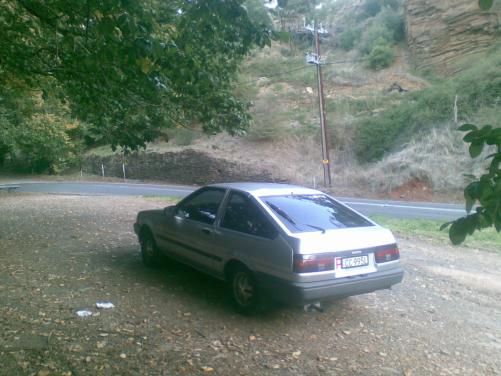
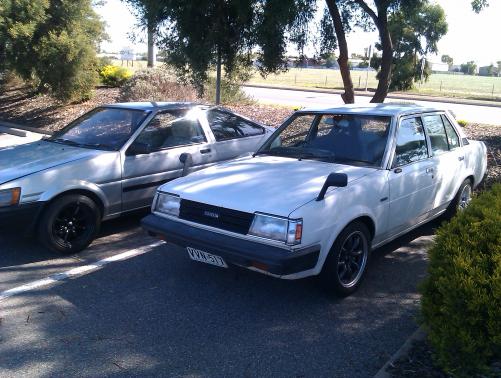
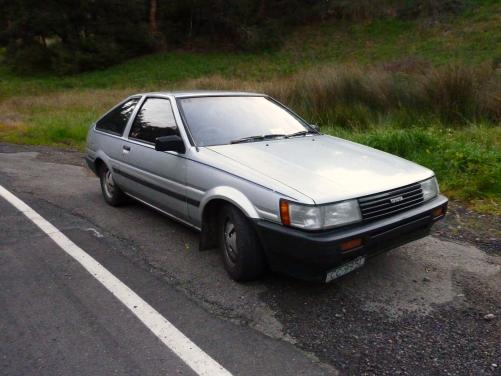
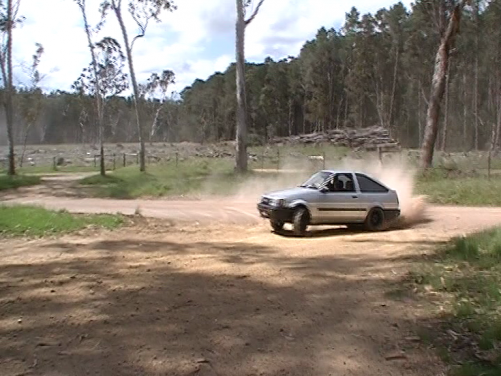
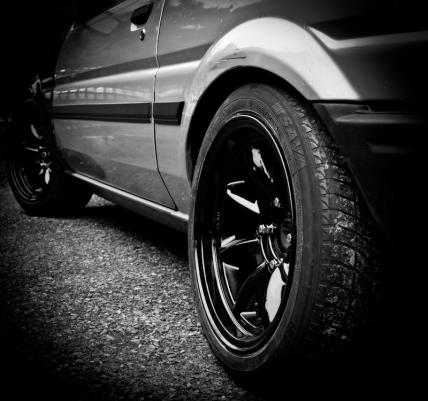
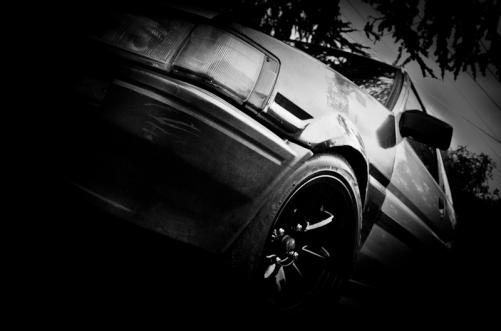
  3. for your information chris the overflow bottle is now bolted in beautifully heres some more pics i don't think ive got any recent one that arent artsy as puck thats when i first got it with a pretty car and my attempt at wrc, ken block is rubbish
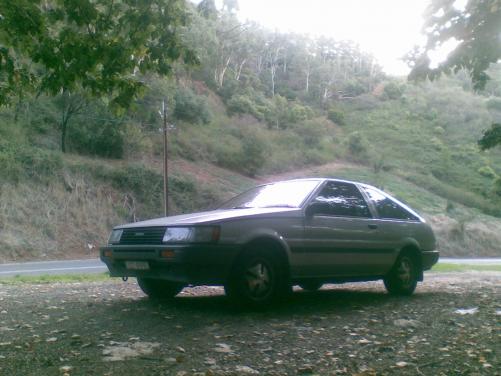
  4. this is my car it is a sprinter it has shitloads of valves the engine bay is now alot cleaner but thats the only pic ive got
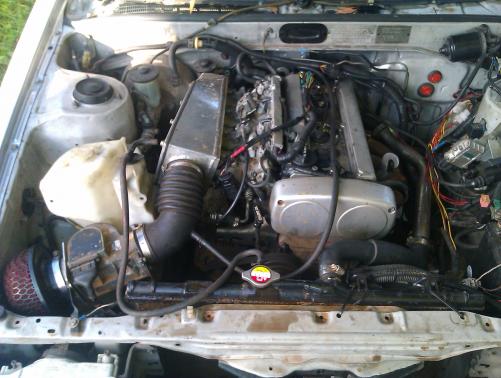
  5. do you want me to post the "structural" rust repair photos?
  6. oi chris you messed up, my cars silver not grey , get it right you douche :P

Account

Navigation

Search

Search

Configure browser push notifications

Chrome (Android)
  1. Tap the lock icon next to the address bar.
  2. Tap Permissions → Notifications.
  3. Adjust your preference.
Chrome (Desktop)
  1. Click the padlock icon in the address bar.
  2. Select Site settings.
  3. Find Notifications and adjust your preference.