jks-ke70
Members
-
Joined
-
Last visited
-
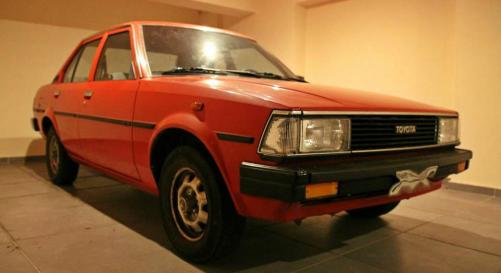
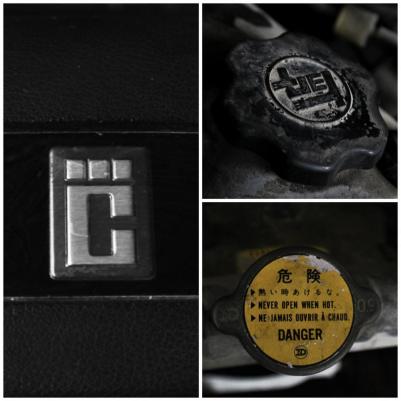
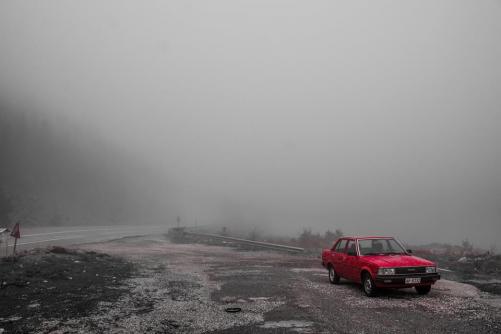
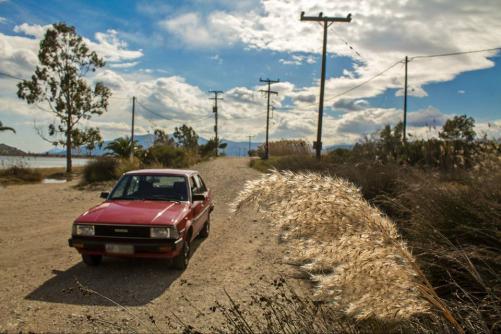
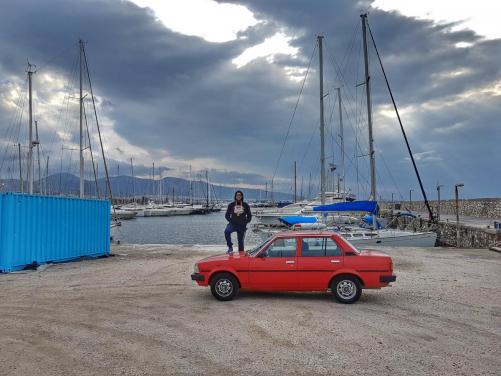
Ciao from Athens! I want to share some pics of my red diva with the community. She was bought a couple of years ago from a mariner who drove her rarely and was stored most of the time in his garage. She has about 130.000 km on speedo, the interior and engine bay are in like new condition, completely rust free wheels, engine bay, around the chassis and inside the trunk.. Maintenance wise, just the basic stuff: upon delivery I replaced the oils, filters, spark plugs, contact points, rear diff oil, fitted new tyres and some water cooling lines which looked not good to the eye and to the touch (more like a preventive action). I rarely use her for daily city commuting, (have a scooter for that) so I enjoy quality time with her over the weekends driving around the twisty countryside roads or just hitting the highway.. enjoy the pics! :)