parko92
Members
-
Joined
-
Last visited
Everything posted by parko92
-
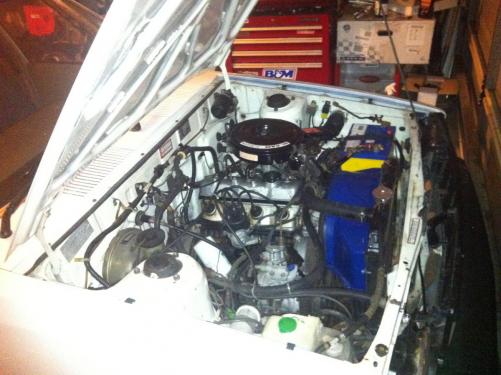
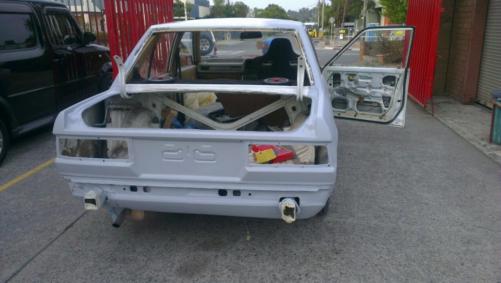
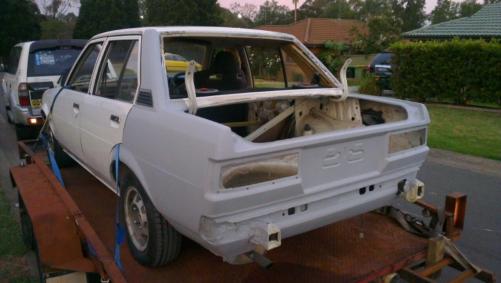
Hi guys just a quick update i got the car back from my mates workshop all the rust work is done just needs a little more work and hopefully it will be ready for paint in early february also scored myself an ae71 pedal box and lines here is some pics as it sits.
-
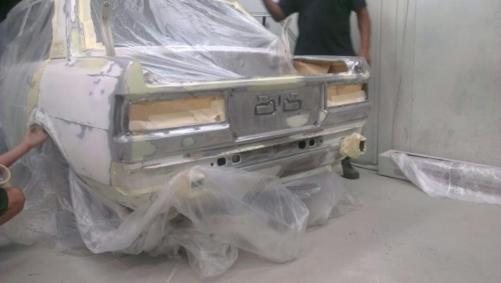
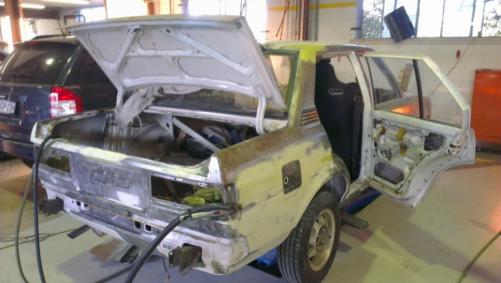
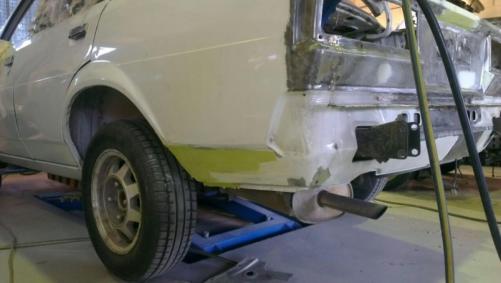
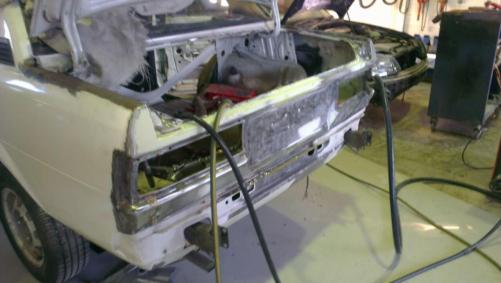
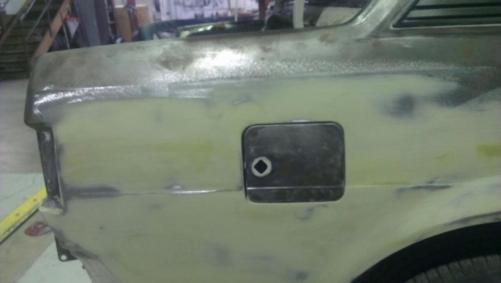
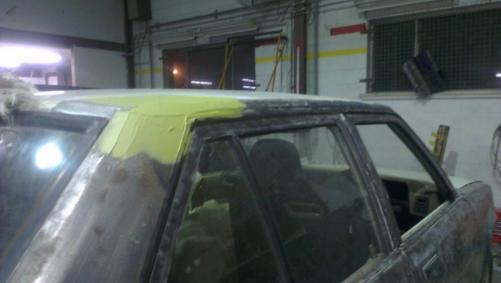
Hi Guys the corolla recently went in to get the rust work done. The rust was cut out in the rear quarters, fuel flap the end roof gutter and near the boot latch. It come up pretty good here are some pics.

-
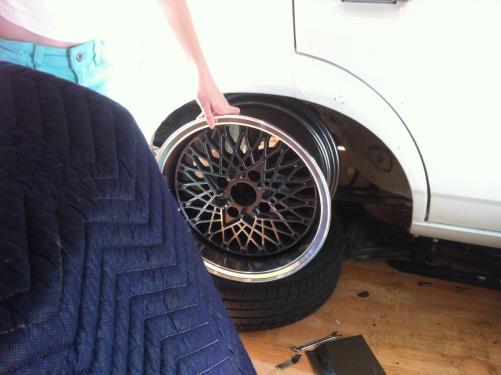
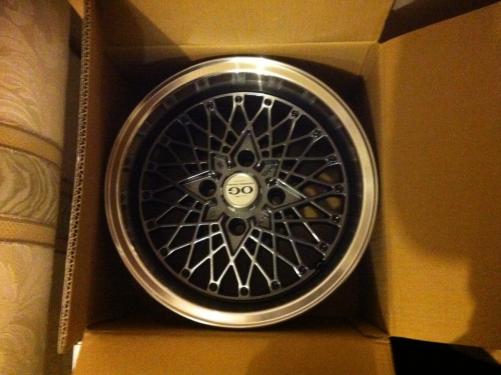
her is a pic i of the wheels i scored for my bday of the mrs 15x8.
-
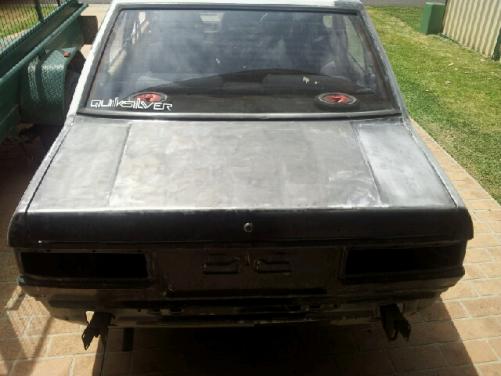
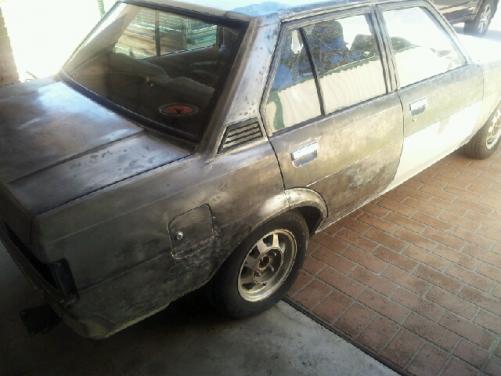
Hi guys finally got around to starting to work on the car i am curently rubbing the car back before the car goes to my panel beater mate to do the rust work and paint prep.
-
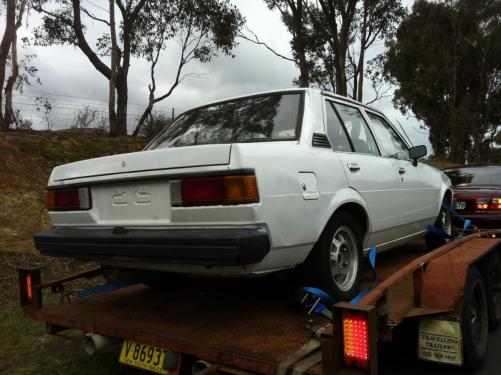
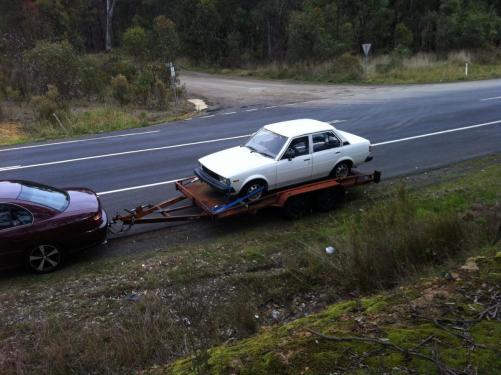
Hi there guys, I am a newbie to this forum and the old school corolla scene but will be a regular. I recently made the trip down to Melbourne to pick up a ke70 that I picked up for a reasonable price. I have plans to turn it into a drift, I have plans to clean it up; it has rust in the rear quarter and on the rear boot latch that will have to be fixed. Future plans are: *rust repair *re spray white *4agte conversion (open to any other sugestion undecided) *qaud headlight front end with chrome bars *make it as jdm and as clean as possible *full or half roll cage unsure if going to re register *nice jdm style rims *suspension work coilovers