jellecorolla
Members
-
Joined
-
Last visited
-
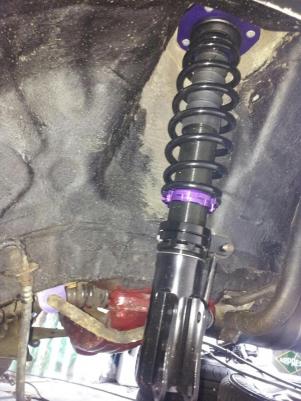
yes altezzaclub the ke70 and the kp61 have same diameter. i have good news from the springs , today has i going to belgium and sold 4 stock springs from a kp61 and i sold a realy good and compleet kp61 front suspension , i very happy now the apk ( rwc ) first and i can begin the project kp61 . tomorrow make picture of the suspension
-
thanks for you welcome here , i am a eat sleep Toyota boy i sleep with the car key's under my head . uhm i have litte problem with kp61 ,i'm looking for the orginal rear spring of the kp61 maybe someone can help me here , ke70 springs are good too
-
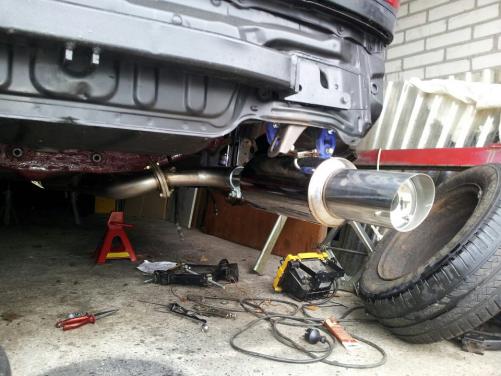
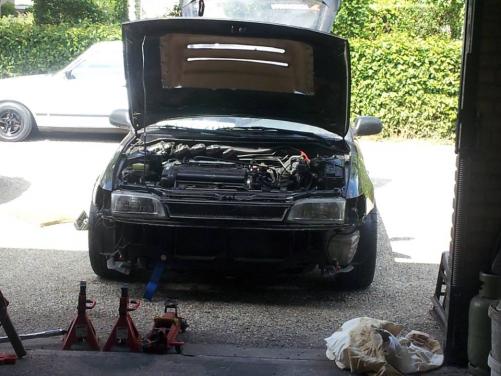
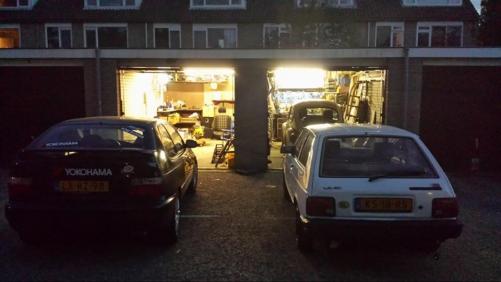
her more picture from the ae101
-
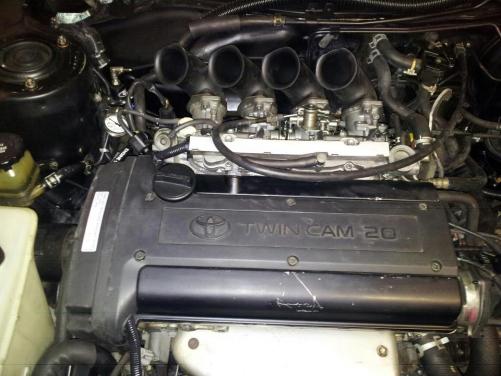
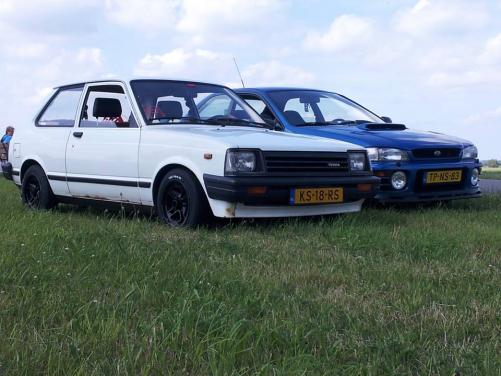
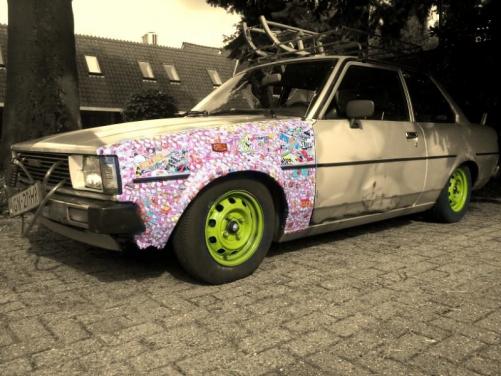
hello , i am new here and i come from the netherland . i have 3 cars and it´s make me happy . i have : corolla ae101 with a 4age 20v bt and a corolla ke70 build to a oldskool car and a kp61 . the ae101 with i go to race the time attack he is now understuction for 2 years and i think march 2014 he is ready for go a race . the kp61 it´s begin 2014 with a big restoration i make him with a fast 4k engine . and than the ke70 he is the car of joke , i build him to a low old skool and he go next week to a friend and go to build a drift ke70 . oo sorry for the bad engles , i hope more speak engles than it´s better