Skip to content
View in the app

A better way to browse. Learn more.

rollaclub.com

A full-screen app on your home screen with push notifications, badges and more.

To install this app on iOS and iPadOS
  1. Tap the Share icon in Safari
  2. Scroll the menu and tap Add to Home Screen.
  3. Tap Add in the top-right corner.
To install this app on Android
  1. Tap the 3-dot menu (⋮) in the top-right corner of the browser.
  2. Tap Add to Home screen or Install app.
  3. Confirm by tapping Install.

kustomone

Members
  • Joined

  • Last visited

Everything posted by kustomone

  1. no not yet but its coming in a big way i think...
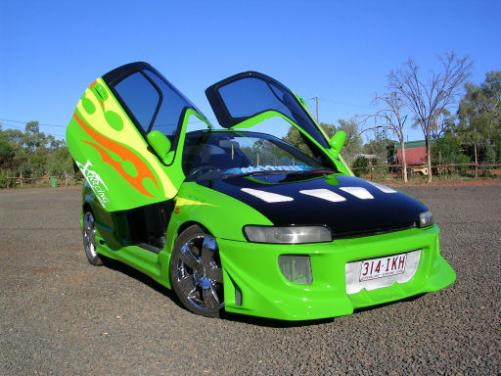
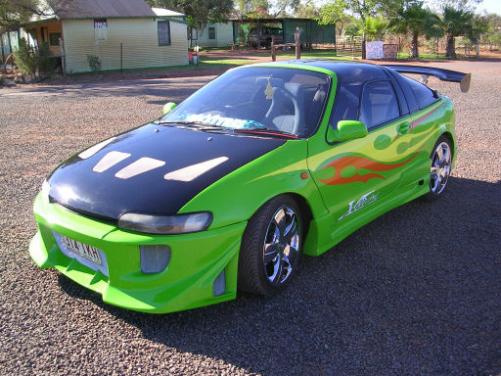
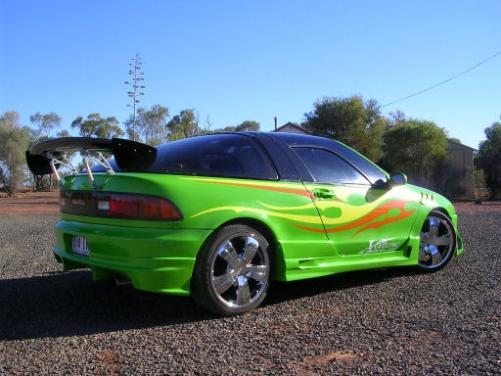
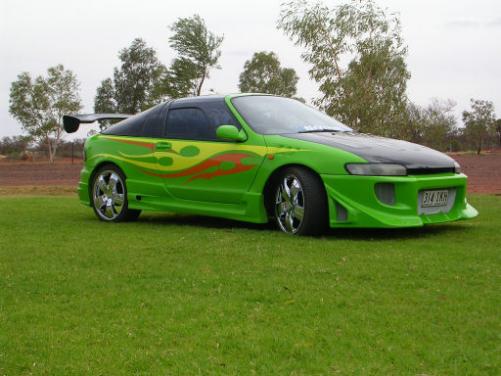
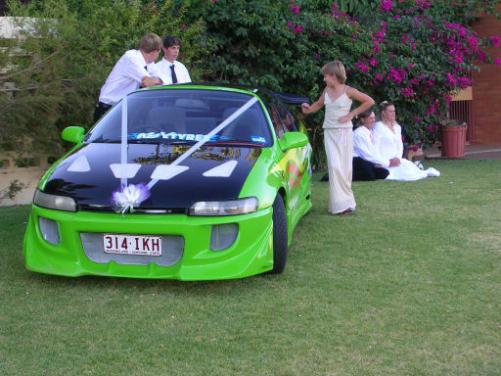
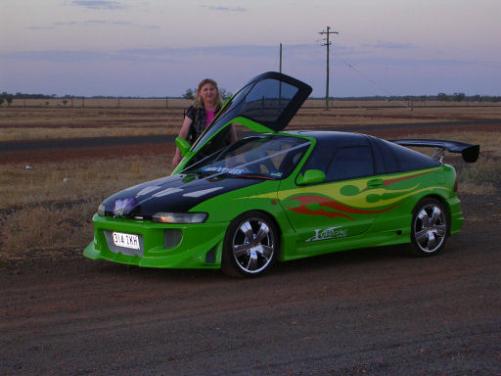
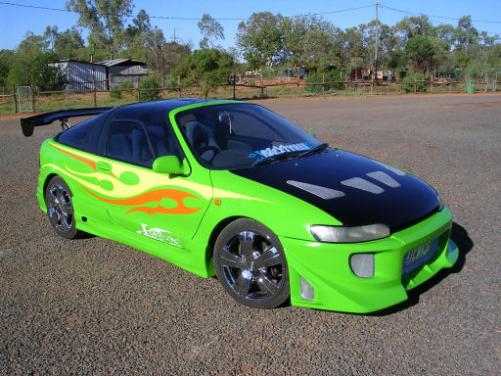
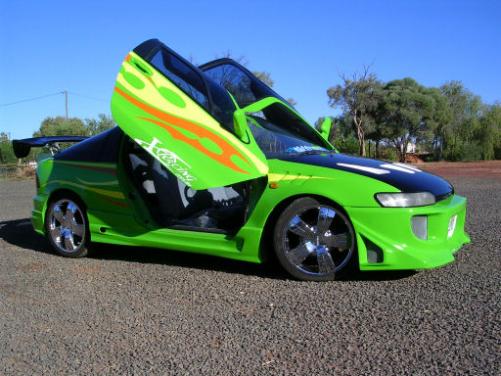
  2. Hello everyone Ive been working on this for about 4 weeks now ive done everything and i mean everything my self as i live in the out back the closes town is 400kms away and then its just a tiny town called Yowah Opal fields (Queensland Austraila) . I hope you like what i have done with the face lift as i needed to fix it becouse i hit a kangroo in it and almost wrote it off and i throught if I'm going to fix it my self why not change the colour and looks of it. and i used it at a freinds wedding on the weekend.
Account

Navigation

Search

Search

Configure browser push notifications

Chrome (Android)
  1. Tap the lock icon next to the address bar.
  2. Tap Permissions → Notifications.
  3. Adjust your preference.
Chrome (Desktop)
  1. Click the padlock icon in the address bar.
  2. Select Site settings.
  3. Find Notifications and adjust your preference.