

AussieKE70
Members
-
Joined
-
Last visited
-
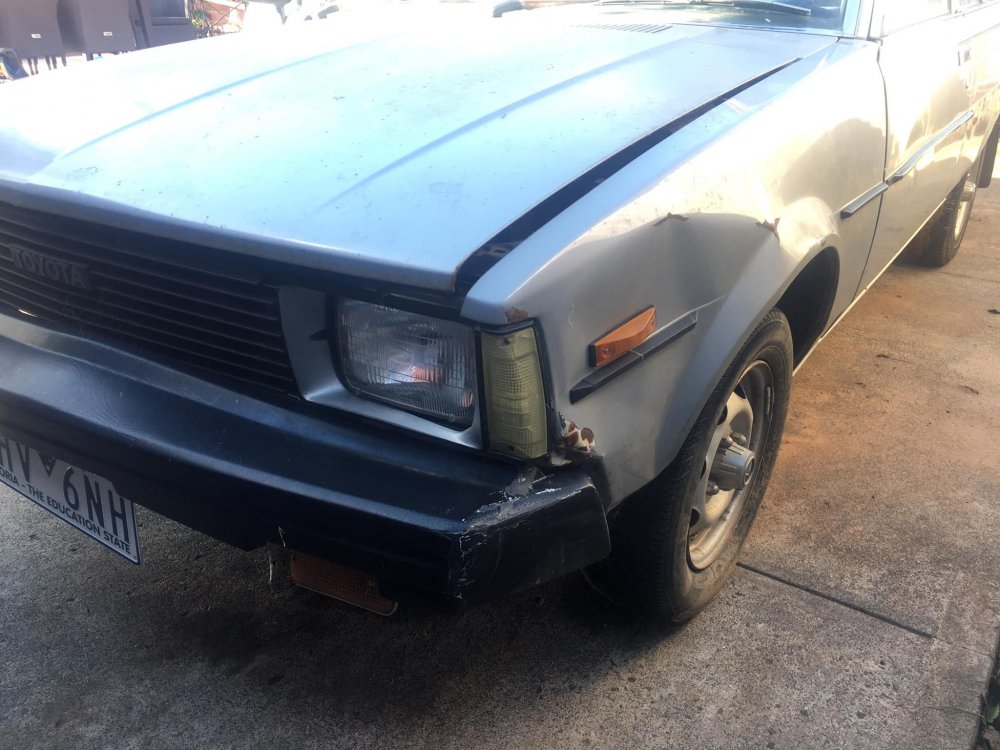
Got a replacement guard for the front.

-
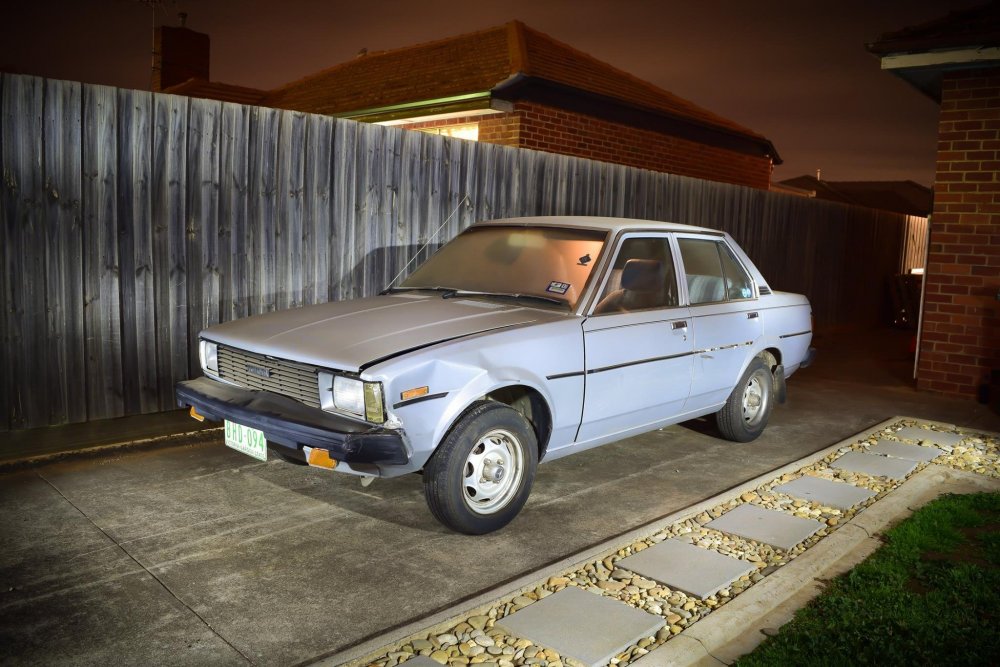
Here are some photos of how it sits now. The rust is getting bad and needs attention. Plans are to get it registered again and tackle the rust areas. Looking forward to sharing any updates in here.


.thumb.jpg.c42e6609412e587c0ca8de170522bd6a.jpg)
.thumb.jpg.8d932540475e18137a966a768b6b18a1.jpg)
-
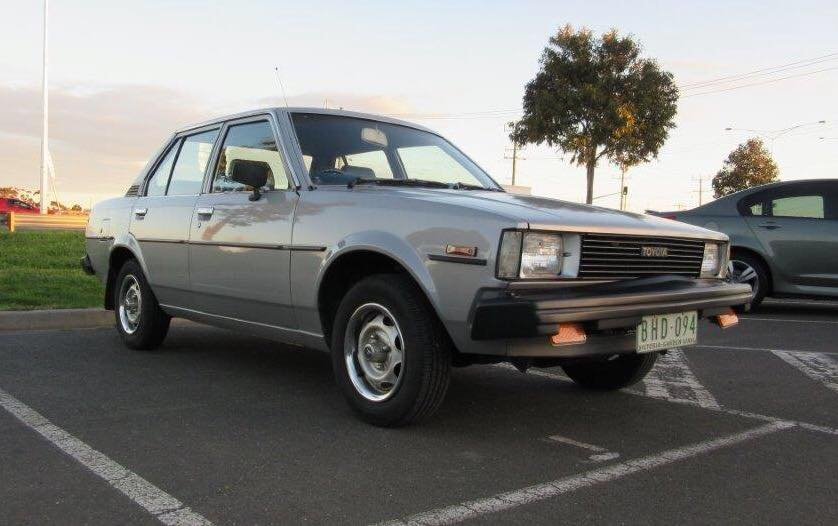
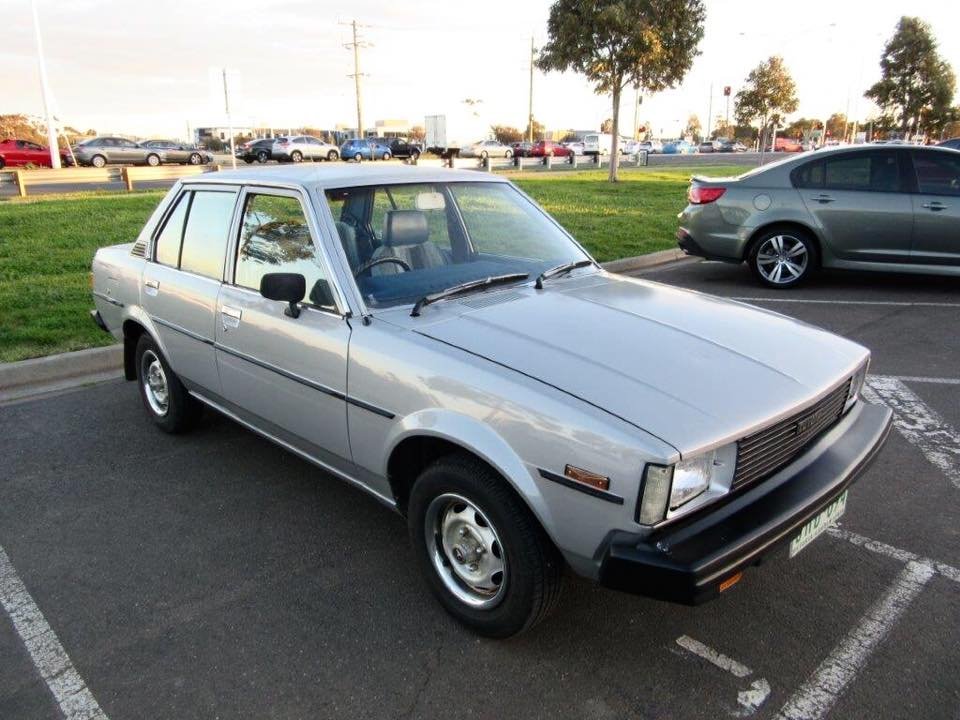
G'day everyone, New to the forum and thought id share my KE70 that I inherited from my Wifes late Aunty. She purchased it brand new from the local Toyota dealer and daily drove it during the 80's and 90's. Towards the end of her driving career she had a few accidents in it and gave up her license 10yrs ago. It sat in her garage up until I was lucky enough to be given it. I've owned it for 3yrs and daily drove it for 12months before parking it up and forgetting about it. After a couple years of not using it, it got a little neglected and the usual rust etc has got worse and its time to give it some TLC. I'll keep this thread updated when I do more work to it and use this as a diary of getting it back on the road. Here are some photos of when I got it.
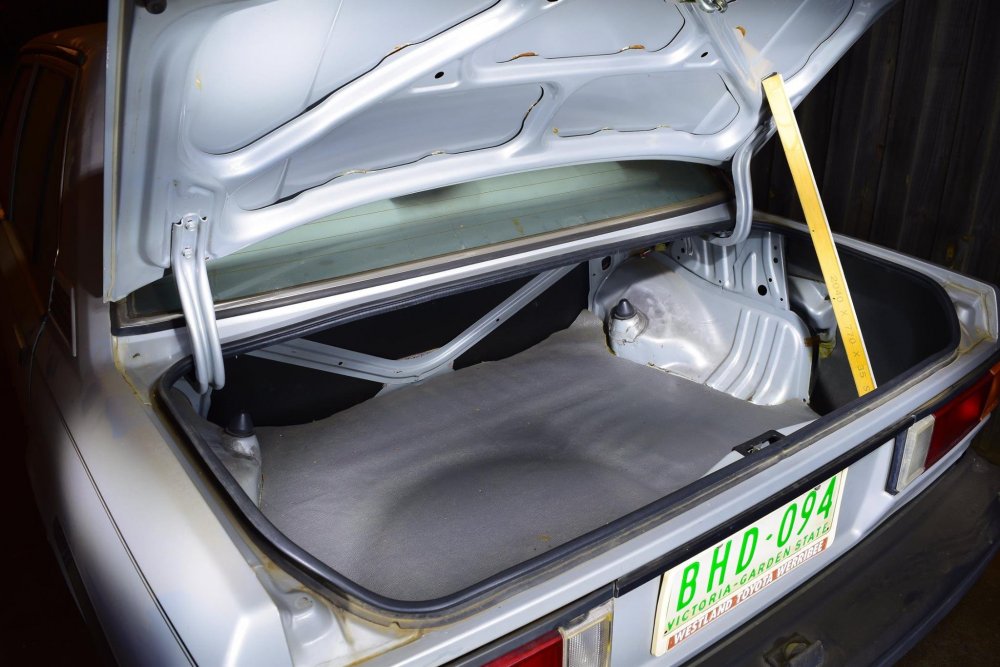
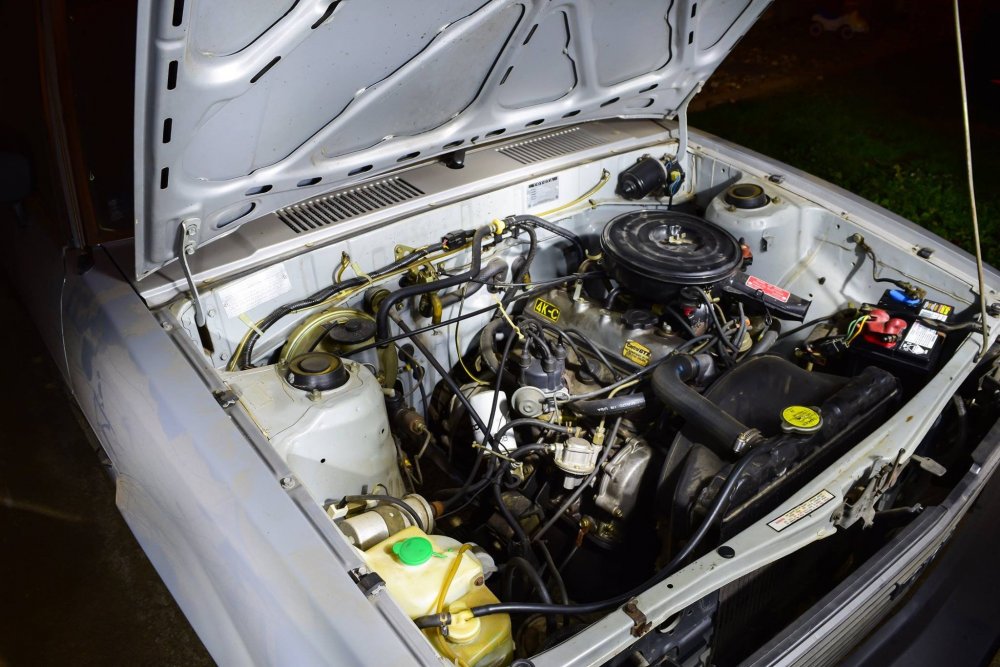
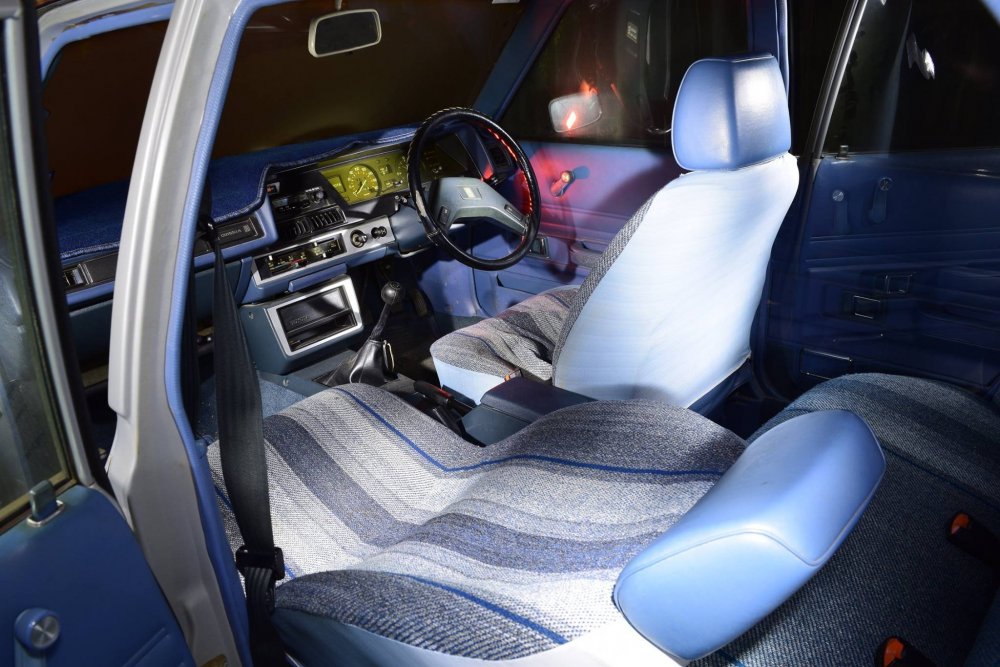
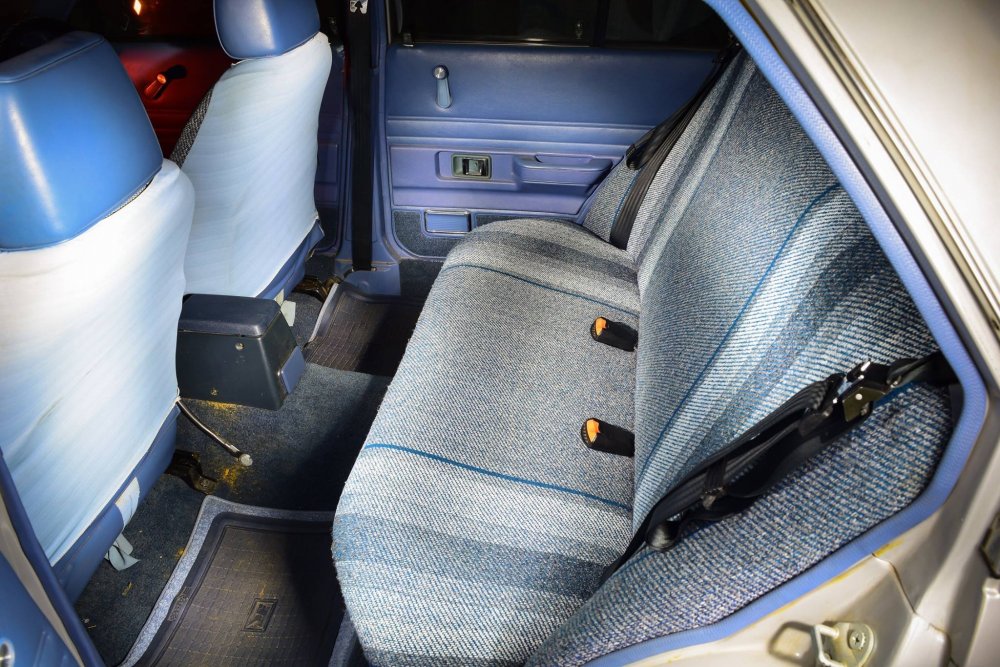





.jpg.3a97017211d01abd97cfef3ca9c14c3c.jpg)
.jpg.47761f378c4af1caa56dade404df4125.jpg)


