

A.deCoset
Members
-
Joined
-
Last visited
Everything posted by A.deCoset
-
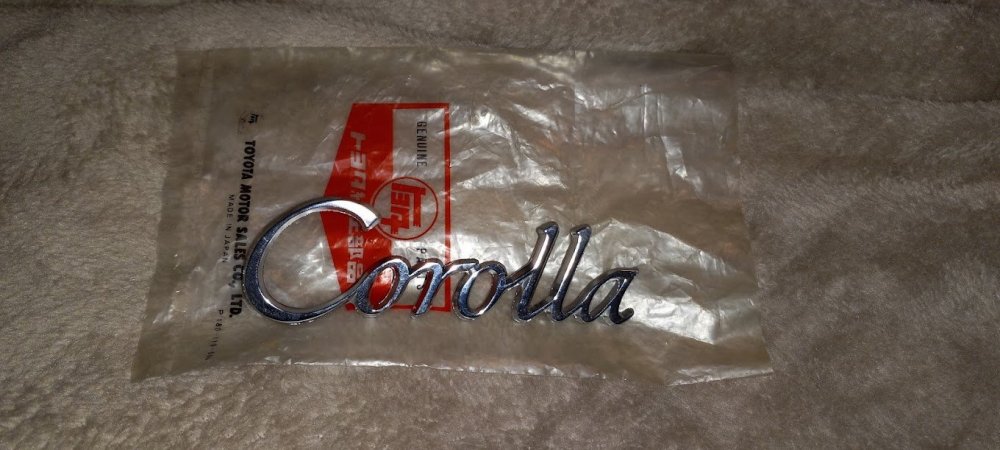
I found this on FB marketplace just after I posted that haha. I still need one more but I got this for $7!!
-
Thank you! Yeah I know the colour is wrong but its what I could find. Now i just need to track down the fender emblems and it will be complete!
-
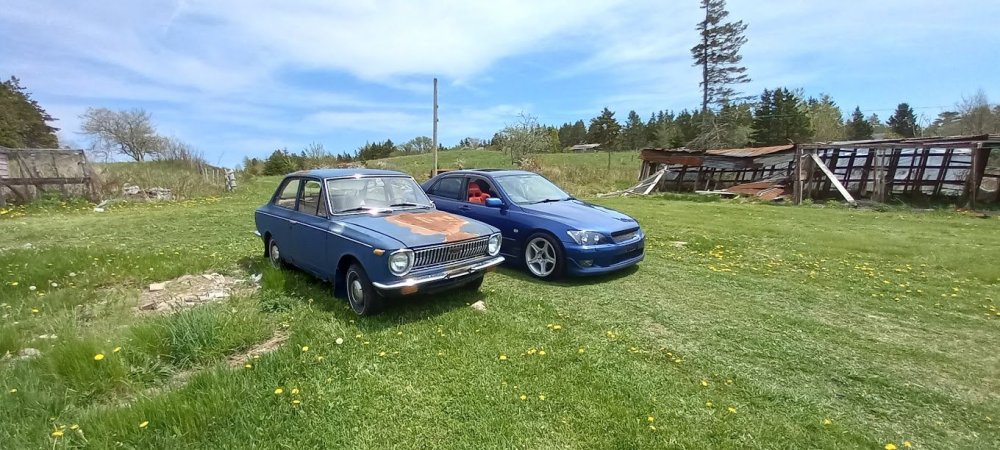
Thank you, its my daily in the summer. 2001 RS200 6 speed.
-
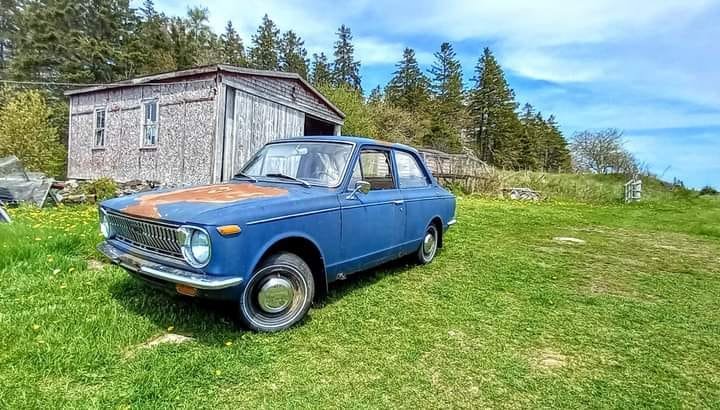
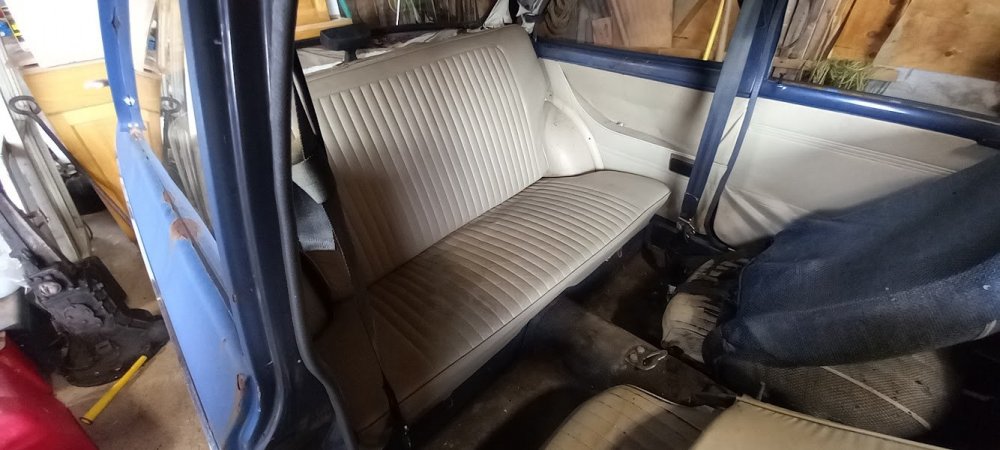
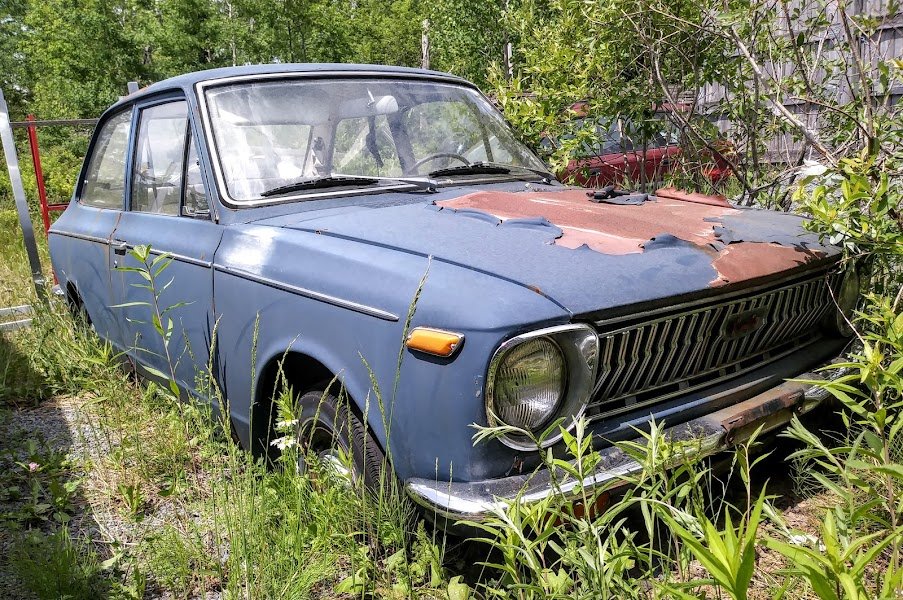
This car is from Nova Scotia, Canada btw. I am not aware of another KE10 on the east coast of Canada, rust is a real killer here. Parts are extremely limited but lucky for me this car was about 95% complete. I was missing a grille emblem but was able to get one sent to me from the Philippians.

-
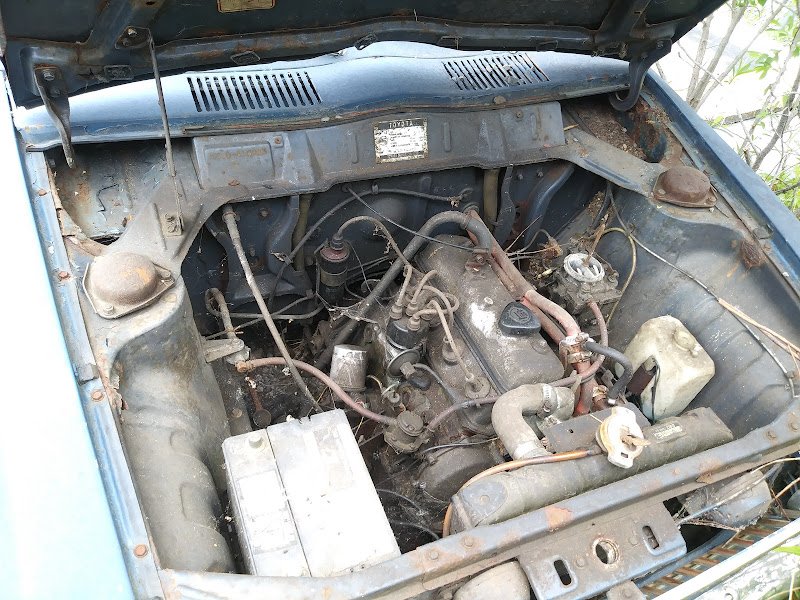
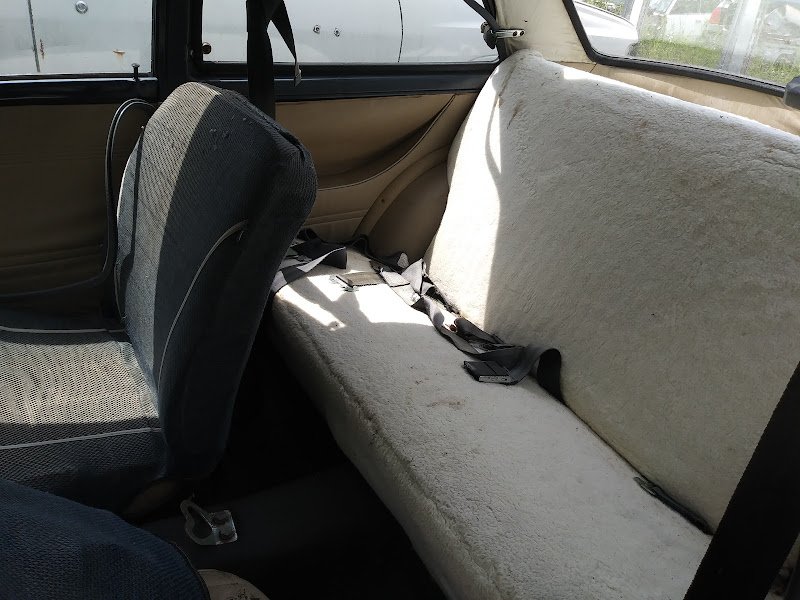
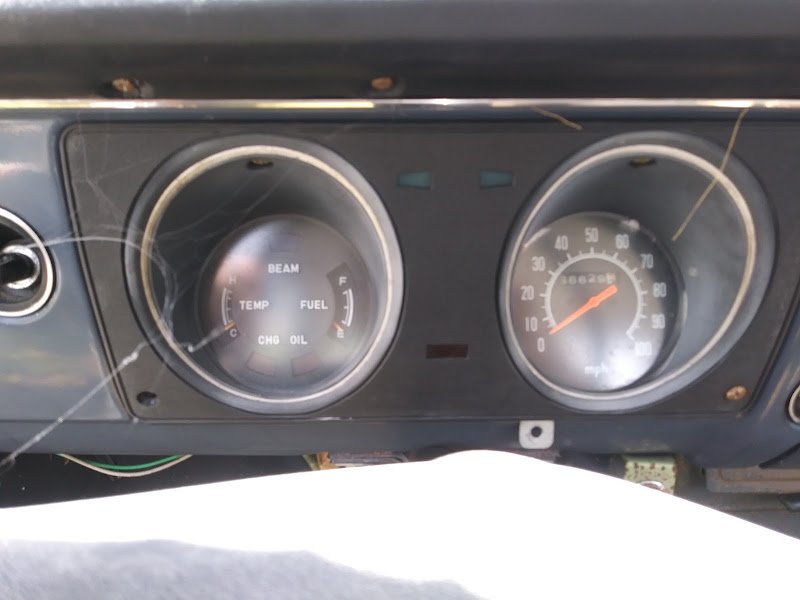
Hey Banjo thanks for the kind words! According the the guy I bought it from that is the original mileage and it did come with some old receipts for work that seem to indicate that might be accurate. I'd like to drive it 100% stock at first to get the real KE10 experience haha. As for the engine it did sit all those years with no air cleaner or exhaust so I assumed it would be very rusted inside, to my surprise that wasn't the case. I actually Got this to fire up and drive with nothing more then a used battery and some gas! I couldn't believe it, it is a Toyota though!Hello everyone! This is my 69 Corolla that I pulled out of a junkyard after sitting 25 years. The car is super complete and very straight, there is a lot of rust to fix though. I'm excited to get going on this project!
.jpg.87bb33cb7efe082cc00503498005ffdf.jpg)


.jpg.87bb33cb7efe082cc00503498005ffdf.jpg)
