Skip to content
View in the app

A better way to browse. Learn more.

rollaclub.com

A full-screen app on your home screen with push notifications, badges and more.

To install this app on iOS and iPadOS
  1. Tap the Share icon in Safari
  2. Scroll the menu and tap Add to Home Screen.
  3. Tap Add in the top-right corner.
To install this app on Android
  1. Tap the 3-dot menu (⋮) in the top-right corner of the browser.
  2. Tap Add to Home screen or Install app.
  3. Confirm by tapping Install.

Blzbub

Members
  • Joined

  • Last visited

Everything posted by Blzbub

  1. How do I even log in it made me make a new account.
  2. Holy shit who is running this site? That was mental just trying to post something.
  3. Is it my phone or what? Just keeps asking me to sign up. I wanna shitpost and my shit posting brain just went AWOL Blzbub
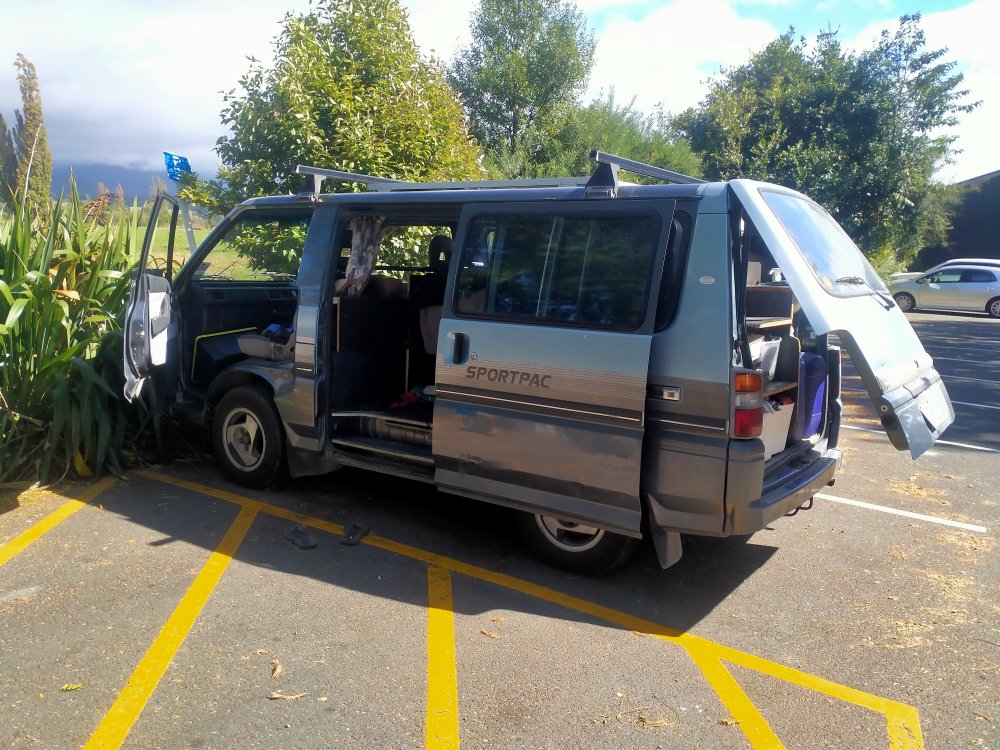
  4. Was just weird. I had this flashback of this community and the amount of shit I used to post and shit talk. I gotta say I miss it. Driving for hours to buy KE55 lower control arms. Now I'm homeless living in a mitsubishi. It was cheap. Just wanted to check in.
Account

Navigation

Search

Search

Configure browser push notifications

Chrome (Android)
  1. Tap the lock icon next to the address bar.
  2. Tap Permissions → Notifications.
  3. Adjust your preference.
Chrome (Desktop)
  1. Click the padlock icon in the address bar.
  2. Select Site settings.
  3. Find Notifications and adjust your preference.