Skip to content
View in the app

A better way to browse. Learn more.

rollaclub.com

A full-screen app on your home screen with push notifications, badges and more.

To install this app on iOS and iPadOS
  1. Tap the Share icon in Safari
  2. Scroll the menu and tap Add to Home Screen.
  3. Tap Add in the top-right corner.
To install this app on Android
  1. Tap the 3-dot menu (⋮) in the top-right corner of the browser.
  2. Tap Add to Home screen or Install app.
  3. Confirm by tapping Install.

immctagg

Members
  • Joined

  • Last visited

Everything posted by immctagg

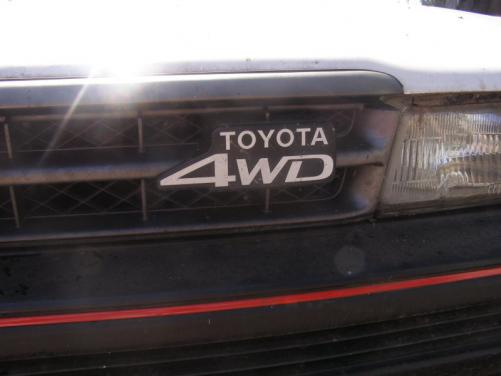
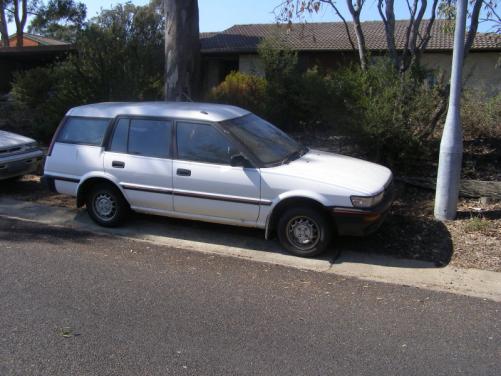
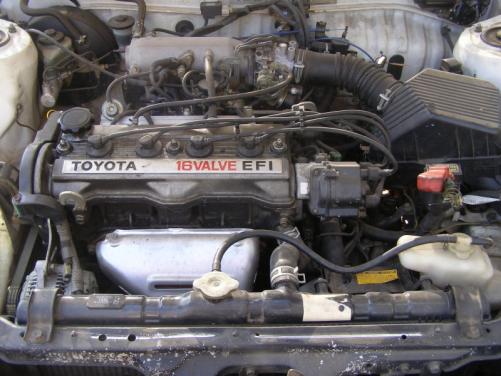
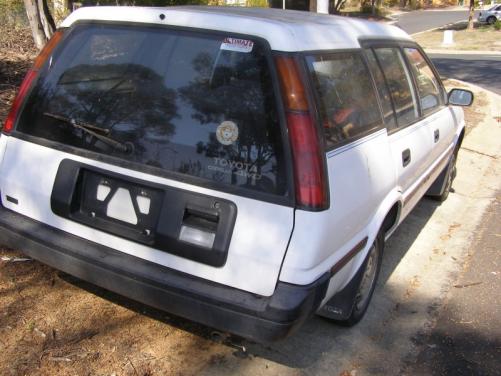
  1. Just joined the forum following referral by an eBay member. I have had a few rolla's over the years but sadly I am in the process of saying goodbye to a very faithfull little AE95 Wagon. Once I get a feel for the message board I will post a For Sale sign for the little white beast that came into this world in 1988. A great little car but not really what we need at this time in our lives. In the mean time if anyone is interested in coming and discussing the possibility of a new home rather than the one in Charnwood ACT, please send me a post. Some quick snaps below. Best regards Ian
Account

Navigation

Search

Search

Configure browser push notifications

Chrome (Android)
  1. Tap the lock icon next to the address bar.
  2. Tap Permissions → Notifications.
  3. Adjust your preference.
Chrome (Desktop)
  1. Click the padlock icon in the address bar.
  2. Select Site settings.
  3. Find Notifications and adjust your preference.