Skip to content
View in the app

A better way to browse. Learn more.

rollaclub.com

A full-screen app on your home screen with push notifications, badges and more.

To install this app on iOS and iPadOS
  1. Tap the Share icon in Safari
  2. Scroll the menu and tap Add to Home Screen.
  3. Tap Add in the top-right corner.
To install this app on Android
  1. Tap the 3-dot menu (⋮) in the top-right corner of the browser.
  2. Tap Add to Home screen or Install app.
  3. Confirm by tapping Install.

rollaseca_kjs

Members
  • Joined

  • Last visited

Everything posted by rollaseca_kjs

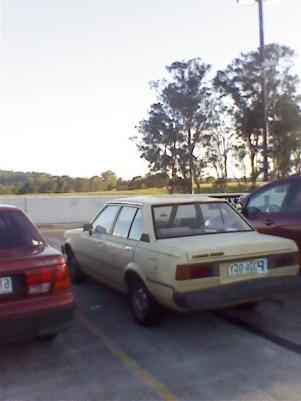
  1. took pics on phone, phone front camera...couldnt be FD to change it..but yeah its a tidy car, mainly use it when my other car is running low on fuel..so no plans for it really..cheers :)
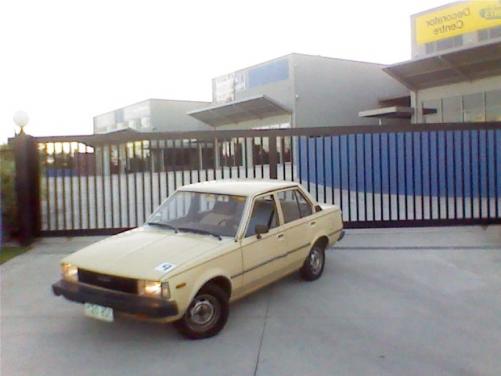
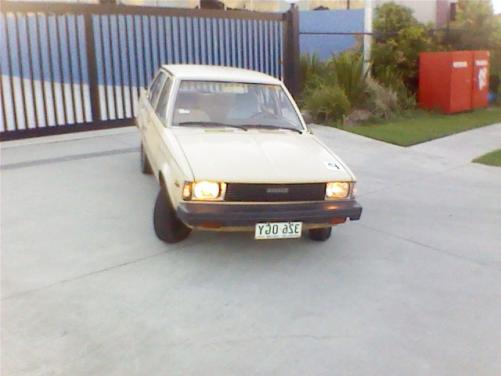
  2. hey guys been a member for a while but sold my old rolla ages ago..got another one..just to bang around in..here it is..say hi :y: Its not the best as its my second car to just drive on days i got no fuel, but meh what u expect got it for free..lol hit me up..I'm pretty much a newbie to rolla's so yeh :)
Account

Navigation

Search

Search

Configure browser push notifications

Chrome (Android)
  1. Tap the lock icon next to the address bar.
  2. Tap Permissions → Notifications.
  3. Adjust your preference.
Chrome (Desktop)
  1. Click the padlock icon in the address bar.
  2. Select Site settings.
  3. Find Notifications and adjust your preference.