13TKE70_21
Members
-
Joined
-
Last visited
Everything posted by 13TKE70_21
-
hey mate i have a ke70 with i think might be the base version of what ur getting, i think its a celica 5 speed in mine with a short shift kit, maybe try that. but don't quote me as I'm havin dramas myself with my compliance
-
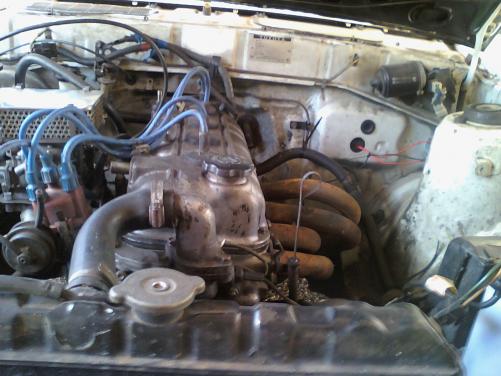
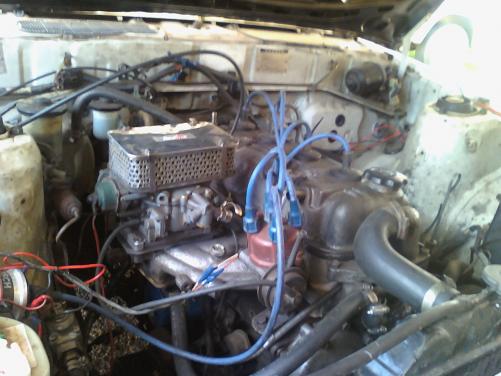
Hey peeps i have a 82 KE70 corolla i bought for a bit of fun, it has a 1.8L 13T celica motor and 5 speed celica box, lock diff, cut down VX commodore springs, and extractors with a 2 inch full system(i think only got one muffler at back, 2 sets of tyres, solid one peice tail shaft and best of all a spare drivers door haha and i paid $800 for it. HOW THE HELL do i turbo it???? its got the weber carby on it, i don't know much about these motors can someone please help. there are a few pics of the motor on here but i guess i got what i paid for. the guy from the wreckers has a few of these motors in his race cars because apparently they rev high. it has had some head work done by previous owner ( ported and polished head, and its got a fresh head on it and new bigger pistons) not too sure if it needs a blowthrough turbo setup because of the carby situation or can i get a fuel injected head?? can't spend lotssa money coz i got two little girls who go through it haha if any one can help it would get me out of the shit lol thanks Pissed off KE70 Owner hahahahaha PS i need to get a mod plate any help??