mr.seca
Members
-
Joined
-
Last visited
-
ive got a stock engine in it, 4afe
-
yeah sound system is good but i have sold the 12 inch kenwood needed money to buy kingsrpings. lol
-
OFFICALY A LOROLA!!!!!!!
-
they both are pretty good but from what i think, the MTX is much better.
-
yeep sure does.. will look even better when i get the super low king springs fitted in
-
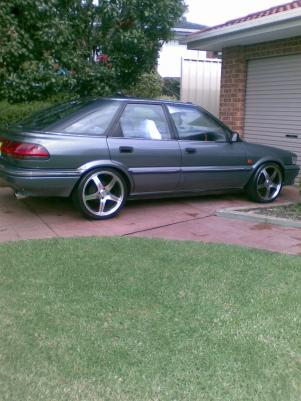
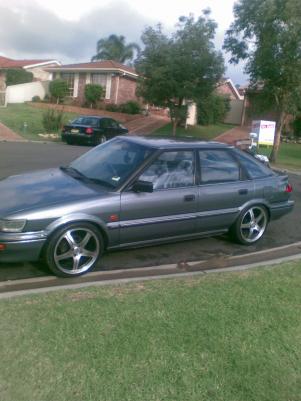
here it is guys pls tell me what u think
-
Hey Guys this is my ae93 seca project got it in january wen i got my P's, since then have been doing things to it so far i have: * resprayed the car * 17 mags * sound system ( pioneer head unit, pioneer 6x9 and two subs 12inch mtx and 12inch kenwood both 1200 watts each * pod filter * 2 inch cat back sports exhautes system with 3 inch tip * super low king springs all round Please do leave comments. THE ROLLA IS KNOW IS OFFICALLY A LOROLA!!! ... SUPER LOWS FITTED