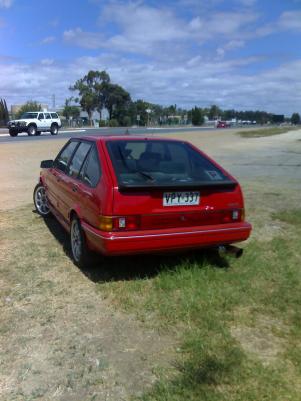
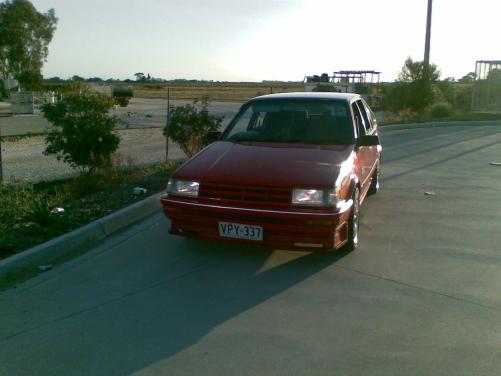
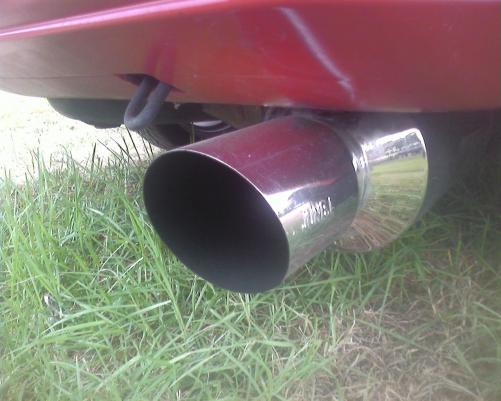
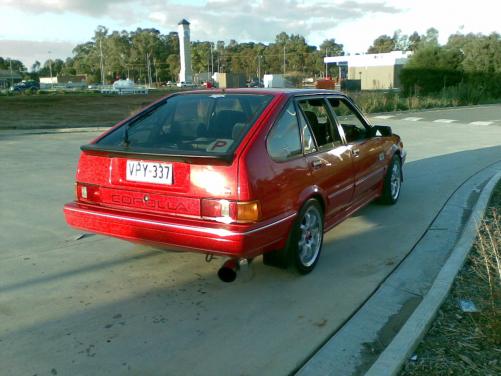
RollaAE82
Members
-
Joined
-
Last visited
-
\ yea thanks man i have to respray it i just havent had the time but she is geting ther
-
thanks man she is a nice ride i hope u do end up geting ur own 1 day cya man
-
hay man thanks bro i wold love to catch up on a cruise thanks man
-
hay man yea it is a 1.6 sory man um yea most of the money i spent on her went on engine i got her runing nice now
-
hay man yea i have worked out it is a silver top 1.6
-
yea man i have worked that out now man thanks it is a 1.6 thanks man
-
hay mate um yea i have the paper work saying its a 2L so yea um yea
-
-
-
-
i brought the car in 2007 for 4 grand, spent approximately 10 grand on modifying it. It had a 1.6 litre engine in it but i pulled that out and put a 2 litre in it. Spent 2500 of the 10 grand on the sound system and getting the sound proffesionally tuned. cheers Josh