Skip to content
View in the app

A better way to browse. Learn more.

rollaclub.com

A full-screen app on your home screen with push notifications, badges and more.

To install this app on iOS and iPadOS
  1. Tap the Share icon in Safari
  2. Scroll the menu and tap Add to Home Screen.
  3. Tap Add in the top-right corner.
To install this app on Android
  1. Tap the 3-dot menu (⋮) in the top-right corner of the browser.
  2. Tap Add to Home screen or Install app.
  3. Confirm by tapping Install.

melon

Members
  • Joined

  • Last visited

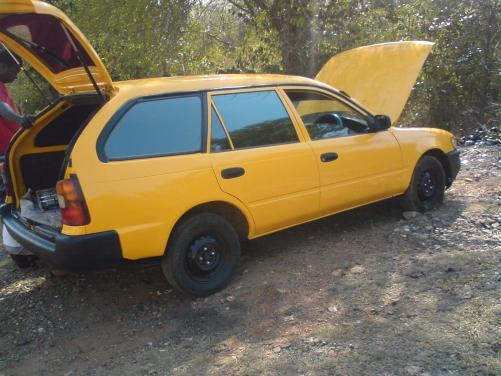
  1. the yellow car is my mothers dx corolla wagon :( new skool we had another dx wagon but it was stolen, we recoverd it but it was already scrapped & the chasis # cut out off d firewall so its of no use :) so imma rollin with da old skool dx now & its lots of fun.
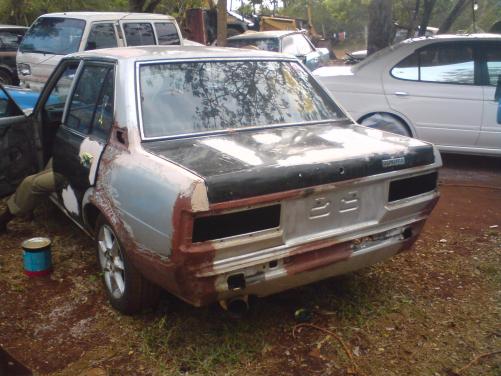
  2. her is d almost finished propuct again. Its not complete until i have a 1jz under d bonnett & some brembo 4disc brakes & a 6spd gearbox :laff: under d bonnet soon sort out, it dnt buff yet or finsh touch up :)
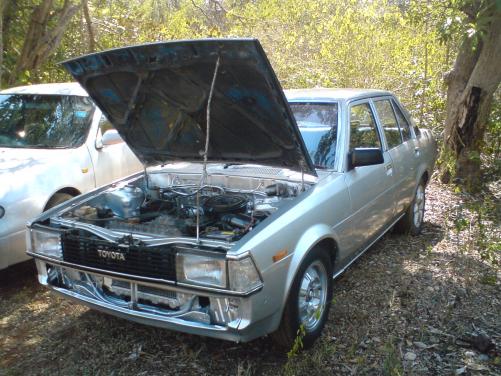
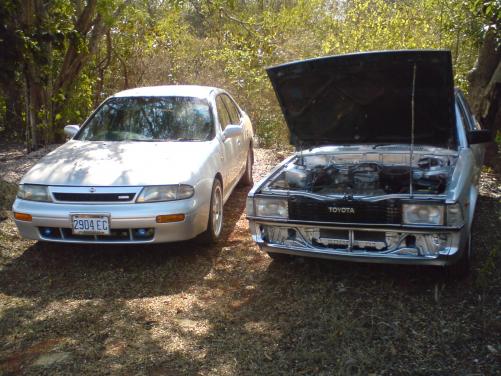
  3. yup ma dx roadrunner is almost complete :D here r d pix :laff: there r alot more dx here in jamaica
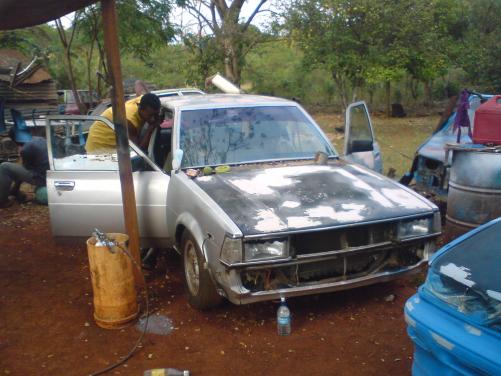
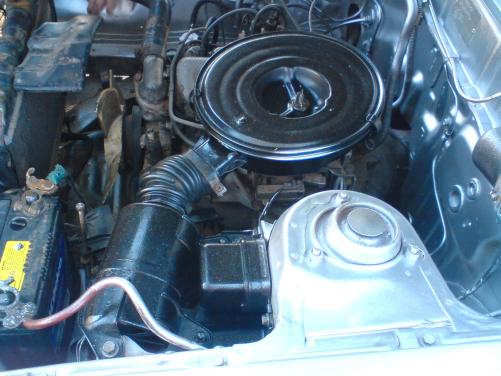
  4. I luv ma rolla so much, just bought it june 27. its got a 4k in it And thats how i wanna keep it 4 d time being as i'm a student & i aint workin rite now. Only a few of them left here in jamaica.
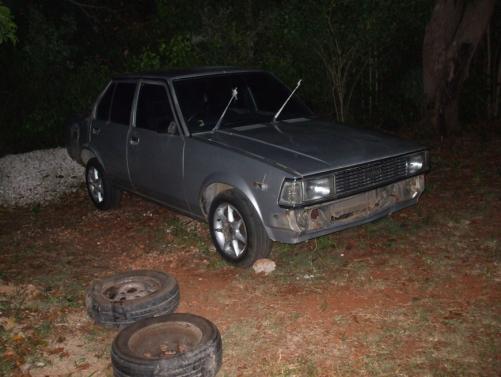
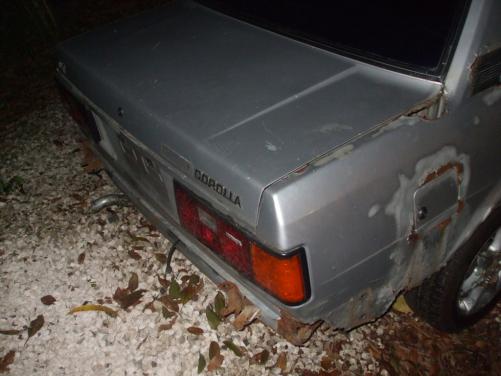
Account

Navigation

Search

Search

Configure browser push notifications

Chrome (Android)
  1. Tap the lock icon next to the address bar.
  2. Tap Permissions → Notifications.
  3. Adjust your preference.
Chrome (Desktop)
  1. Click the padlock icon in the address bar.
  2. Select Site settings.
  3. Find Notifications and adjust your preference.