

Benassi
Members
-
Joined
-
Last visited
Everything posted by Benassi
-
Hello folks, this is my 2004 Toyota Corolla Fielder. Some Stats: Transmission: Automatic ( P, R, N, D, 2, L) Engine Displacement: 1498CC (1.5L) Engine Type: VVTi(Variable Valve Timing With Intelligence) Engine Model: 1NZ-FE Here's a list of things that I modified after I bought the car... 1. HID Headlights (High Beam 8000K, Low Beam 8000k and Fog 6000K) 2. Custom Gauges( A Vaccum Meter and a Battery Meter) 3. NGK Iridium Spark Plugs 4. New Eyelid 5. Hydraulic Horn 6. JBL 640WATTS Amplifier 7. Pioneer 15" Subwoofer 8. Kenwood CD/DVD/AUX/MP3/WMA Player 9. 215/40 Yokohama Tyres 10. JRD Custom White 17" Wheels 11. Black Housing And many more will be coming soon..... Feedbacks are much appreciated :y: Thanks Here's the link to Cardomain, with pictures: http://www.cardomain.com/ride/3354681
-
-
-
-
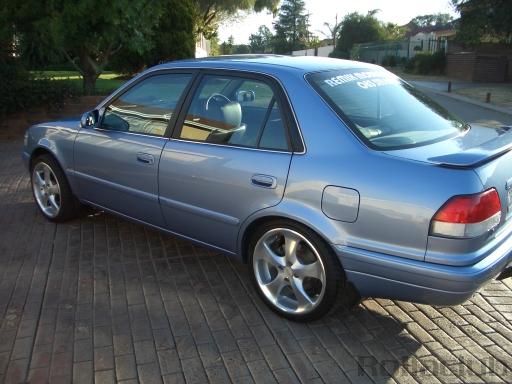 Very Nice AE110 :)
 -
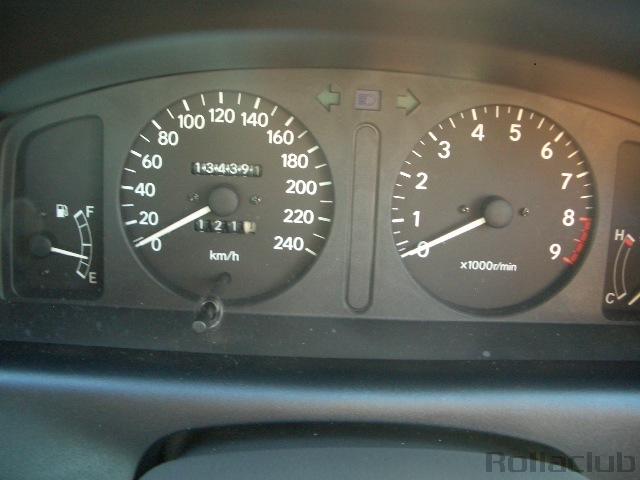 ahh. Power of 4A-GE :)


