Skip to content
View in the app

A better way to browse. Learn more.

rollaclub.com

A full-screen app on your home screen with push notifications, badges and more.

To install this app on iOS and iPadOS
  1. Tap the Share icon in Safari
  2. Scroll the menu and tap Add to Home Screen.
  3. Tap Add in the top-right corner.
To install this app on Android
  1. Tap the 3-dot menu (⋮) in the top-right corner of the browser.
  2. Tap Add to Home screen or Install app.
  3. Confirm by tapping Install.

d1kiwi

Members
  • Joined

  • Last visited

Everything posted by d1kiwi

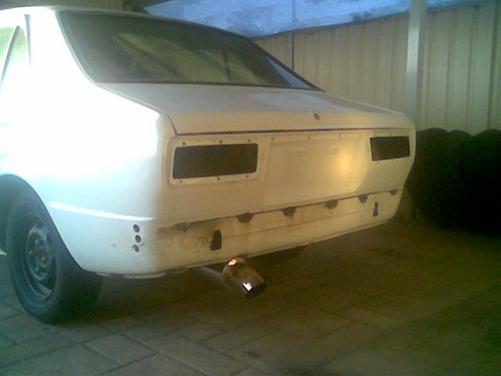
  1. yea bro at kmart tyre nd auto i live in rockingham, shes off the road now pigs stikerd me for tint and never got it legal again so doin her up from ground up
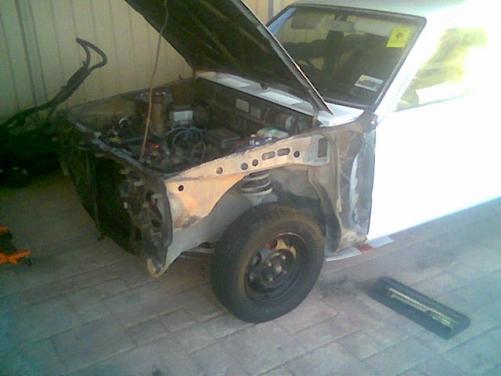
  2. my ke55 project
  3. names kyle only bin in ausy 4 a year from nz own a ke55 rolla 4door is a project underway will b getting a 12a rotary brakes susp diff body interior all tha usual also own a r31 wagon and a pathfinder 4x4, previous rides bein a31 cefiro and 32 skylines i am a 3rd year ap mechanic at ktas and build 4x4s and nissan performance cars during the weekends engine conversions etc for freinds and customers if anyone is interested hit me up [email protected] or 0412026494

Account

Navigation

Search

Search

Configure browser push notifications

Chrome (Android)
  1. Tap the lock icon next to the address bar.
  2. Tap Permissions → Notifications.
  3. Adjust your preference.
Chrome (Desktop)
  1. Click the padlock icon in the address bar.
  2. Select Site settings.
  3. Find Notifications and adjust your preference.