No_lag_here
Members
-
Joined
-
Last visited
-
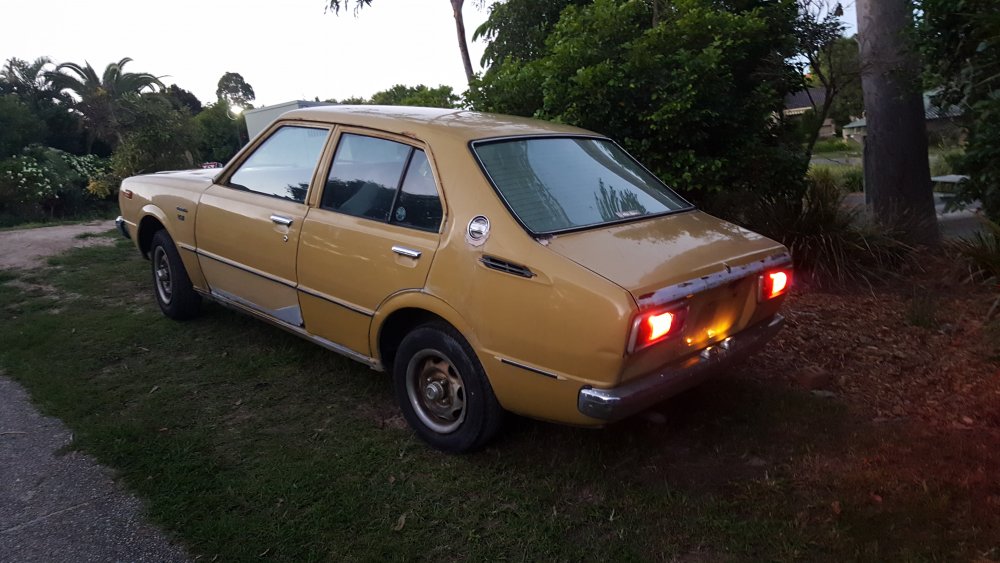
I purchased it solely for its interior there should be plenty of left overs...
-
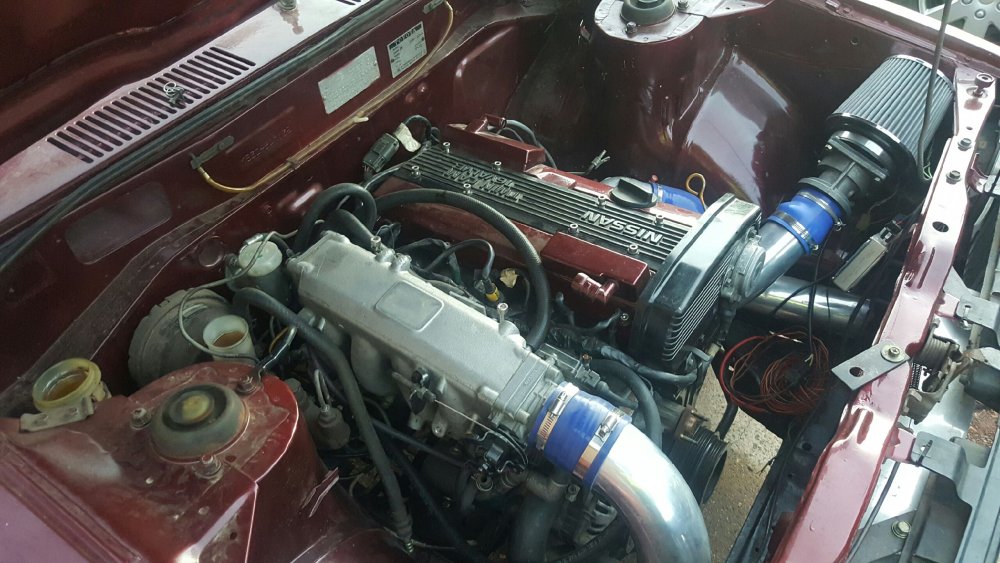
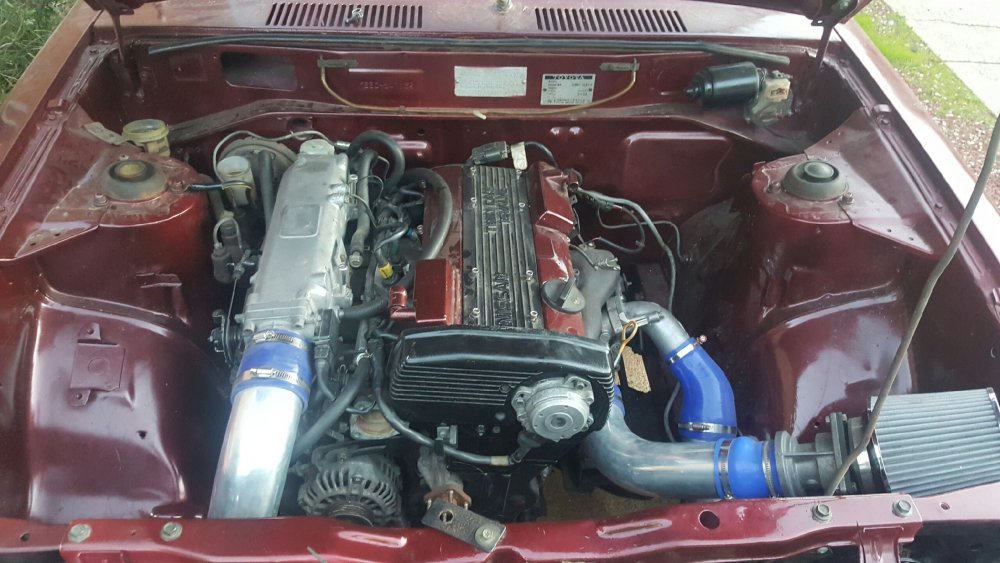
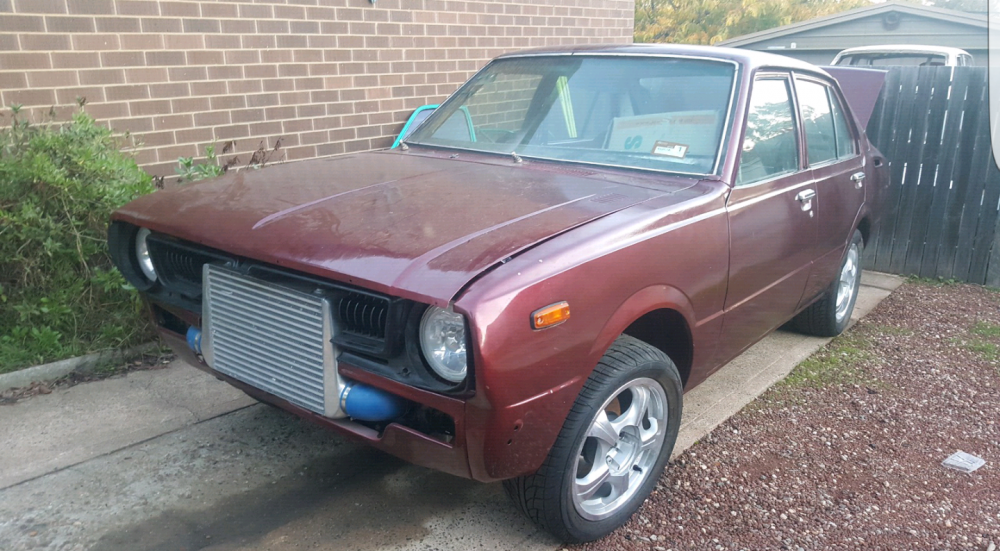
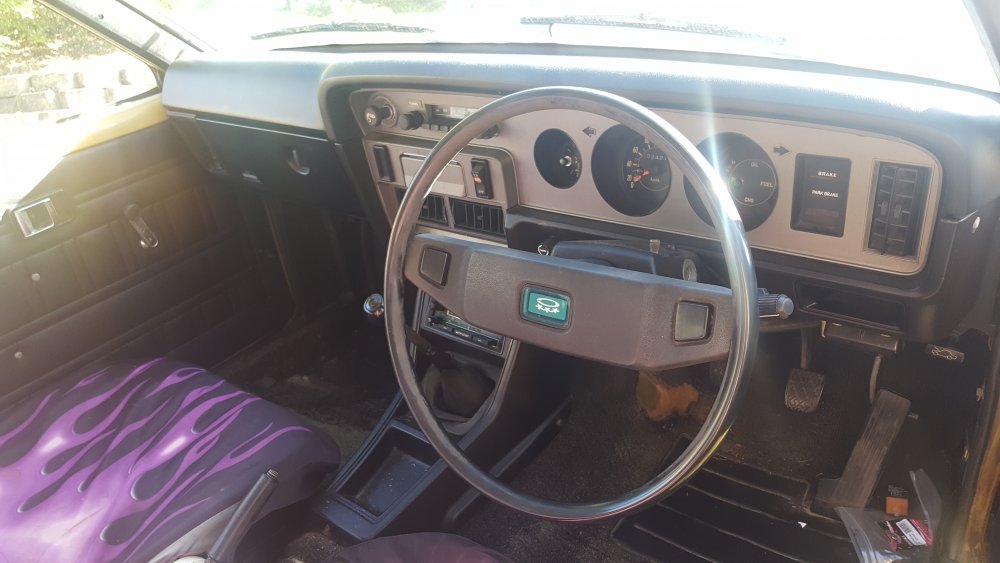
Ha ha, i didn't know that but thats cool to know, i will be finishing it properly, forged internals, cam package with big e85 system and a precision turbo, gonna be fun, hoping to finish up around 400rwhp, just purchased a donor car for its interior and original bitd and pieces finish it off... Will all come together nicely Donor car below
-
Nice little rolla mate good score
-
Thanks mate, i look forward to moving forward and doing some decent upgrades to it, would love to bump it up to 400rwhp with some nice internals and supporting bolt on's/mods, will be fun to drive ...
-
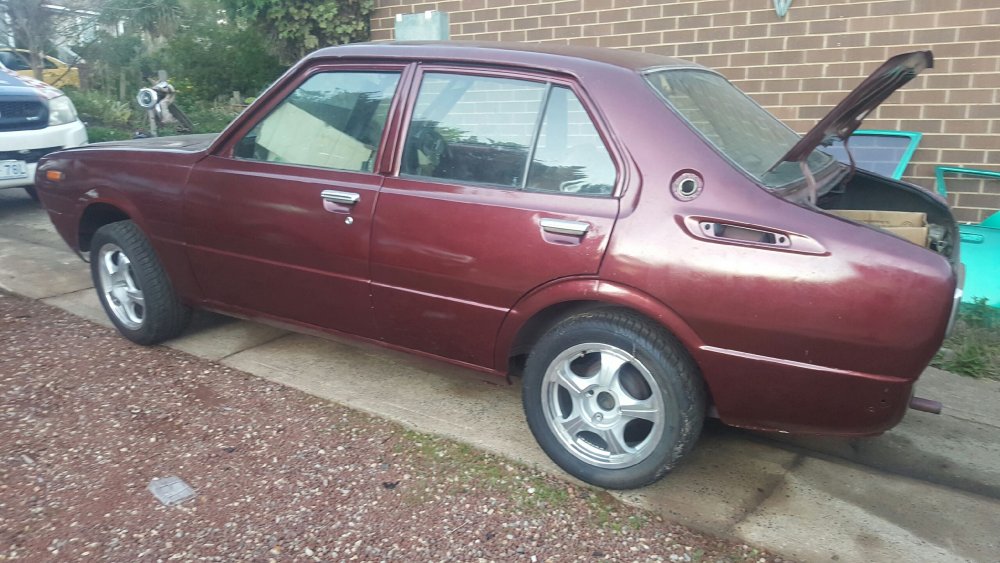
Hi guys names damo from the gold coast, have just purchased my first ke 30 corolla, have always been a fan looking forward to cruising soon when i finish a few bits and pieces and get some rego... Few pics of the car ive just purchased from ACT just needs some finishing touches :) Some rear venetians with factory wheels, hide that intercooler back behind a new grill and front bar should be a nice little sleeper...