Skip to content
View in the app

A better way to browse. Learn more.

rollaclub.com

A full-screen app on your home screen with push notifications, badges and more.

To install this app on iOS and iPadOS
  1. Tap the Share icon in Safari
  2. Scroll the menu and tap Add to Home Screen.
  3. Tap Add in the top-right corner.
To install this app on Android
  1. Tap the 3-dot menu (⋮) in the top-right corner of the browser.
  2. Tap Add to Home screen or Install app.
  3. Confirm by tapping Install.

Nicholas C

Members
  • Joined

  • Last visited

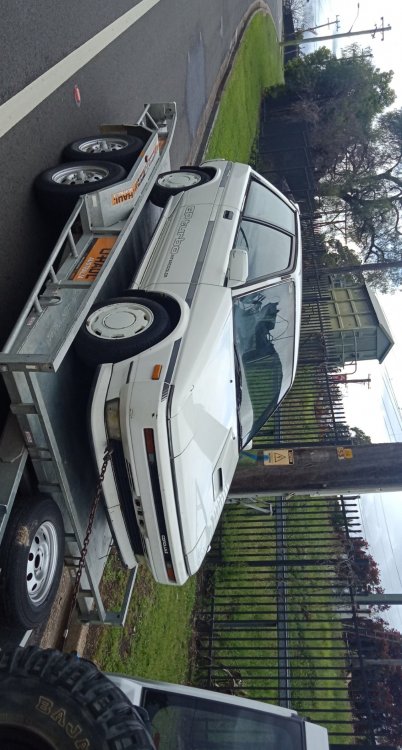
  1. hey mate I just bought a GP turbo and got it back together and running the other day all I had was a crappy Haynes manual and another crappy 3rd party manual for a tercel. Which didn't cover the turbo model at all and made working on the car difficult so if I could some how get a copy of those would be amazing there is next to no information on these cars and what is there is vague and confusing. Any help would be great!
Account

Navigation

Search

Search

Configure browser push notifications

Chrome (Android)
  1. Tap the lock icon next to the address bar.
  2. Tap Permissions → Notifications.
  3. Adjust your preference.
Chrome (Desktop)
  1. Click the padlock icon in the address bar.
  2. Select Site settings.
  3. Find Notifications and adjust your preference.