

rolla chick
Members
-
Joined
-
Last visited
-
yeah doesnt overheat now got new radiator it was 80 per cent blocked id just brought the car then i was pissed of ;)
-
thanks guys i put the bumbers on my self there of a ke30 as far as i know the badge is very common on the front grill my car isant imported as far as i know imported corrollas don't come out with normal k series motors
-
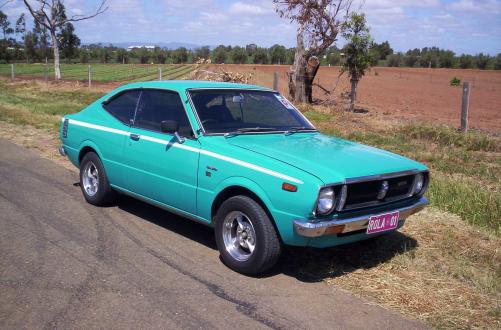
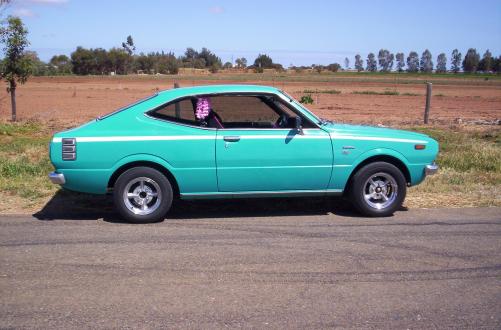
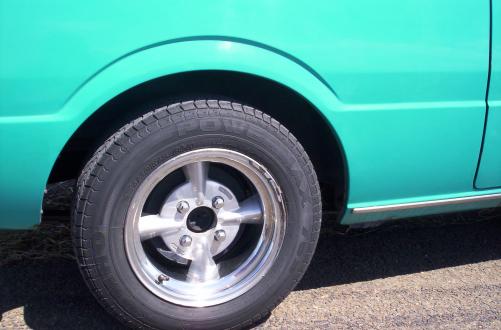
hi every one this is my 79 corolla coupe it had 150,000 k on the clock original it has all the books from factory i brought it basically stock 4 speed 4k motor interior imaculate i have since put a 5 k motor as i already blew 2 motors up 3rd time lucky 4 speed manual alarm central locking ke70 console chrome bumbers tinted windows old skool dragway splats i also have rola 01 number plates soon to come is extractors and new paint job same colour and keeping original stripe also ke70 boot release so what do you all think cheers kylie

-
i paid $3000 for a rolla coupe manual 4k 150k on the clock with original books from factory no rust stock rims i now regret paying so much but i love my rolla
-
ok thanks guys id really like a pink one it doesnt matter how much it cost thanks heaps
-
hi every one I'm after rolla club stickers does any one know who i buy them from thankyou much appreciated


