Skip to content
View in the app

A better way to browse. Learn more.

rollaclub.com

A full-screen app on your home screen with push notifications, badges and more.

To install this app on iOS and iPadOS
  1. Tap the Share icon in Safari
  2. Scroll the menu and tap Add to Home Screen.
  3. Tap Add in the top-right corner.
To install this app on Android
  1. Tap the 3-dot menu (⋮) in the top-right corner of the browser.
  2. Tap Add to Home screen or Install app.
  3. Confirm by tapping Install.

Garth

Members
  • Joined

  • Last visited

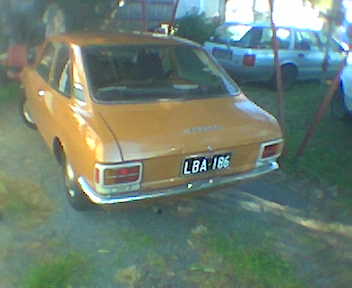
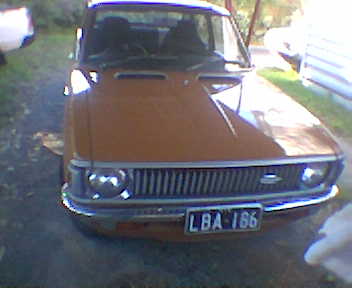
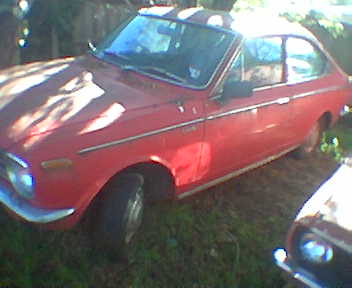
  1. Hi all I'm from Box Hill and till recently was driving a beat up ta 22 i found a ke20 up for auction as part of a deceased estate and for a stupidly small amount won the bidding 85000 miles 1 owner car sadly it has been run with a cracked head for years and now the motor is in need of a rebuild also have a ke15 sprinter now to keep it company its more of a long term project as i find the parts i need
Account

Navigation

Search

Search

Configure browser push notifications

Chrome (Android)
  1. Tap the lock icon next to the address bar.
  2. Tap Permissions → Notifications.
  3. Adjust your preference.
Chrome (Desktop)
  1. Click the padlock icon in the address bar.
  2. Select Site settings.
  3. Find Notifications and adjust your preference.