Skip to content
View in the app

A better way to browse. Learn more.

rollaclub.com

A full-screen app on your home screen with push notifications, badges and more.

To install this app on iOS and iPadOS
  1. Tap the Share icon in Safari
  2. Scroll the menu and tap Add to Home Screen.
  3. Tap Add in the top-right corner.
To install this app on Android
  1. Tap the 3-dot menu (⋮) in the top-right corner of the browser.
  2. Tap Add to Home screen or Install app.
  3. Confirm by tapping Install.

rolla69

Members
  • Joined

  • Last visited

  1. i have a blue interior, what colour do you think would go with that???, Drew
  2. cheers for all the input fellas, appreciated, Drew
  3. gday, i was just looking for an opinion on a colour for my ke10, it is momentarely blue but i want to get it painted. any ideas???? cheers, Drew
  4. rolla69 replied to rolla69's topic in Rollaclub Rides
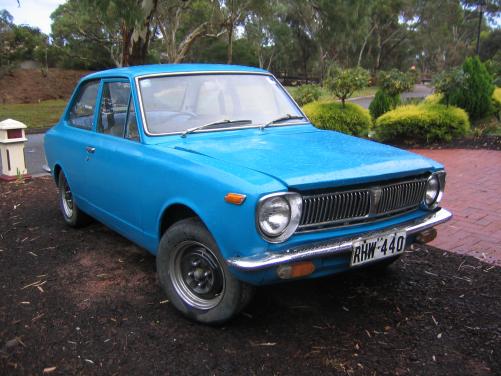
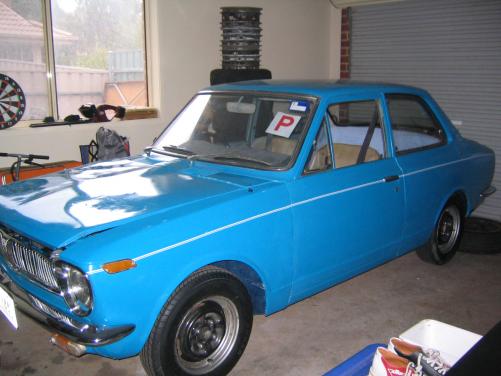
    Hey fellas, i still gotta get a new bonnet and rear tail lights but apart from that i think it will be pretty good...... the car will be rollin down near christies beach - hackham way cheers
  5. rolla69 posted a topic in Rollaclub Rides
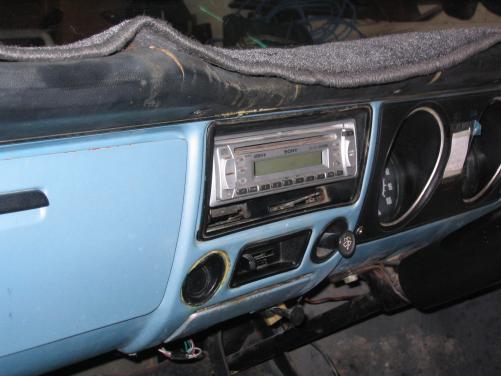
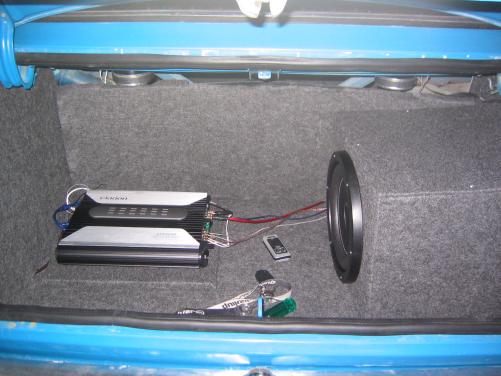
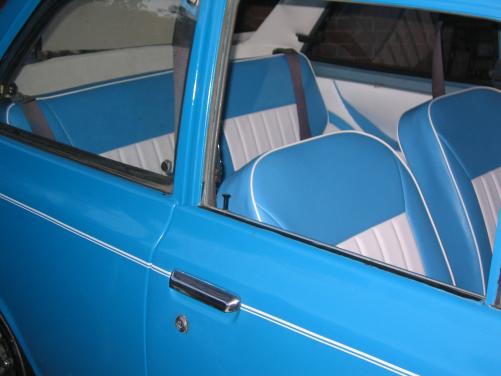
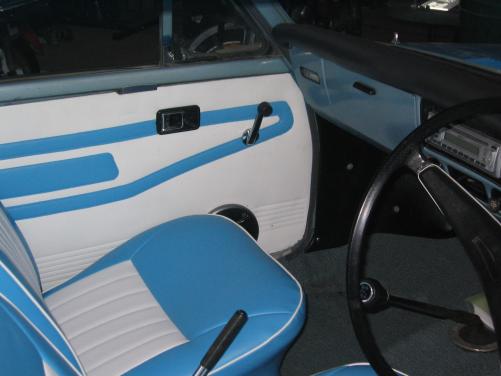
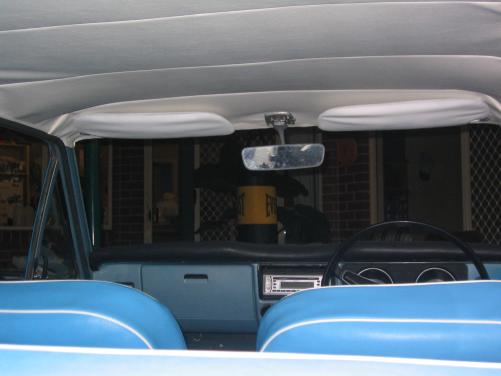
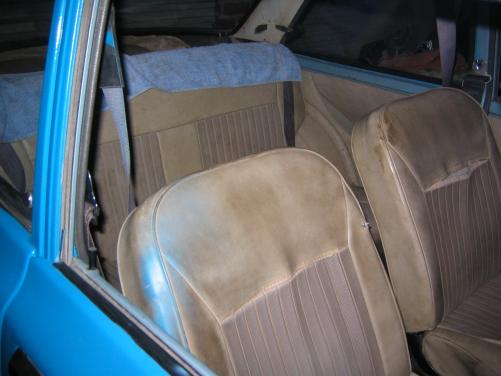
    just some pics of my ke10 which I'm currently restoring............... Before..... After......(not finished yet though) (got hubbies but dnt have them on atm) tell us what you think!!! cheers, drew

Account

Navigation

Search

Search

Configure browser push notifications

Chrome (Android)
  1. Tap the lock icon next to the address bar.
  2. Tap Permissions → Notifications.
  3. Adjust your preference.
Chrome (Desktop)
  1. Click the padlock icon in the address bar.
  2. Select Site settings.
  3. Find Notifications and adjust your preference.