Skip to content
View in the app

A better way to browse. Learn more.

rollaclub.com

A full-screen app on your home screen with push notifications, badges and more.

To install this app on iOS and iPadOS
  1. Tap the Share icon in Safari
  2. Scroll the menu and tap Add to Home Screen.
  3. Tap Add in the top-right corner.
To install this app on Android
  1. Tap the 3-dot menu (⋮) in the top-right corner of the browser.
  2. Tap Add to Home screen or Install app.
  3. Confirm by tapping Install.

markiitourerv

Members
  • Joined

  • Last visited

Everything posted by markiitourerv

  1. SOLD SOLD SOLD SOLD SOLD SOLD SOLD SOLD '89 R31 GX Skyline sedan, drives good, engine quiet, runs smooth, few dents and scratches, usual metallic paint fade. Recent work includes: 3 month old clutch, newish afm, ignition module & plug leads. Features: 5 spd manual (duhh..), extractors w/sports exhaust, cold aircon, lpg, towbar, pod filter. Has none of the driveline, tailshaft/cv, or rear sus bush banging usually associated with these car
  2. Reckon that's a pretty off topic.
  3. Geez Kim, I thought you would have mentioned our cruise of the shit pipes around Salisbury on the weekend. :)
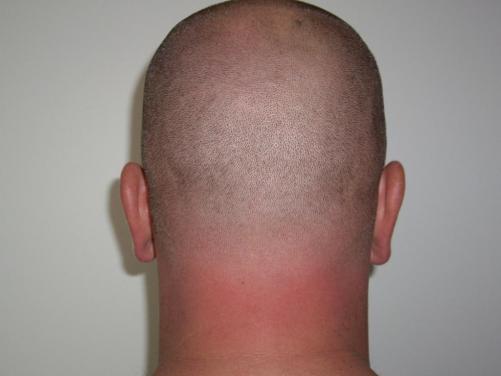
  4. I prefer to remain anon, but anybody who knows me. knows this is me.
Account

Navigation

Search

Search

Configure browser push notifications

Chrome (Android)
  1. Tap the lock icon next to the address bar.
  2. Tap Permissions → Notifications.
  3. Adjust your preference.
Chrome (Desktop)
  1. Click the padlock icon in the address bar.
  2. Select Site settings.
  3. Find Notifications and adjust your preference.