steve851
Members
-
Joined
-
Last visited
Everything posted by steve851
-
hey bmxsexmonkey theres some pic's i took on this topic. and theres an engine bay pic http://www.rollaclub.com/board/index.php?showtopic=39077 cheers
-
hey cameron, had a look the other day they are not extractors. it has a stock cast exhaust manifold
-
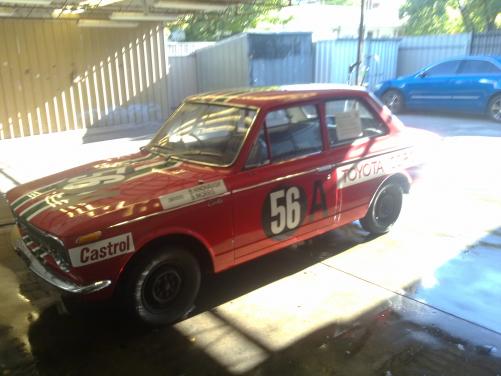
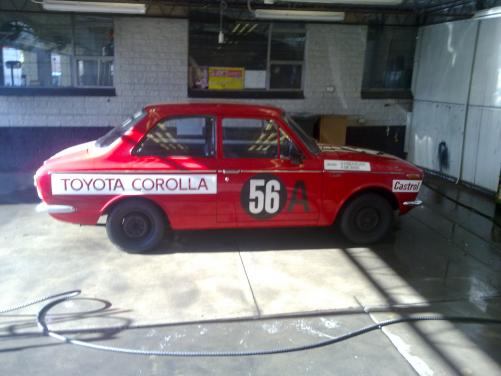
spotted Me walking around there somewhere. as it 's at my work. hehe its a heaps nice cars. and very stock considering it was a race car.
-
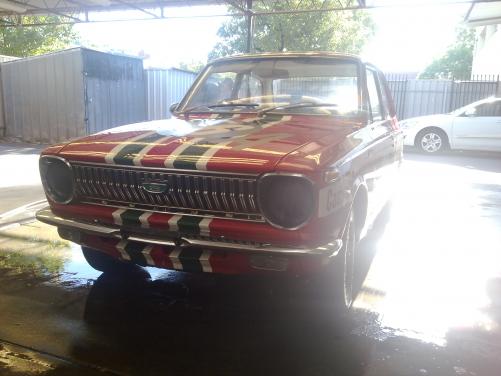
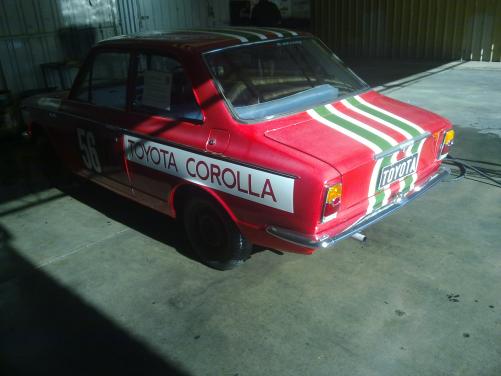
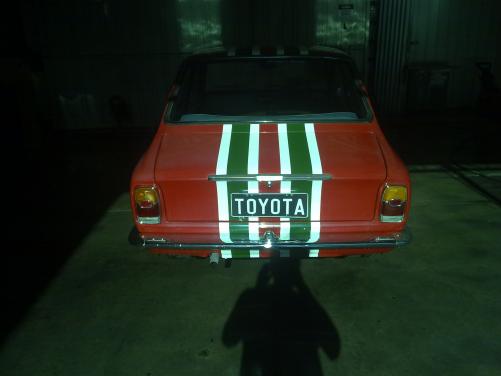
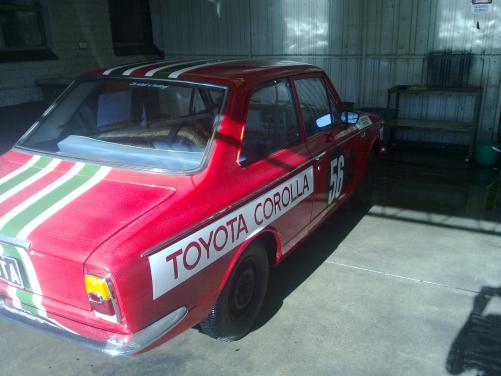
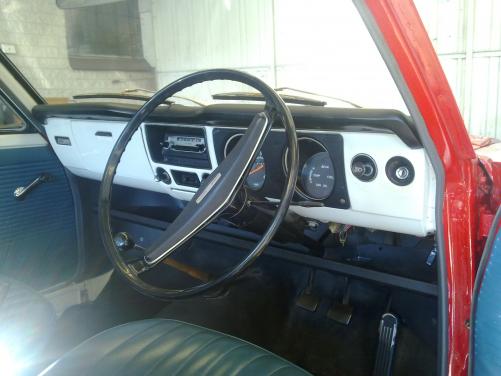
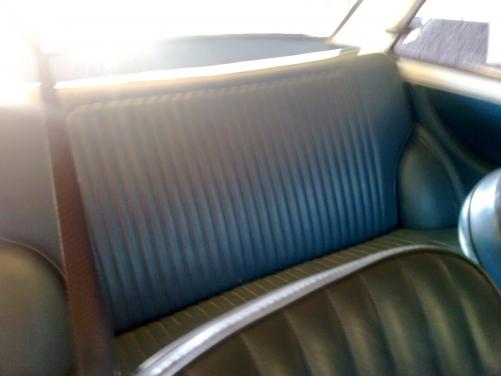
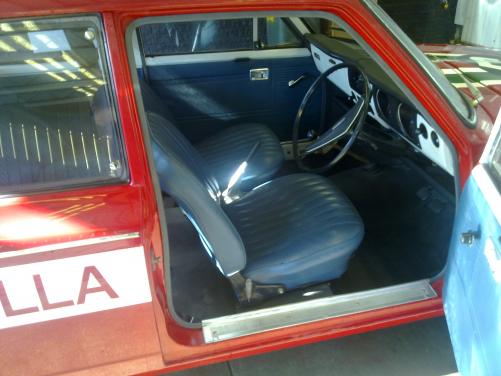
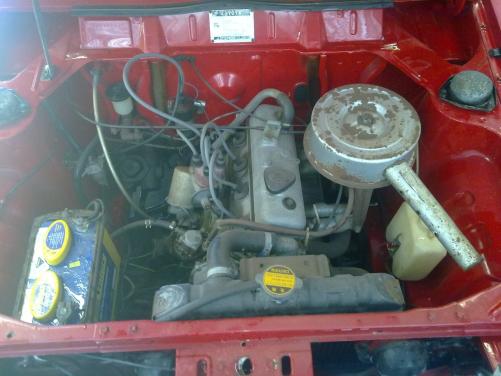
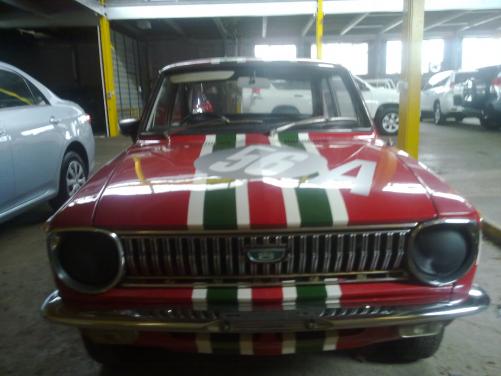
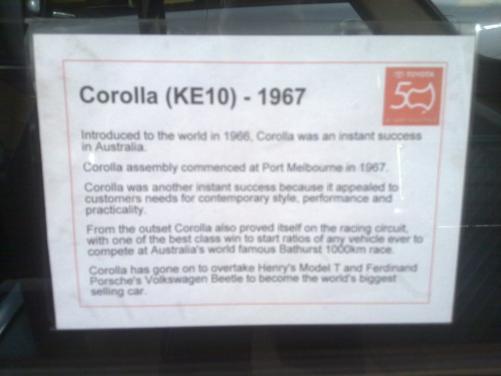
hey guys, i work for cmi and was suprised too see this little gem been unloaded off a tow truck. it's on display in our showroom! here a few pics oh yeah it does drive but not well. has no brakes and doesn't idel. i don't think it has the race engine in it, looks like a stock 3K but it definitely is a ex Bathurst race car it's owned by Toyota Australia thanks guys enjoy the pics and feel free to pop in a take a look.
-
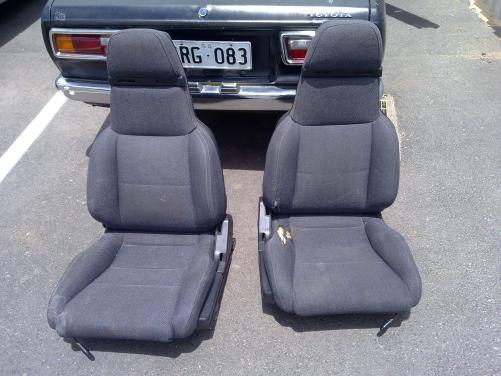
end up with a set of exa seats took a bit of work making custom mounts but they fit well and were only $50 bucks for the pair! thanks steve
-
hey guys i tryed searching for this topic but could find anything. i'm just wondering what modern seats fit on ke30 rails with little to no modification. thanks
-
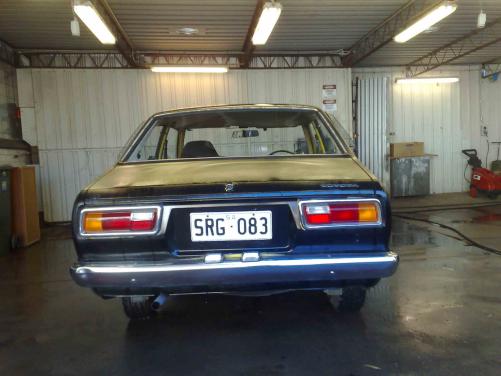
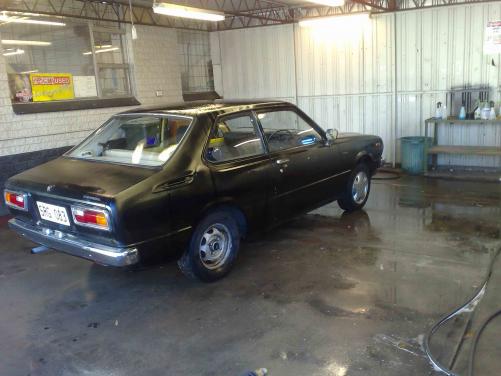
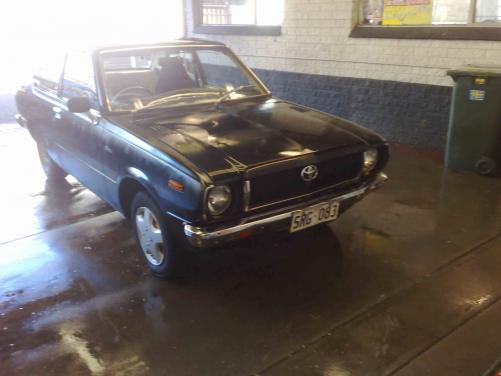
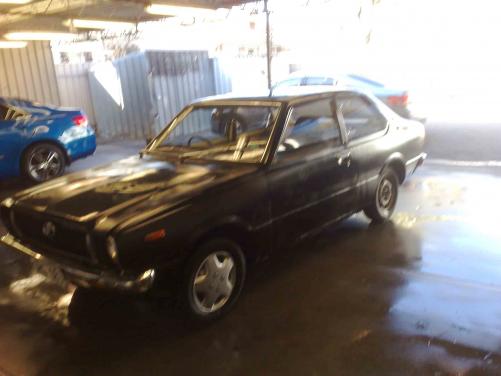
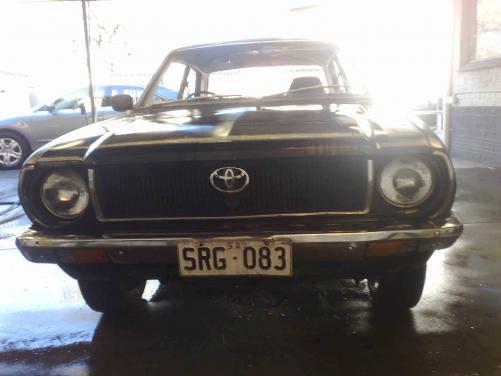
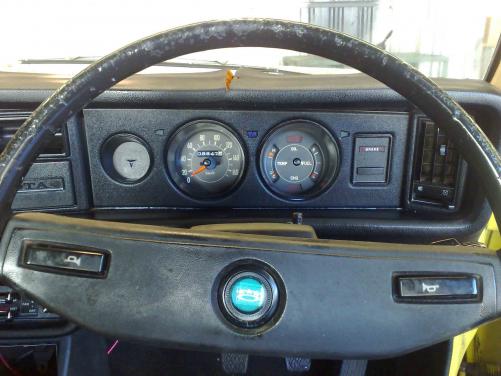
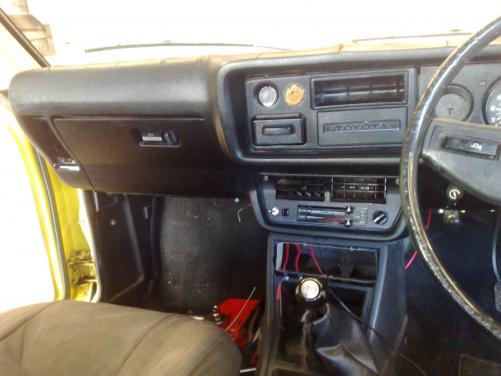
hey guys just thought i would put up some pics of my rolla i brought it off skygts4 for $300 and i just got it running today tell me what you think thanks steve