

ca18det_ae86
Regular Member
-
Joined
-
Last visited
-
guess whos back peoples . the old hachi has joined my group once again , lil bro now owns the lil weapon . stay tuned for heaps more pics , more mods , fresh rebuilt blacktop 20v and way more drift action loll
-
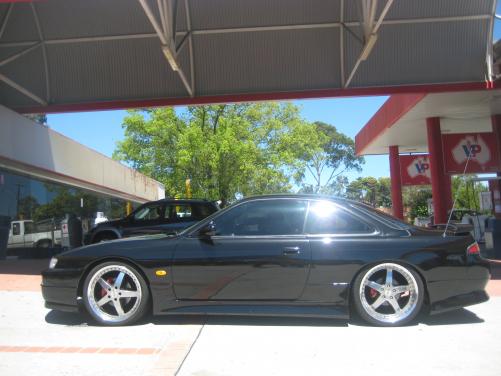
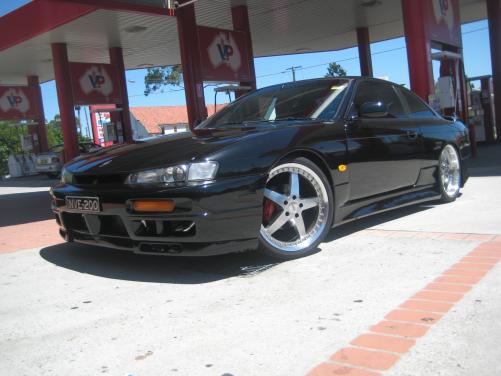
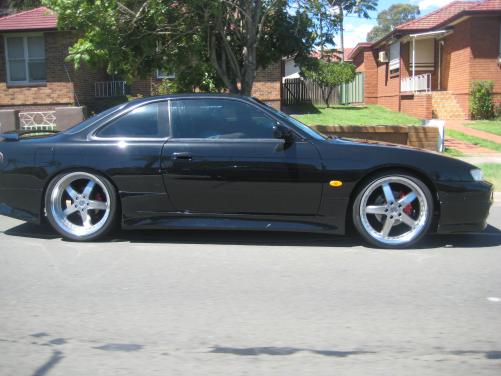
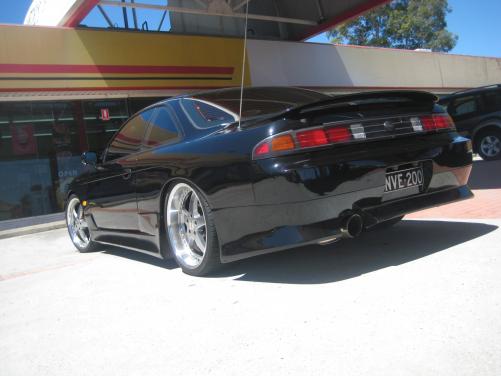
the s14 has factory front bar with luxury front lop vertex side skirts vertex rear bar and now is for sale lookin 4 a tanky hachi again
-
thanks 4 the kind words guys i miss my hachii soo much it aint funny
-
not really its sold got a s14a now but f@$k i miss her :jamie: i changed the rims on her but now shes got a lenso D1r's now black with red lip
-
lol gtr sale fell threw :)
-
-
farr outtt boysss ur really confusing me and making me think twice now what 2 doo what 2 doo
-
this is the gtr i got my eyes on . tell me shes not sex , this is the reason for sale lol
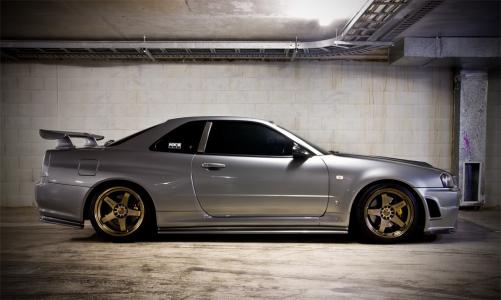
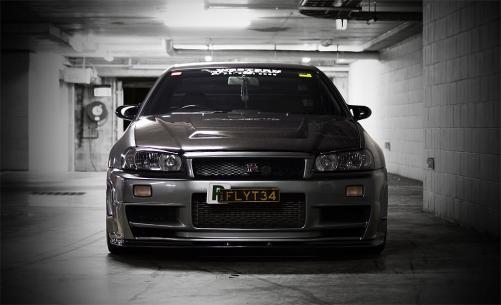
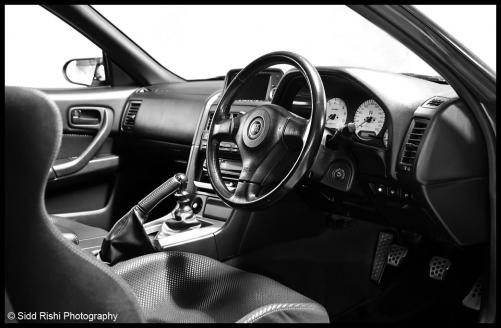
-
busted my mates in my friken carrr
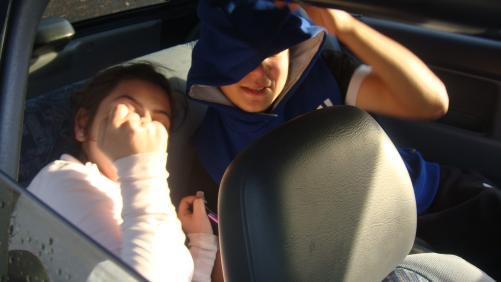
-
thanks again guys 4 the kind words this car has been my baby for a while and i really got it at a stage were i can say it looks tuff and so much fun 2 drive . and to all the people asking y the sale , I'm forced to sell her to free some more funds so i can finally get my gtr , it will be really sad to see her go but i have no choice . unless someone wants to sponsor me 10grand lol
-
-
-
-
-


