
Leaderboard
-
J a c k
Members1Points1Posts

Popular Content
Showing content with the highest reputation on 03/20/19 in all areas
-
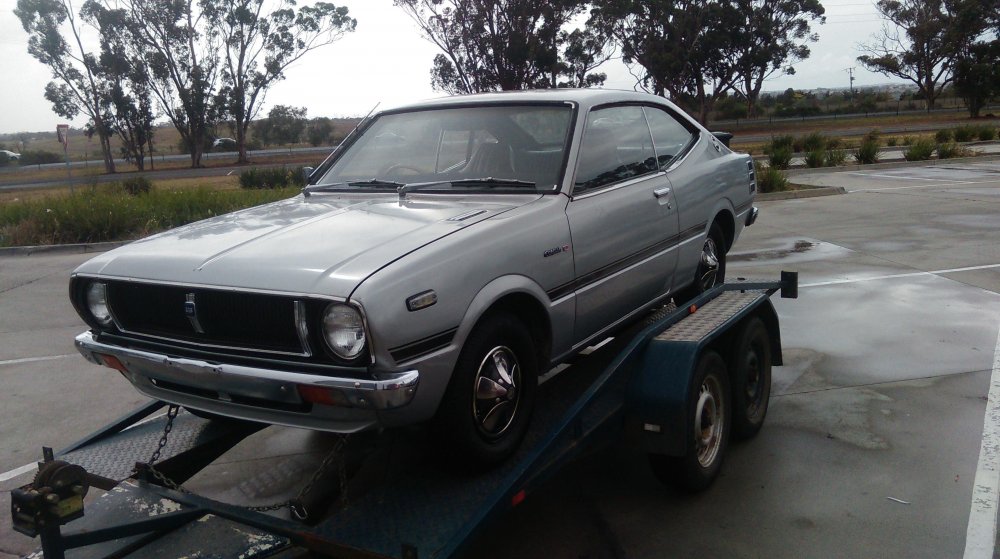
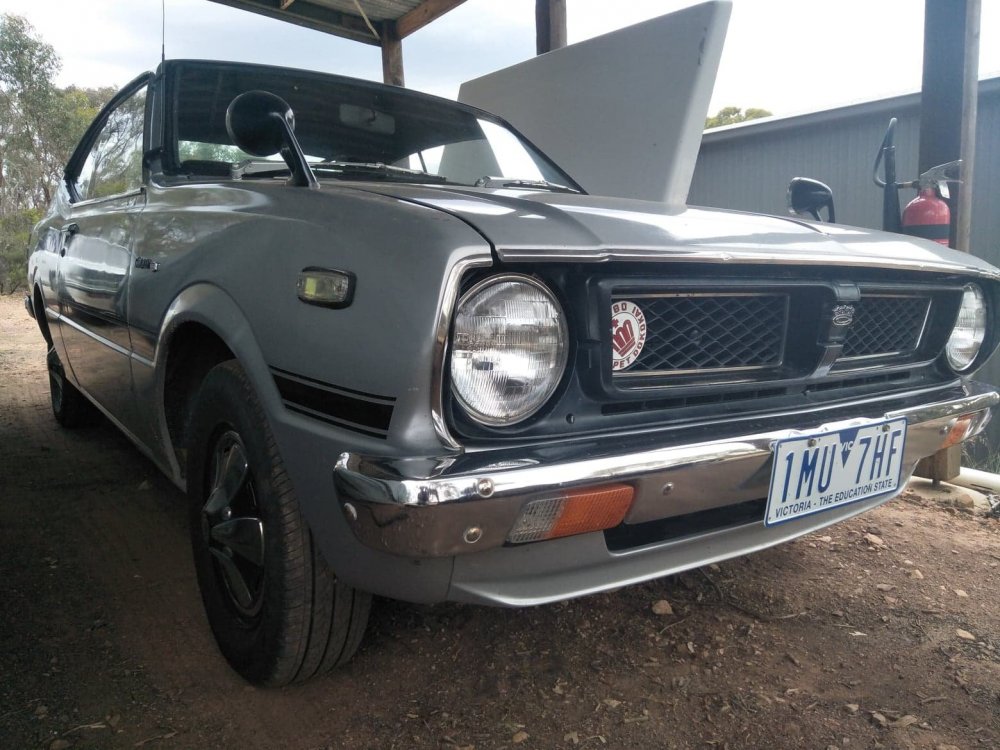
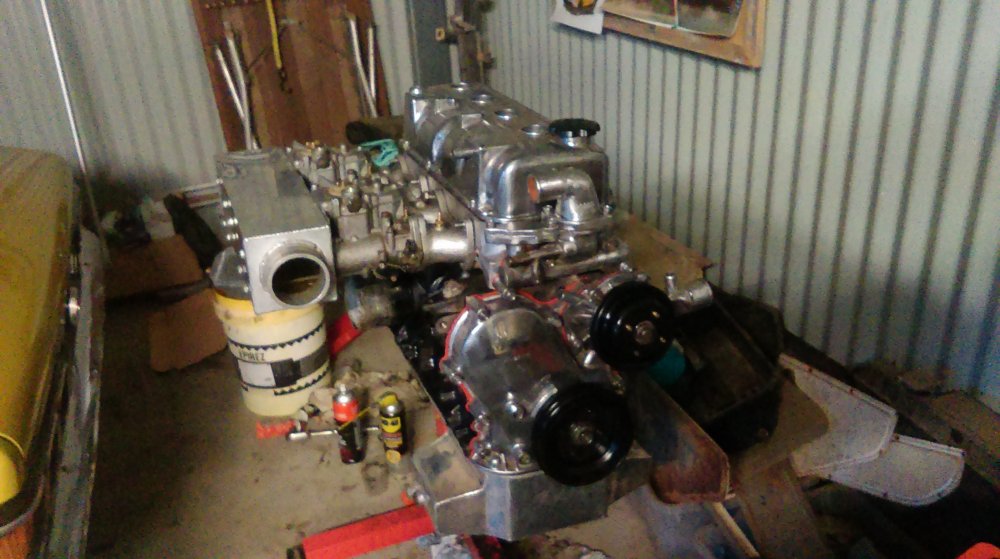
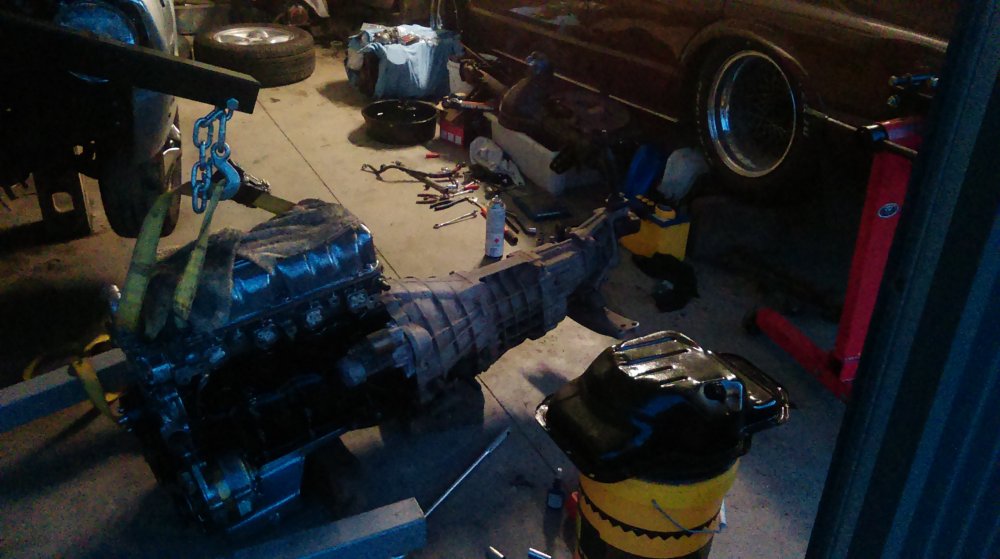
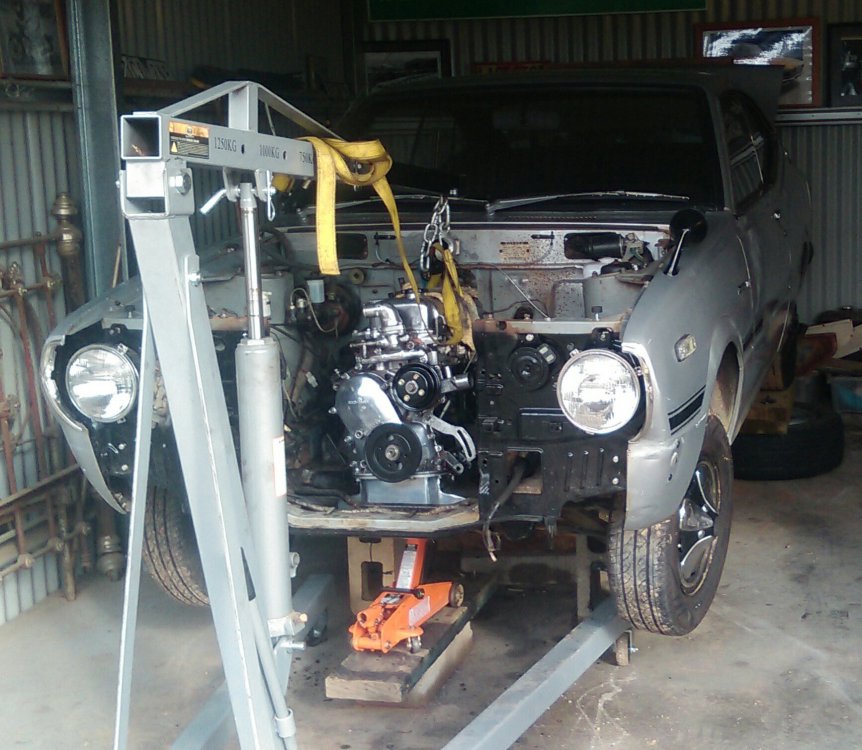
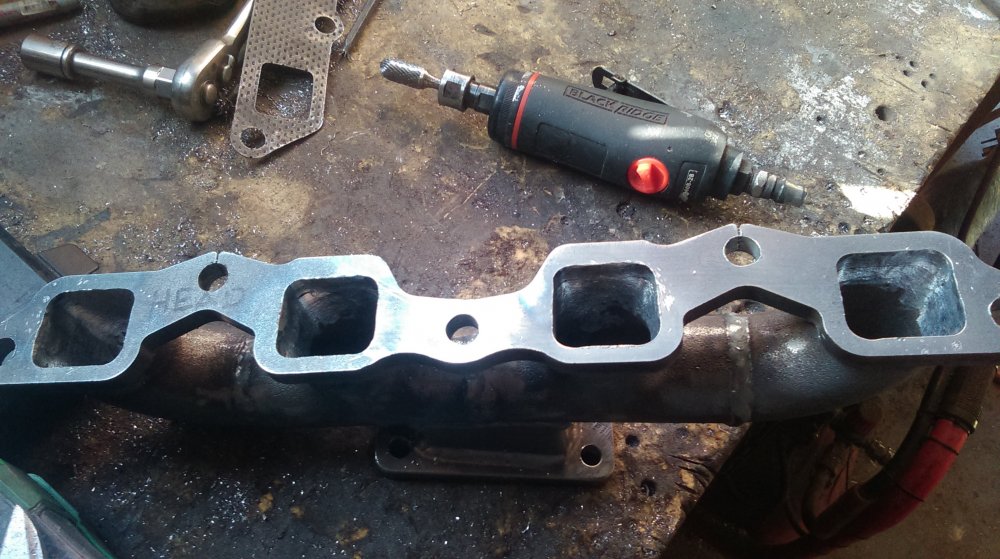
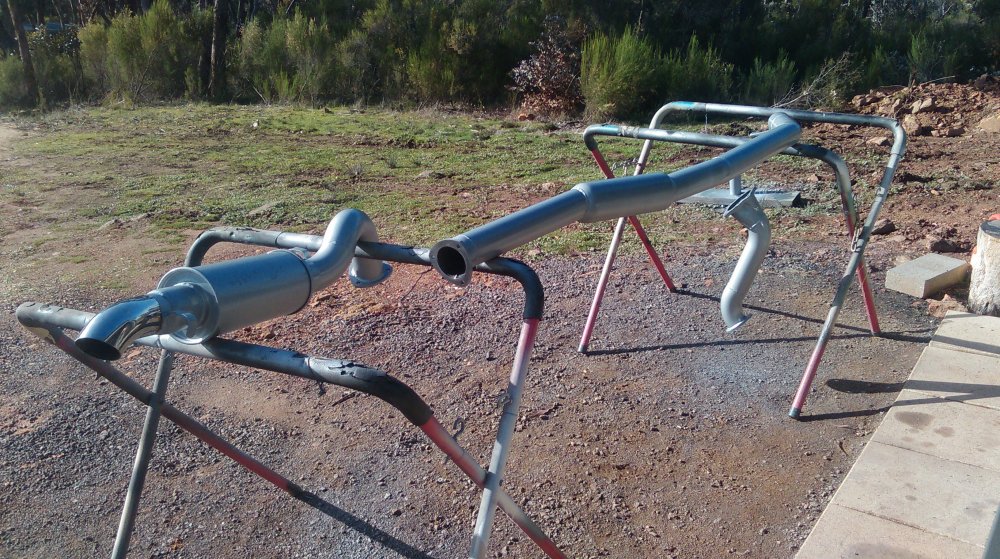
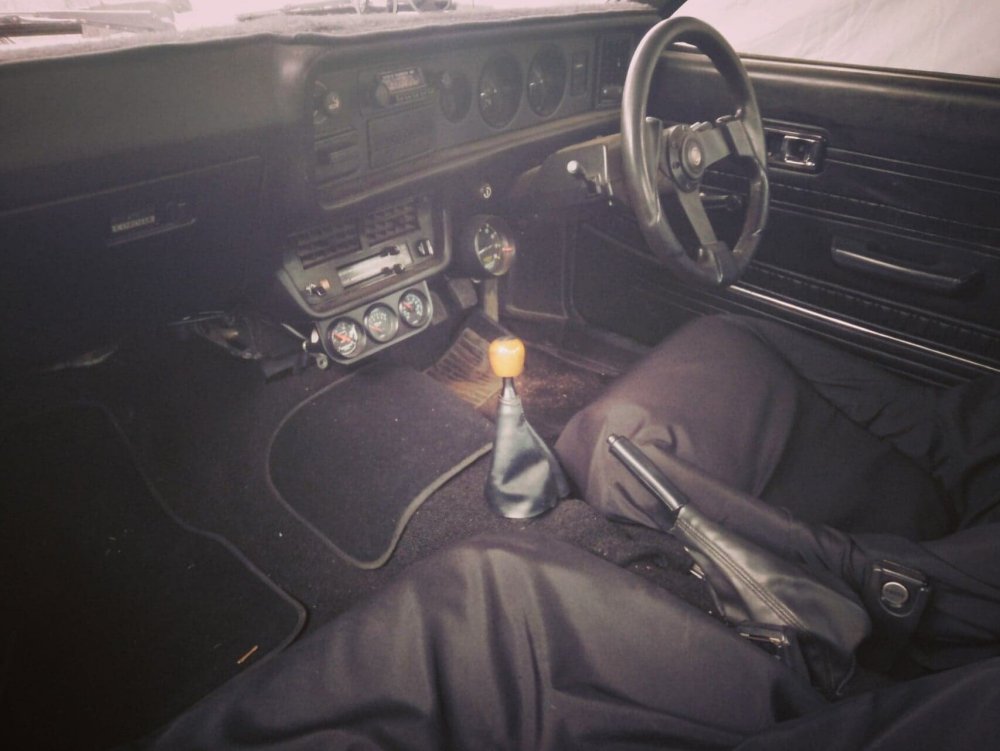
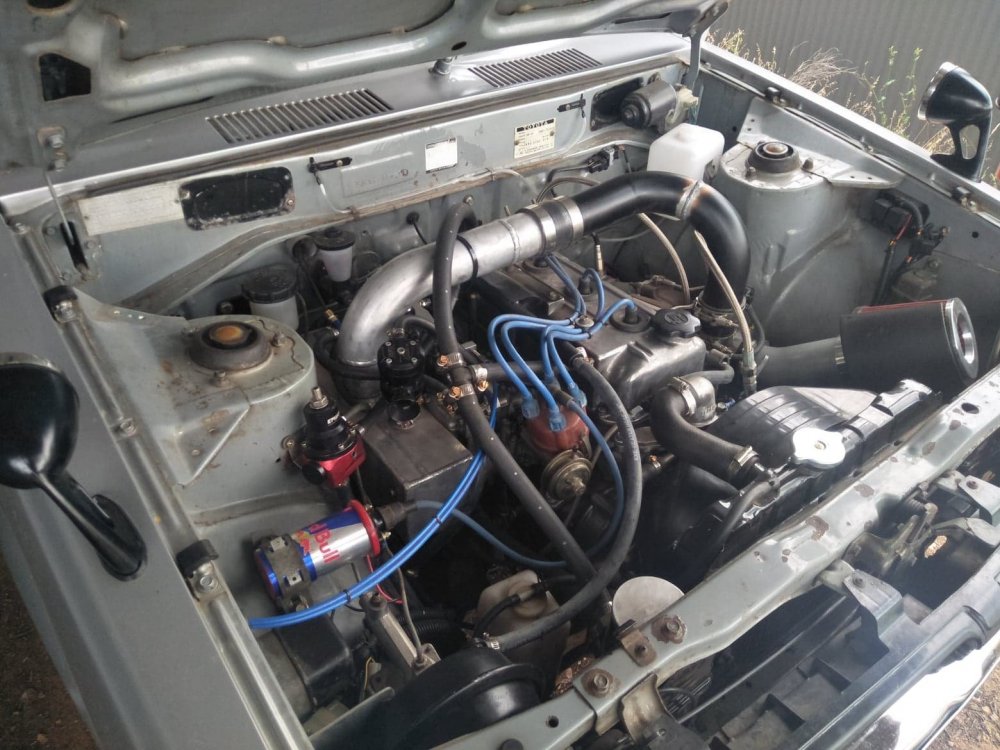
1 pointHey Chums, Bit of an update on the rolls. So I bought it earlier this year, had it running with the mighty K motor for a few months. Decided the 3k just wasn't doing anything it for me and had some spares kicking around from my Celica, figured I'd 3tc swap it... And while I was in the process a turbo and j160 6 speed would be easier to do at the time rather than down the track. So I rebuilt the 3t with stock 3tgte internals, made a manifold, tail shaft, cross member, converted it to hydraulic clutch, remote brake booster etc. Thats pretty much it for now, just been running on 7psi and having a bit of fun with it. In the process of sorting out an intercooler, before I up the boost a bit, going to run a water to air cooler on top of the rocker cover. Also have a M78 commodore diff I'm shortening at the moment for it. Cheers Jack.
 1 point


