Skip to content
View in the app

A better way to browse. Learn more.

rollaclub.com

A full-screen app on your home screen with push notifications, badges and more.

To install this app on iOS and iPadOS
  1. Tap the Share icon in Safari
  2. Scroll the menu and tap Add to Home Screen.
  3. Tap Add in the top-right corner.
To install this app on Android
  1. Tap the 3-dot menu (⋮) in the top-right corner of the browser.
  2. Tap Add to Home screen or Install app.
  3. Confirm by tapping Install.

damiens

Members
  • Joined

  • Last visited

  1. I live in Sydney and am looking to take the car out somewhere (unreg) and was wondering if you guys have a day or something you all do? I know of a track in Maroulan www.mdtc.com.au that is pretty good and cheap.
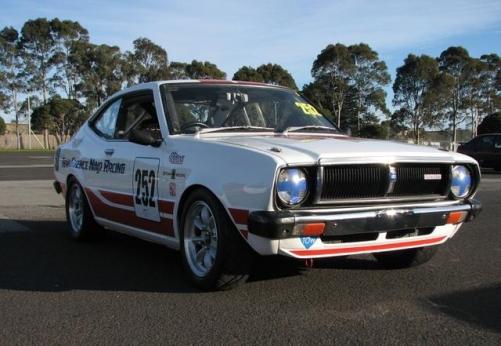
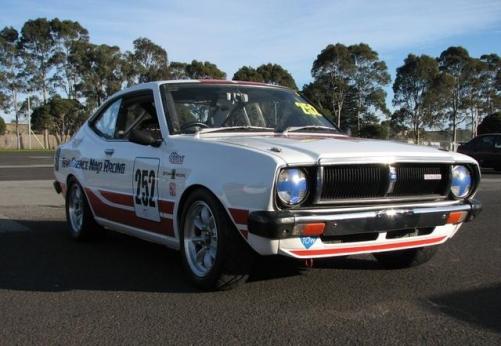
  2. Has anyone fitted a sr20 in one of these? Looking to upgrade to more power. Ill put up more pics when i can get them onto the computer.
Account

Navigation

Search

Search

Configure browser push notifications

Chrome (Android)
  1. Tap the lock icon next to the address bar.
  2. Tap Permissions → Notifications.
  3. Adjust your preference.
Chrome (Desktop)
  1. Click the padlock icon in the address bar.
  2. Select Site settings.
  3. Find Notifications and adjust your preference.