Skip to content
View in the app

A better way to browse. Learn more.

rollaclub.com

A full-screen app on your home screen with push notifications, badges and more.

To install this app on iOS and iPadOS
  1. Tap the Share icon in Safari
  2. Scroll the menu and tap Add to Home Screen.
  3. Tap Add in the top-right corner.
To install this app on Android
  1. Tap the 3-dot menu (⋮) in the top-right corner of the browser.
  2. Tap Add to Home screen or Install app.
  3. Confirm by tapping Install.

crimson70

Members
  • Joined

  • Last visited

Everything posted by crimson70

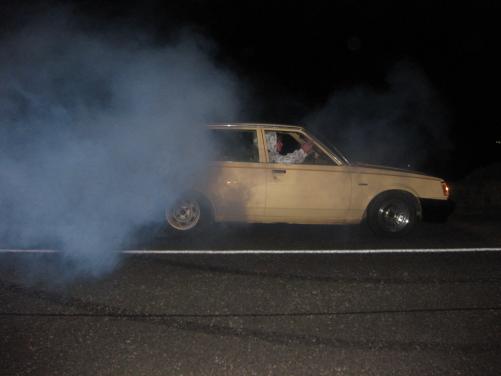
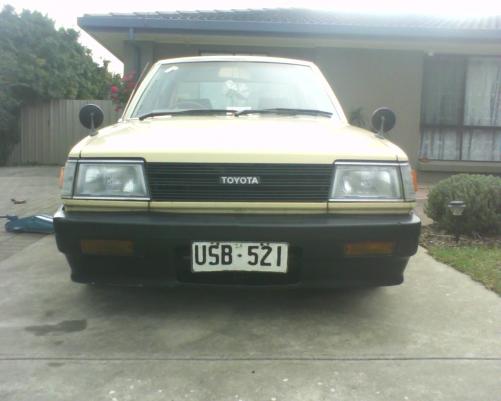
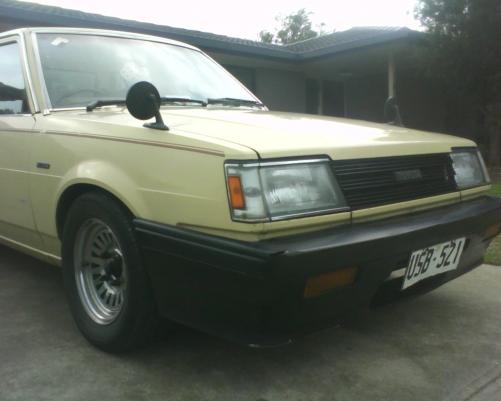
  1. Name: morgan Car: 1983 ke70 slanty Motor & Driveline: 4k with a 4spd box Suspension & Brakes: cuts and new brakes Wheels & Tyres: wide steelies on the front and stockies on the back for fun Interior: just painted it all black and looks sweet Body: r31 front bumper Other: subs in the boot and a sterio.. usually and skateboard in the car somewhere *Put pictures here*
Account

Navigation

Search

Search

Configure browser push notifications

Chrome (Android)
  1. Tap the lock icon next to the address bar.
  2. Tap Permissions → Notifications.
  3. Adjust your preference.
Chrome (Desktop)
  1. Click the padlock icon in the address bar.
  2. Select Site settings.
  3. Find Notifications and adjust your preference.