dan1988
Members
-
Joined
-
Last visited
-
damn that looks mad
-
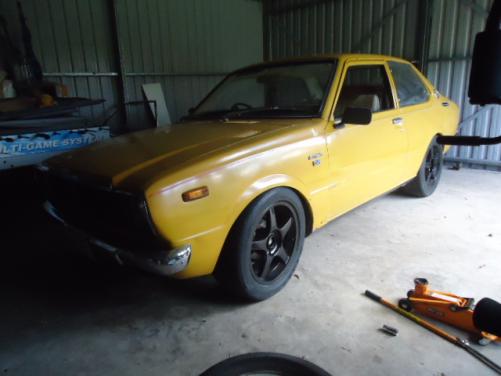
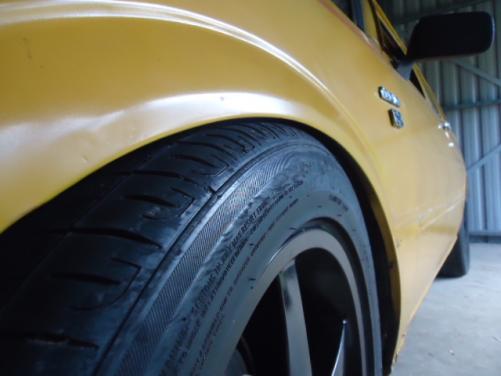
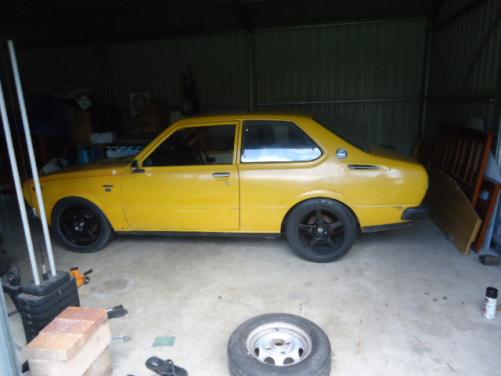
Fronts 16x7 +32 rears.16x8 + 35 tyres just a bit to big
-
update: decided to see what my wheels off my s13 looked like on the rolla.
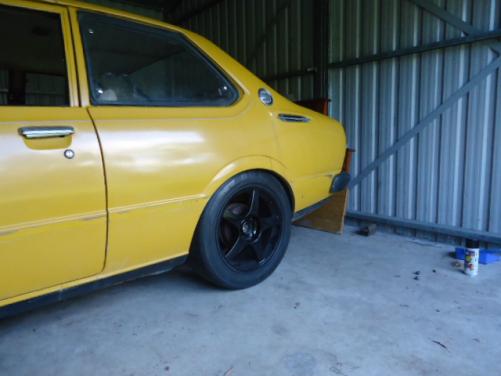
-
Droped the rolla 2inchs.. crap photos
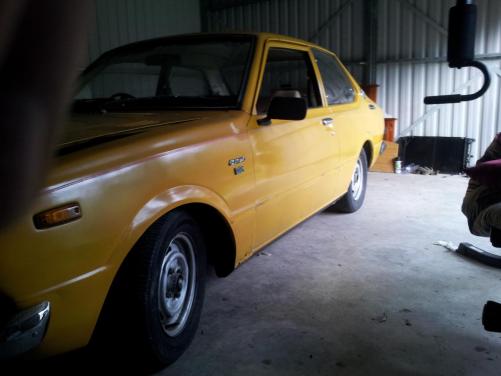
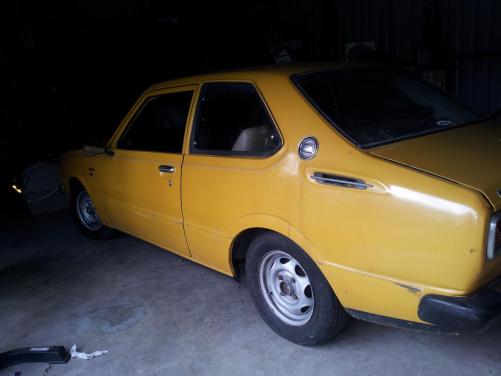
-
what size were those white wheels?
-
-
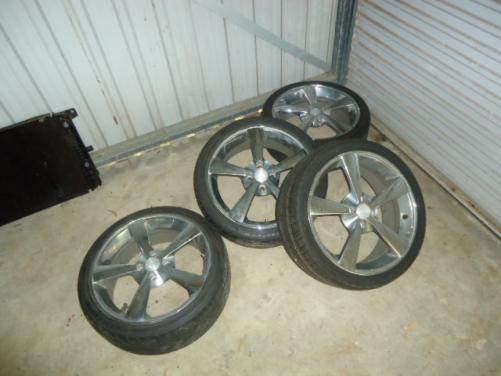
these are my wheels ive got, there 17x7 chrome. planing to put them on it.. (although id rather something with a bit of dish) but just trying to make do with what ive got
-
cheers man will check them out.
-
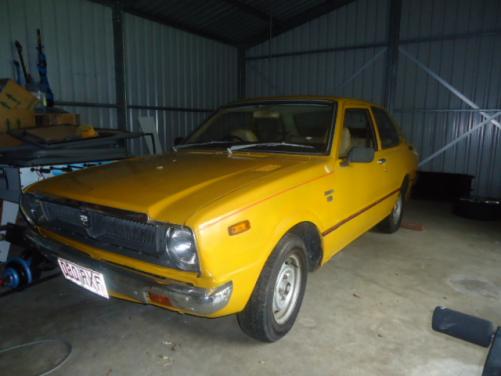
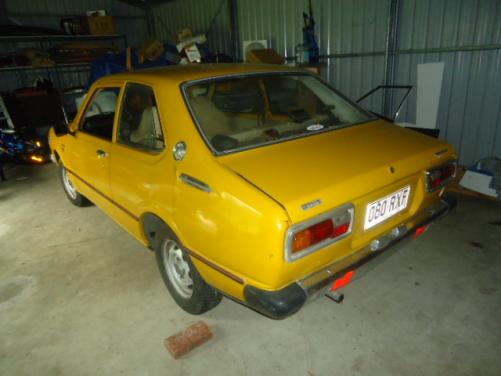
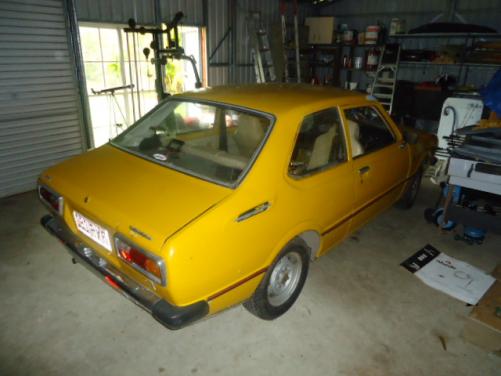
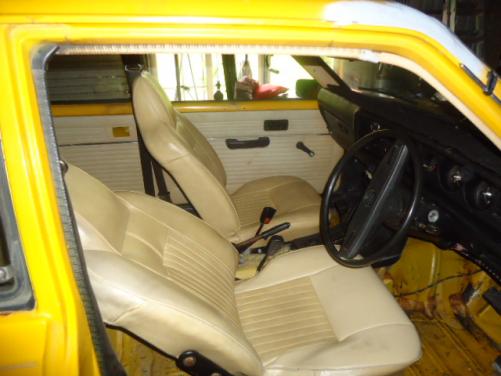
Yea it was a really good score. not to much rust at all.. small bit behind the passenger side rear wheel and a small bit above drivers door. can't wait to get it lowered and some nice mags on it.. and new carpet!
-
heres a few more photos
-
yep will chuck some more pics up on Friday
-
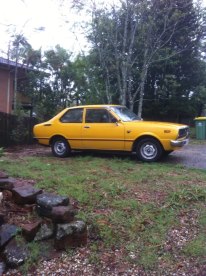
hey just brought a new project car and thought id share it:) with every1 its a 2 door ke30 auto with a 3k. got it for 600 buks (score) will keep uploading photos as i do more to it my names Dan by the way and I'm from brisbane