

Mattyd529
Members
-
Joined
-
Last visited
Everything posted by Mattyd529
-
Tried ringing supagas twice today and they keep saying they will get a salesperson to call me back it's been 6 hours since calling them decided they are f@cking hopeless anyone know anywhere else in west Melbourne area?
-
-
-
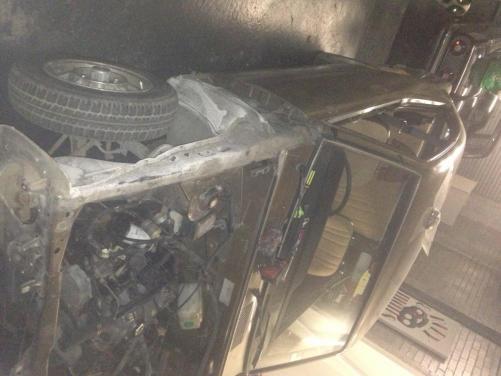
Some progress over the weekend stripped down, next weekend starting body work
-
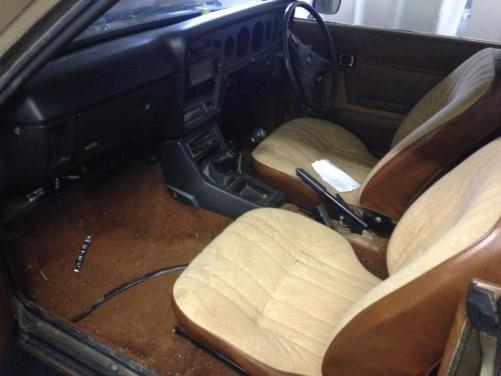
Yeah mate interior is pretty much immac, no rips or anything, cheers man will be posting progress pics soon
-
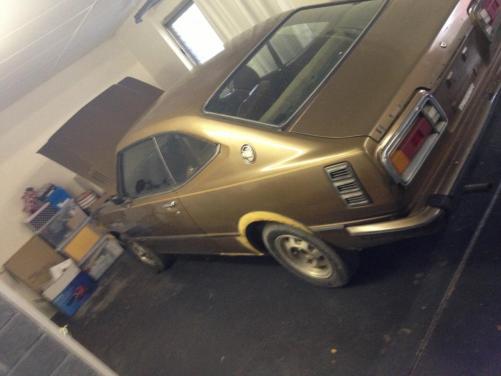
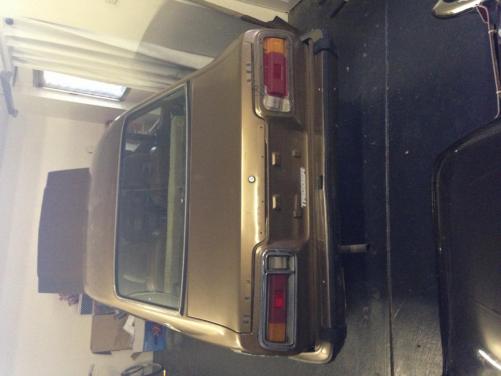
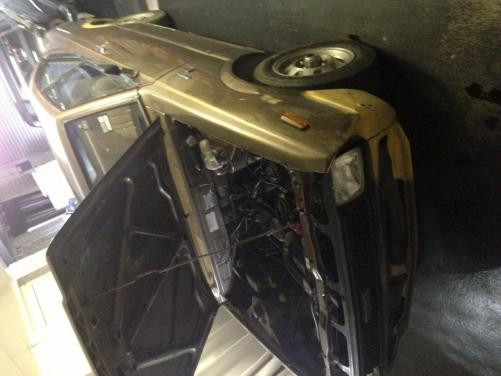
Just bought this bad boy for $500 got some big dreams, keep it sleeper, not sure to do an 8 or turbo conversion yet, any suggestions? Going to paint a nice pastel yellow keep the brown and cream interior and nothing to crazy just straight and clean. A lot of $$ and time about to be spent on this.
-
Has anyone got one of these welders? Looking to just do small rust sections and a little light fabricating. Any reviews or feedback on this mig would be a great help.http://m.supercheapauto.com.au/Produ...-140amp/295863


