SUTTO
Members
-
Joined
-
Last visited
Everything posted by SUTTO
-
woot woot.....my boot install work there....looks good at night and my old sub u got benny...be good to see it back on the streets some time soon tho or what?? or keep ya sedan rego so we can crusie in our sedans? :P ;)
-
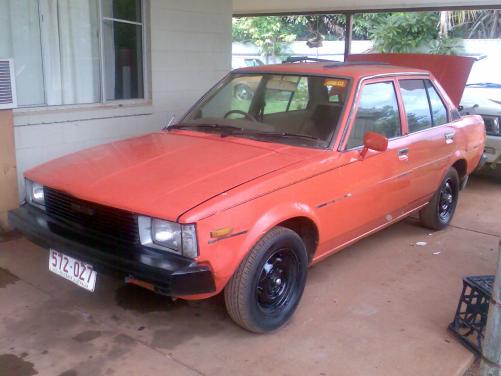
hey all finally got myself a ke70 after months of looking and begging to buy one of a few people around town... it was a ladys daily driver until the auto blew up so she paid someone 1500 to replace it and when she got it back it was no better than before...so i ended up getin a hold of it...and now the auto is all out and the manual s ready to bolt in...should be all done by the end of the week...its a sweet as motor clean and runs smooth as...will be gettin stripped of its polution gear and will get all the usual backyard mods to squeeze every last horsepower u can get outa a 4k motor... interior is half stripped already and i just got my welder to so ill have a go at making a half cage ;) and if i can find sum ma61 wheels they'll be on there to.. well heres a pic ... c what ya reckon....