

cbwox76
Members
-
Joined
-
Last visited
-
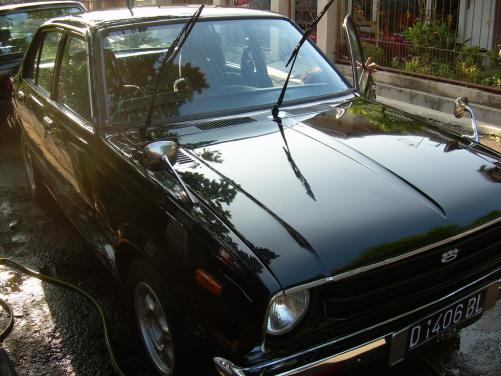
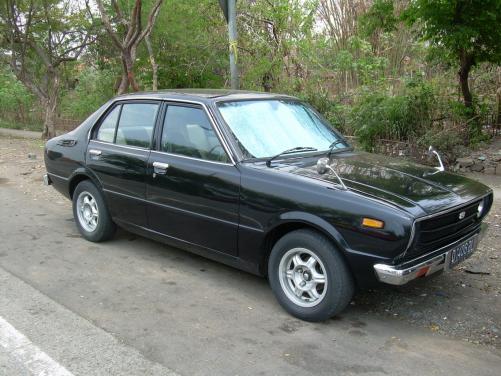
Name: Chendi Car: KE30 1978 Corolla Motor & Driveline: 3K with 4 Speed box. Suspension & Brakes: Stock Wheels & Tyres: Nardi 13" Interior: custom cream and black door trim and seats Body: stock, horn mirror Other: there are still a lot of things needs to be done
-
 the rims looks fabolous....and the white stripe tyre makes it more beautiful...nicely done... what is the size of the rims? is it 13 or 14? Where can i find the small cover of bearing in the rims? its very hard for me to search it... thanks


