chef^akina
Members
-
Joined
-
Last visited
Everything posted by chef^akina
-
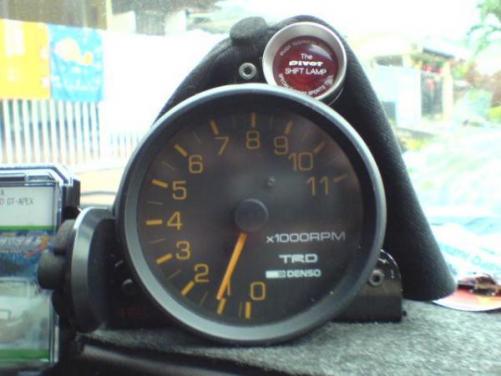
thanks :hmm: too bad i can't make use the 11,00rmp red line... during i use 4k engin max rpm is at 6000rpm ready red line.... now my car is under going changing engin to 5k... :P
-
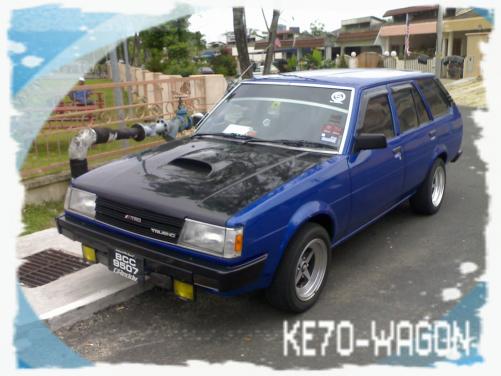
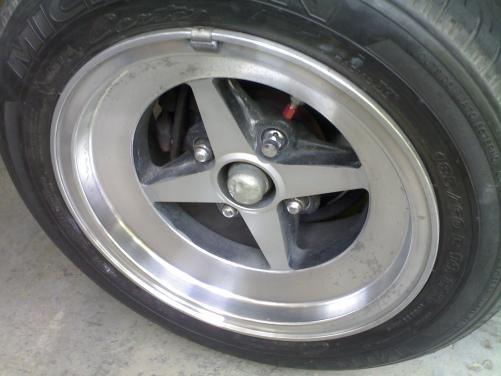
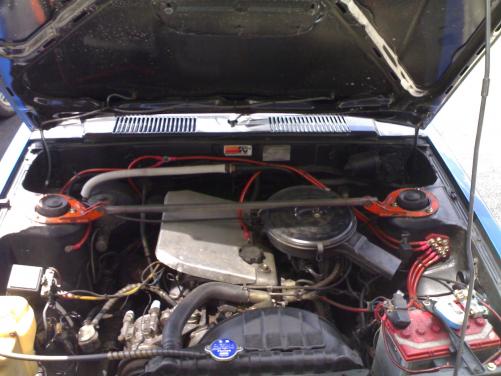
name : daniel wong (malaysia) my car spec: 1983 KE-70 wagon engin bay : -stock 1.3 -costom front to back exzos -aerospeed grounding -aerospeed TRD oil cap -eagle eye 8K HID interior : -TRD denso 11k RPM meter -pivot shift lamp -nardi classico black with ring -AE86 long bosskit -full bucket seat (brand- drift) -AE86 levin carpet ICE : -PIONEER old type cd player -3 way sony speaker exterior : -toyota yellow fog lamp -celica ST air-coop welded to my OEM hood wheel : -work equip-01 14" - front 6.5jj offset 0 with yoko AD07 185/60/14 rubber - rear 7jj offset 0 with yoko a-drive 185/60/14 rubber Suspension : -front AE86 hi/lo with casco pillar-ball -rear stock OEM Handling : -my own costom make AE86 stainless steel front bar -rear anti-roll bar AE86 (not yet fit) this is all the spec that i have... any update i will post.
-
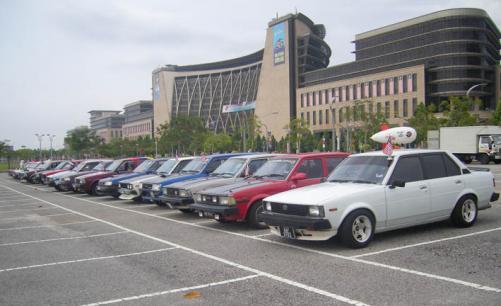
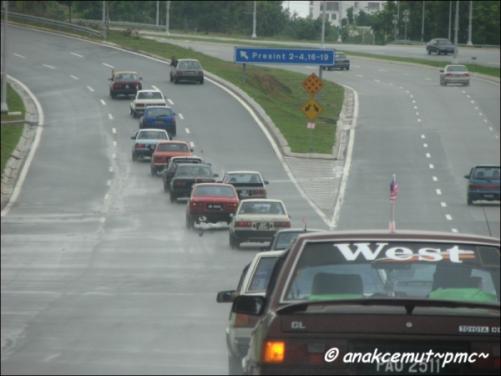
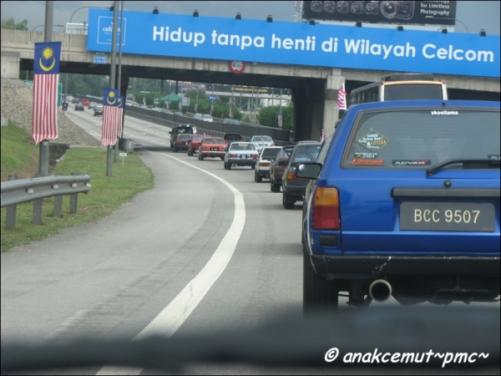
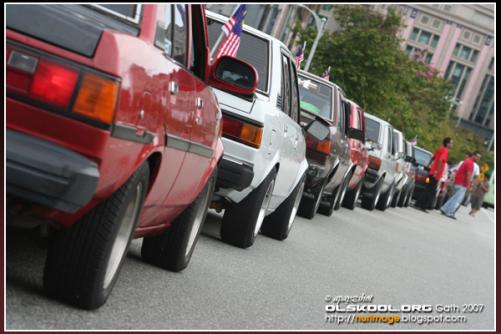
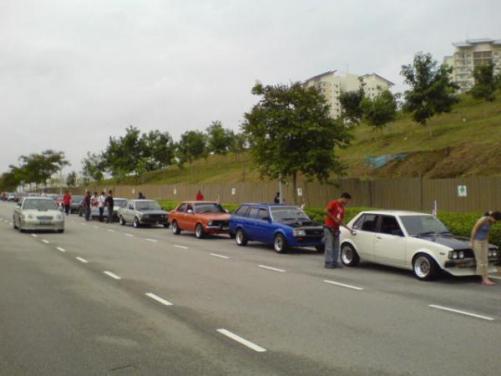
this some gethering pic that kenlevin86 not yet post... this is the time olskool have a gethering to putrajaya.....(malaysia)
-
Name:daniel wong Location: kelana jaya ,selangor Phone no.: 016-6560366 e-mail : [email protected] Drive: 1983 KE-70 WAGON