

jamierolla
Members
-
Joined
-
Last visited
-
yr i lik to two tone coulor and madmax you nver know whos better
-
yeah it is very good i like the couler but ill out race and people will be say ther daivd but it will be me soo i am just going to paint it that two tone coulor like chump said or just black ill see
-
yeah that two tone is a good idea my dad onwes mrpaintandpanel so i can get it paint easy chump madmax yeah i have lost some have to by more
-
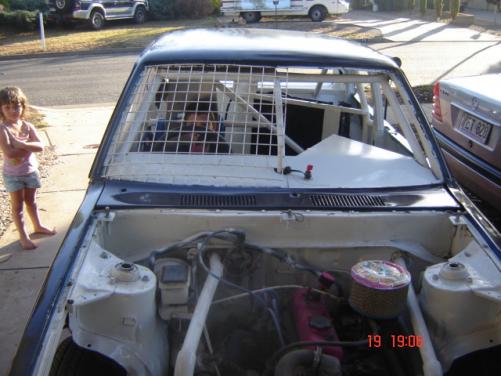
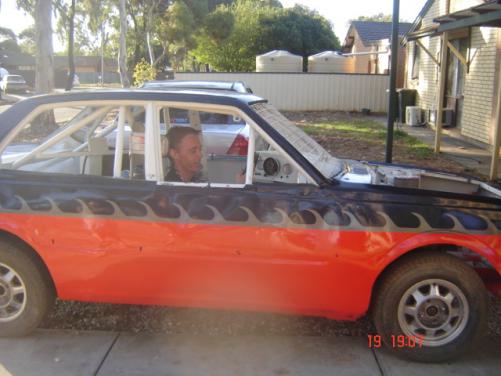
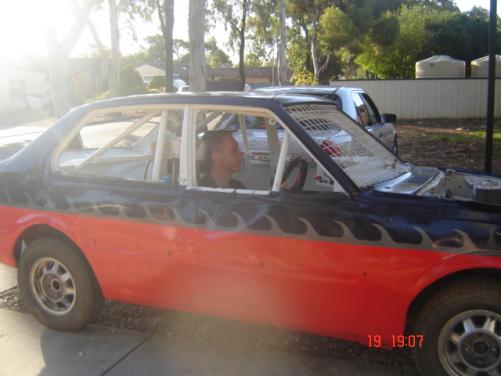
yeah davids my cuzin the coulour it is looks killer but i wanna look driffrent and not take his name soo i wanna nw paint job like white or black heres some more pics
-
nice ride mate that looks good for that old car in the fist pic good work
-
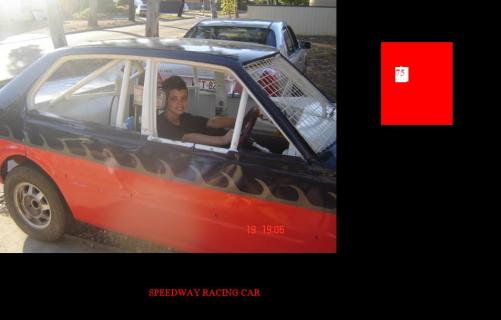
i got a speedway car i thinking about painting it black or white for something diffrent i race number 75 it maybe a new number soon soo if eny of you have a sojestion for my car like eny speedway guys that would be apreshated
-
geting all the panels is a lot of money but if you love it soo much you will do it i know what is like having a list of things to do like paint is on my next list... cheers
-
it hard buildng a engine for one of them racing is the best you allways wanna do something to ya car building a eninge takes time hope it all works out your way and you are out racing again hope to catch up with ya out there.... jamierolla


