Skip to content
View in the app

A better way to browse. Learn more.

rollaclub.com

A full-screen app on your home screen with push notifications, badges and more.

To install this app on iOS and iPadOS
  1. Tap the Share icon in Safari
  2. Scroll the menu and tap Add to Home Screen.
  3. Tap Add in the top-right corner.
To install this app on Android
  1. Tap the 3-dot menu (⋮) in the top-right corner of the browser.
  2. Tap Add to Home screen or Install app.
  3. Confirm by tapping Install.

angelmon

Members
  • Joined

  • Last visited

  1. angelmon replied to dbr11k's topic in Rollaclub Rides
    should of told him to f@$k off he is not allowed in your car with out your permission
  2. o ye thats what i mean lol
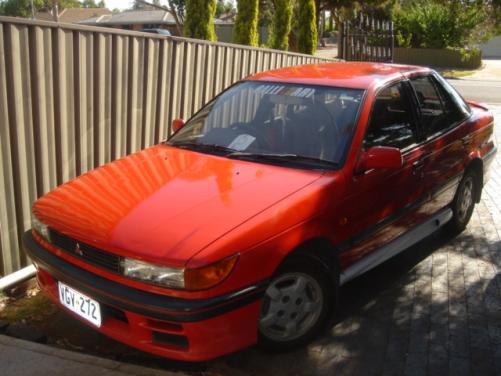
  3. Ye I use to have one I loved it use to handle so good in the hills you could go full throttle from the entrance to the exit of the corner that the best thing about FWD But it was slow tho lol I had full exhaust extractors K&N filter bigger throttle body and other little bits and pieces and only made 70rwkw :P thos side skirts were only on 4 a week btw
Account

Navigation

Search

Search

Configure browser push notifications

Chrome (Android)
  1. Tap the lock icon next to the address bar.
  2. Tap Permissions → Notifications.
  3. Adjust your preference.
Chrome (Desktop)
  1. Click the padlock icon in the address bar.
  2. Select Site settings.
  3. Find Notifications and adjust your preference.