

rolla 55 FOX
Regular Member
-
Joined
-
Last visited
-
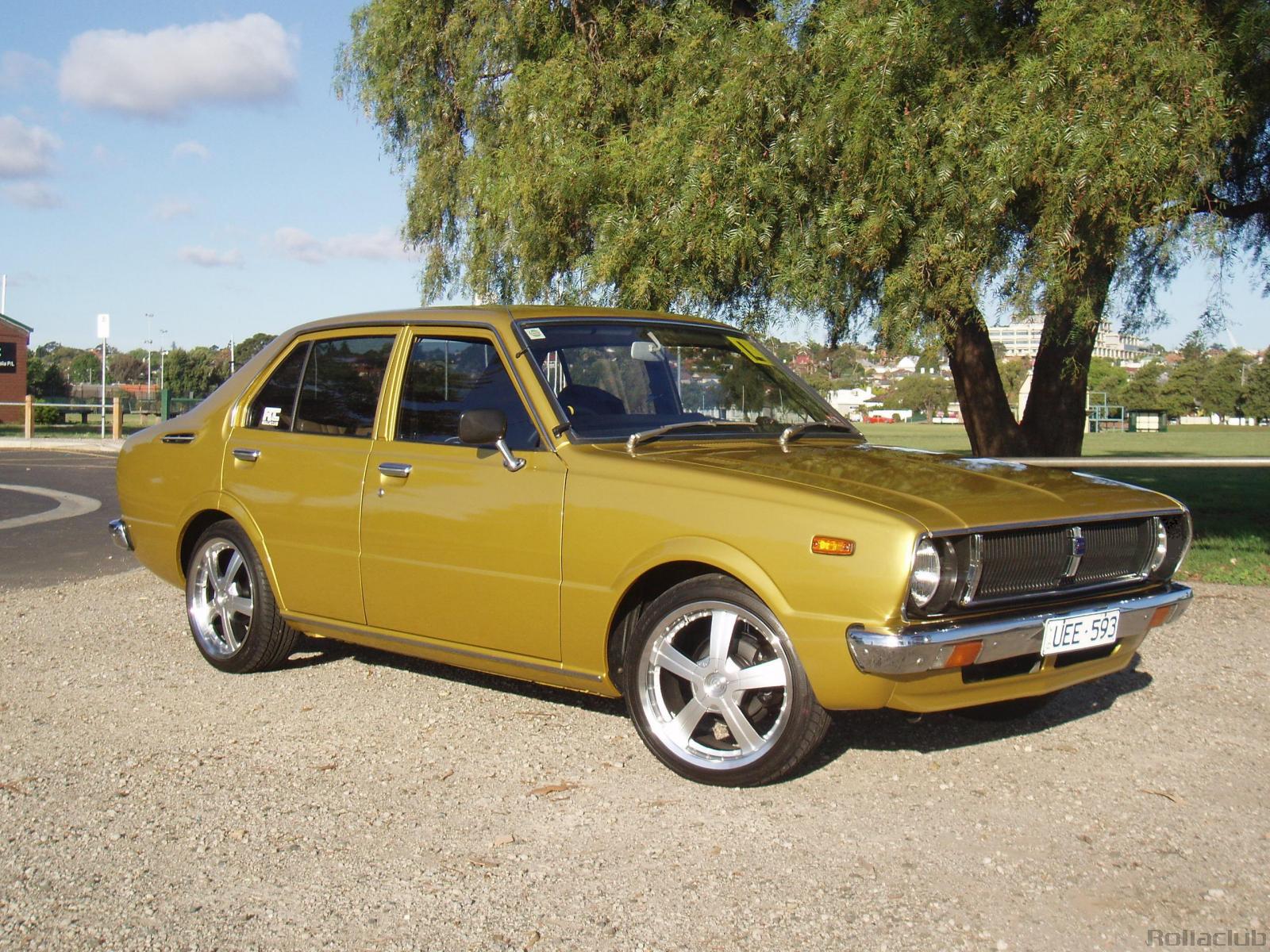 love it u have dun a verry good job it is clean and verry stylish one of the best i have ever seen
 -
do you think you could PM or email me some pictures? i am looking at getting my ke55 painted and wouldnt mind some new panels and guards. my email is [email protected] cheers
-
cool. well this friday is out the window for me but i could look at what I'm doing saturday night?
-
Does anybody want to head out for a drive friday and saturday nights? I am on the west side and thinking about mount cootha runs or if anybody knows any good roads like gap creek or somthing let me know... cheers *edited by "rolla 55 FOX's" mate* please excuse his spelling
