
Leaderboard
-
SloRolla
Regular Member1Points179Posts

Popular Content
Showing content with the highest reputation on 05/26/17 in all areas
-
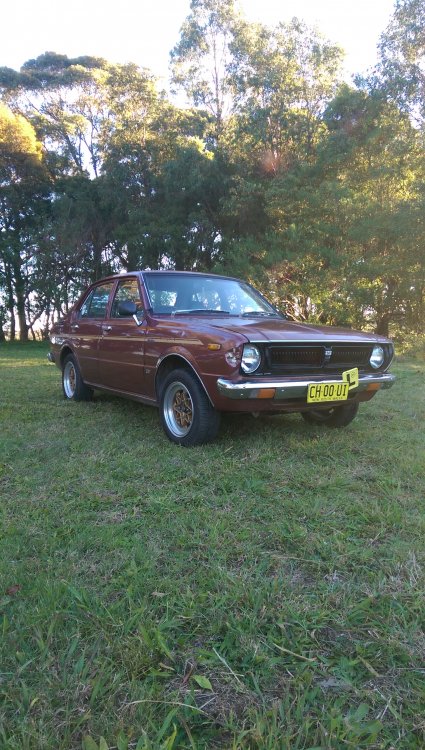
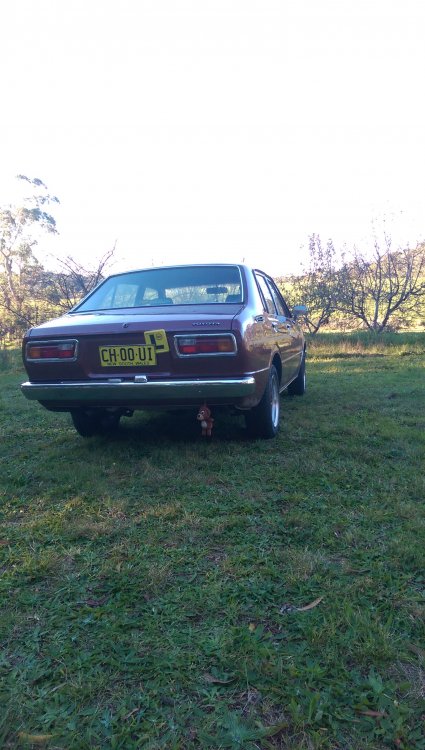
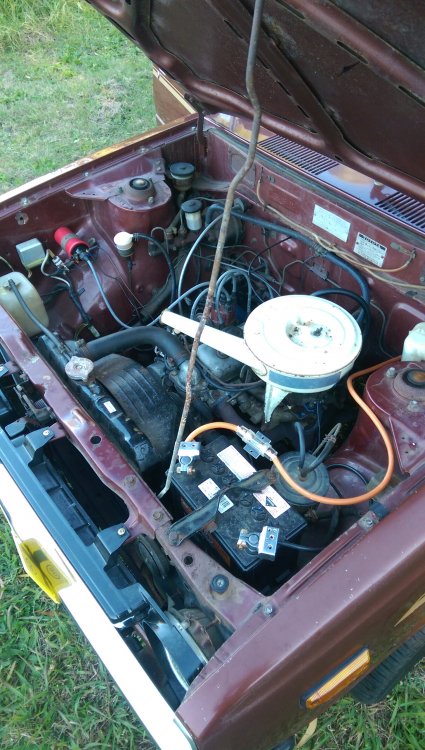
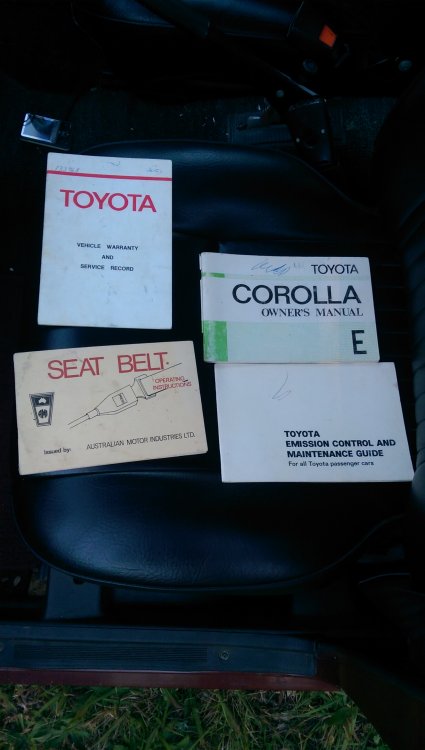
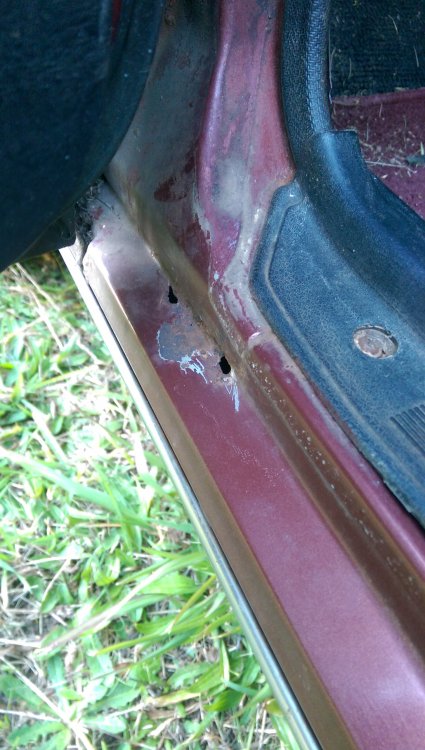
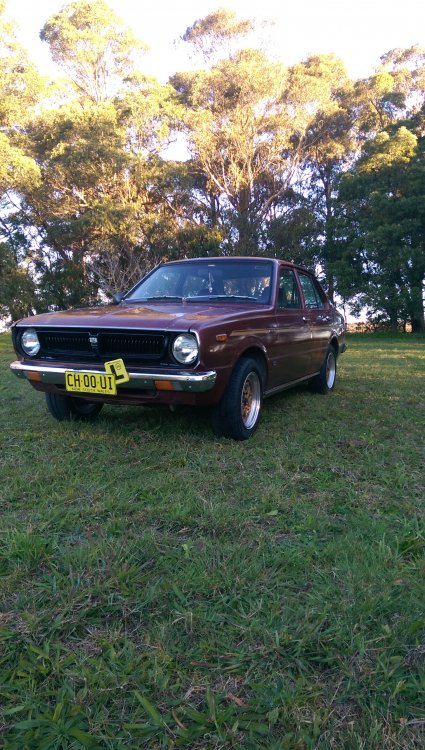
1 pointHey guys, I've been lurking here a while and finally thought it's time to post a proper thread! This story starts on the 3rd of October 2016, a day before my 16th birthday. For around 3 years I was looking for an r32 Skyline until I was convinced by my dad that a Skyline was the last car I'd want on my Ps, I knew he was right so I went on the hunt for a RWD, nice looking car that had that "cool factor" So I searched for a corolla for about a week and this popped up. Started as a full granny spec ke30, everything original and on the 3/10/16 I went to have a look. Instantly fell in love and went home very happy. Came with original papers, service history and warranty! The interior is very clean, however has the generic dash cracks. Only a few small rust spots that will be soon fixed. It also came with a welded diff, pain in the butt, I'm looking for another but finding it hard. Things I've done: - Hayashi TVRs 14x7 -7 - Michelin Energy XM2s - Tacho in clock hole - 1800w Sony subwoofer - 800w Kenwood amp - Sony Xplod 3 way speakers - JVC headunit - New coil - Refurbished the carby - And just a general tune up Things to be done: - Lowered by 2in back, 2in front. ✓ -Fender Mirrors ✓ - Full 2in exhaust with dual 2/2.5in blastpipes ✓ - Full respray (paint is very poor) - Duck tail - Front splitter ✓ - and generally just tidy it up
 1 point


