
Leaderboard
-
1969 SPRINTER
Regular Member1Points73Posts

Popular Content
Showing content with the highest reputation on 12/12/17 in all areas
-
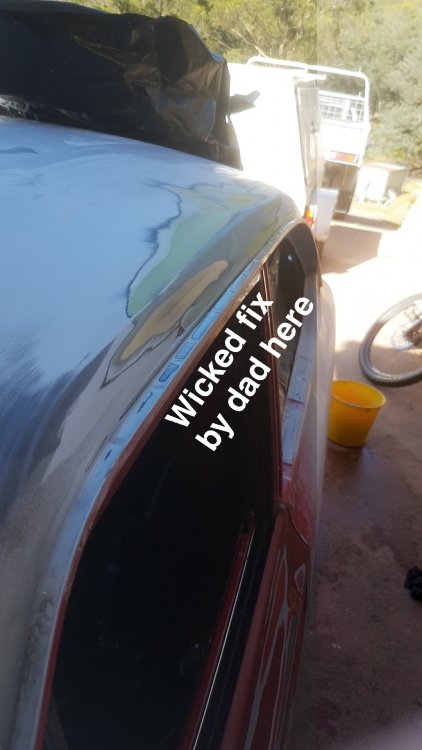
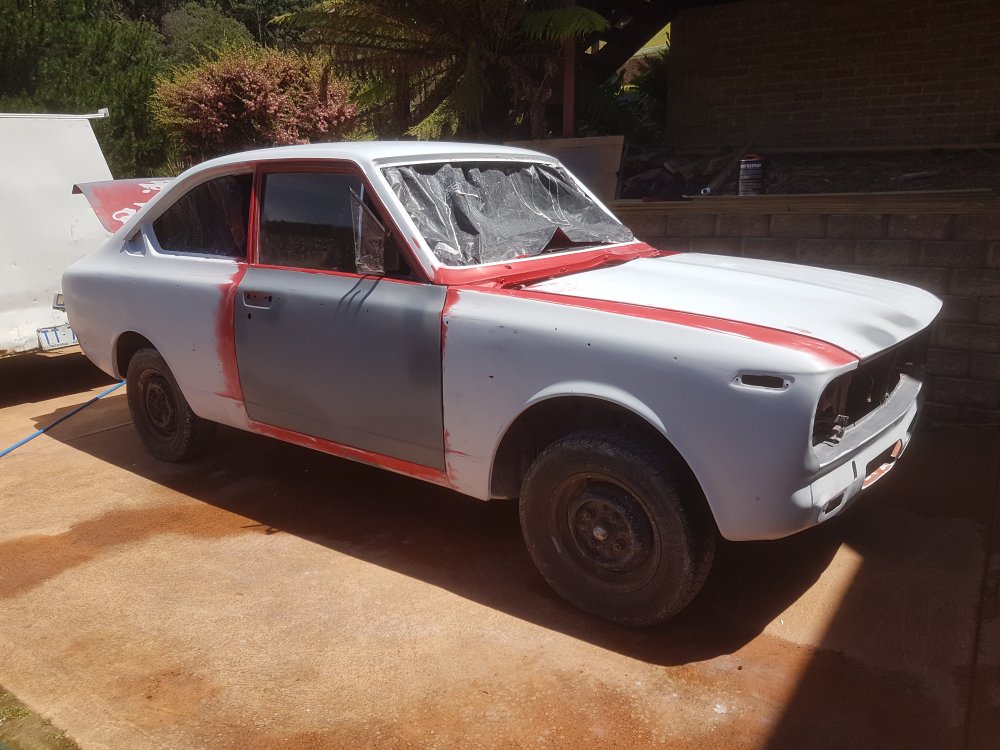
1 pointAnother day spent on the car with a bit of news probably worth mentioning to the thread. Have sorted more and more imperfections that we have discovered, as well as fixing some of the larger problems too. We decided to chuck on some high-build primer in a few of the more....wobbly areas. Then sand some off a bit, etc etc. All bare metals is covered currently so that's a bonus too. We are ever-more edging closer to the big day... Christmas? No no, the REALLY big day -painting the extieror of course! The primer has revealed a few more tasks that need to be sorted but it's all slowly coming together. -despite often looking the same as the last post. Regardless, It's progress. And it's welcome at that. This is the summer it's going to receive the luscious red! Then she'll be put back together and we'll go for reg at some stage in 2018. Supposedly my phone's having trouble with photos- I'll see what I can do..
 1 point

