
Leaderboard
-
Mechanical Sympathy
Regular Member1Points555Posts

Popular Content
Showing content with the highest reputation on 05/19/21 in all areas
-
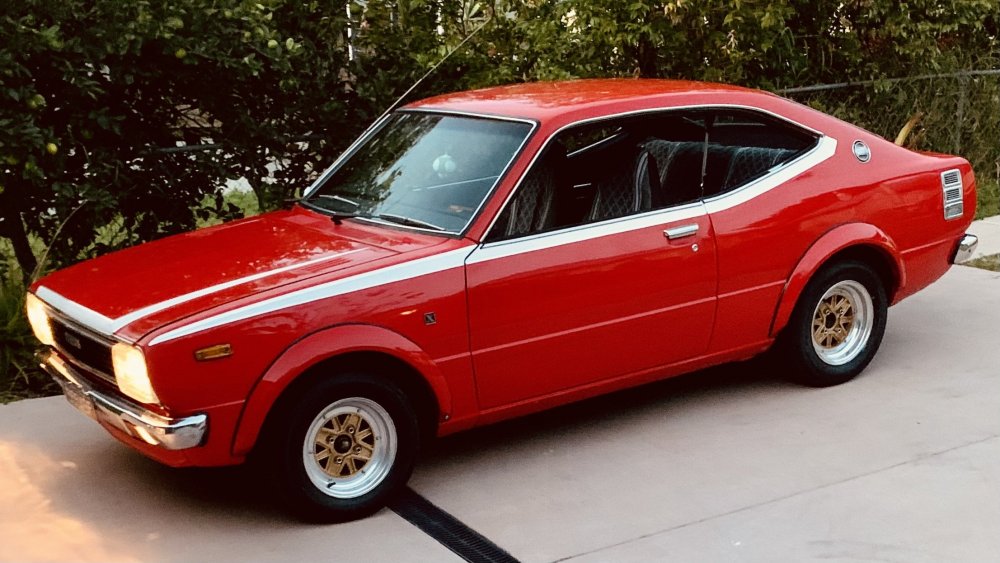
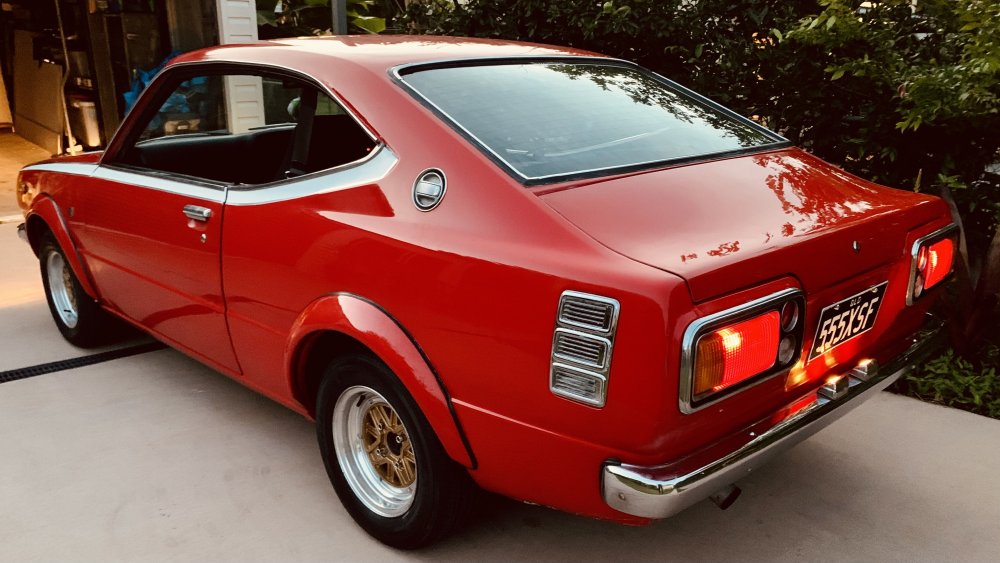
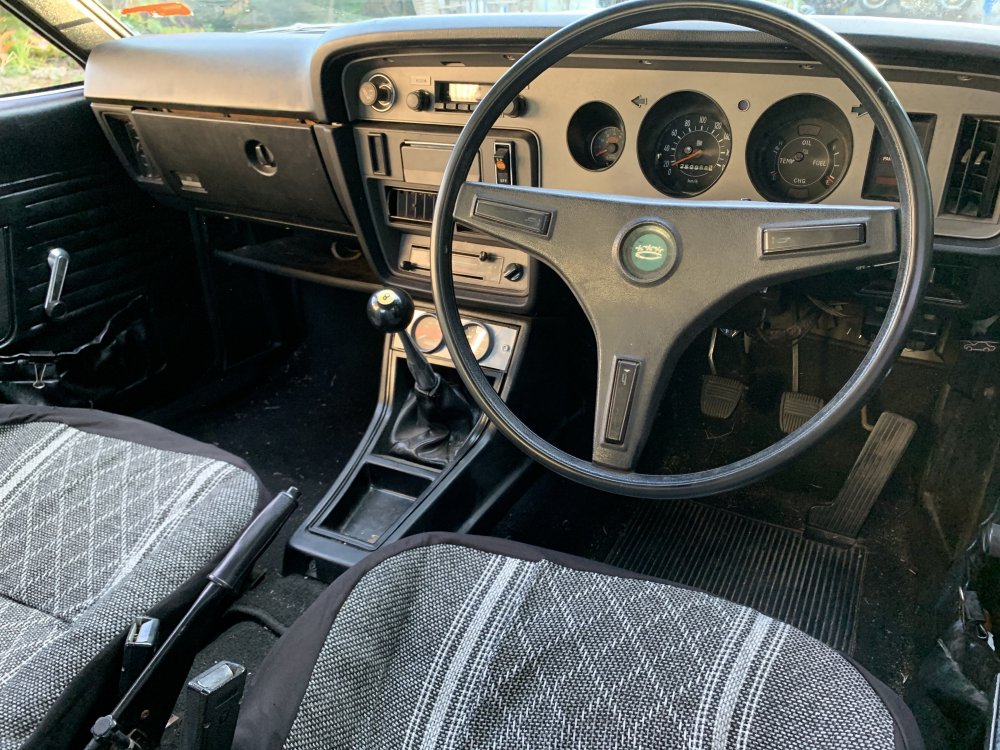
1 pointI finally got around to fitting the 13' Jovites. My neighbour is managing a new tyre store so he sourced some cost-plus 205/60/13 Nangkangs, fitted them and passed them back over the fence. It's fair to say that the lighter wheels have transformed my enjoyment of the car! Steering turn-in is vastly improved, along with handling and dampening. No more crashing and shimmying over bumps. In hindsight those 15' Superlites were far too heavy for this car. Now it's a lot more fun to drive. Also installed a factory radio where there was once a hole, hooked up the tach and replaced the dash globes - just a few niggles that had been on my mind!
 1 point


