$lau$
Members
-
Joined
-
Last visited
-
I'm looking at adding a Norris cam 328s (non turbo) with some dual valve springs and a header to the 2T-B and we'll see what we get on the track!!
-
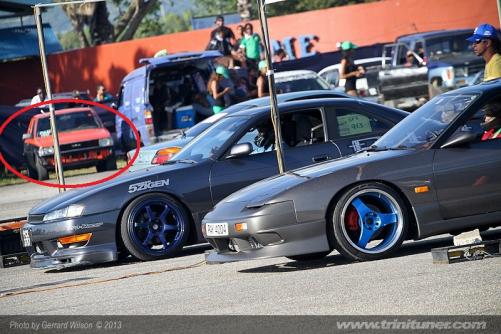
Car did high 15's in the quarter mile as seen on 7-8 psi boost. JUST BOLT ON'S AS SHOWN... Here is the video before we did the flash paint job lol, SR20DET getting devoured on the track in Trinidad:
-
Yes i did and it sounds just as you described!!! THis too has an electric clutch but i have added a switch so i have control on when to turn on or off
-
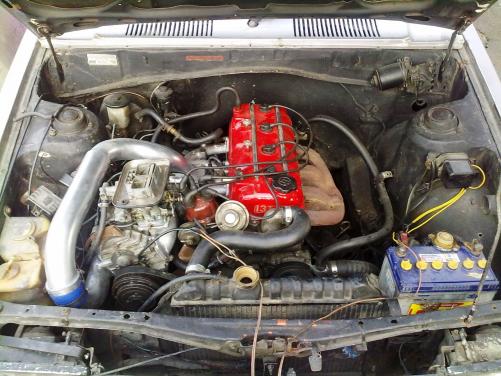
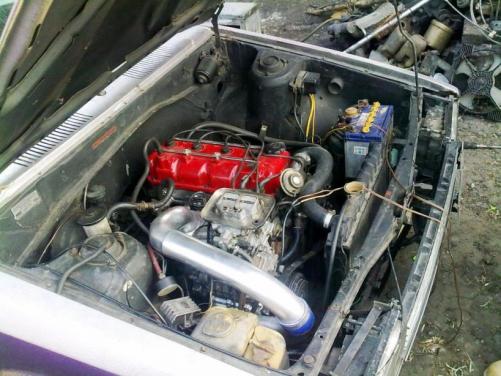
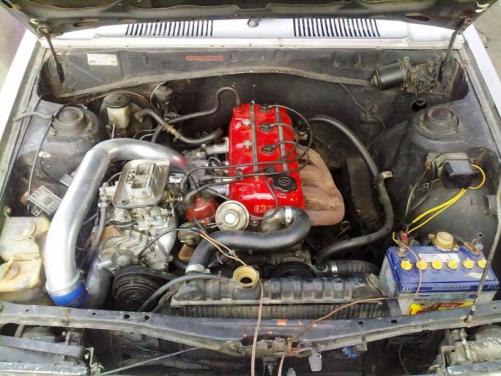
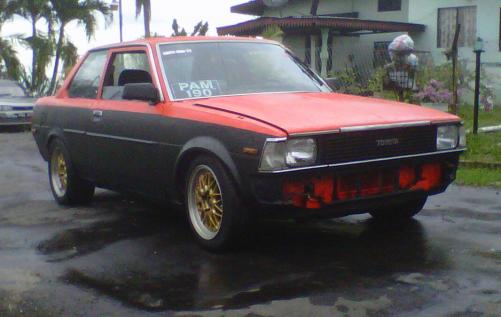
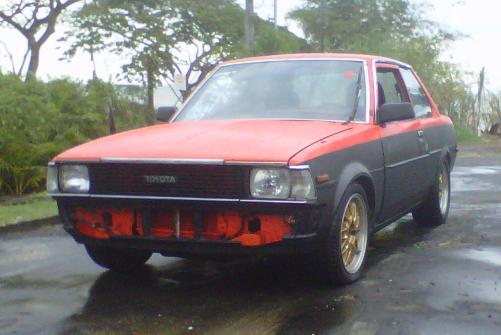
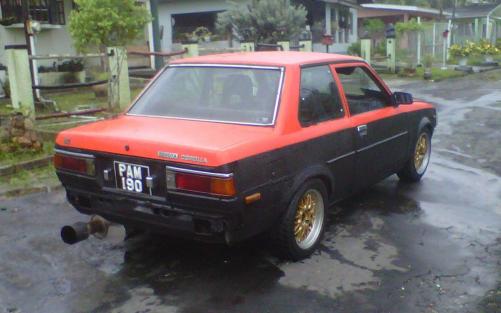
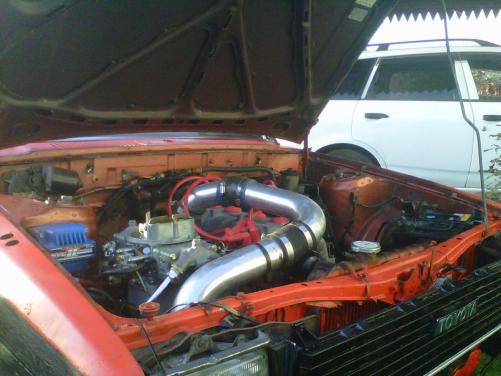
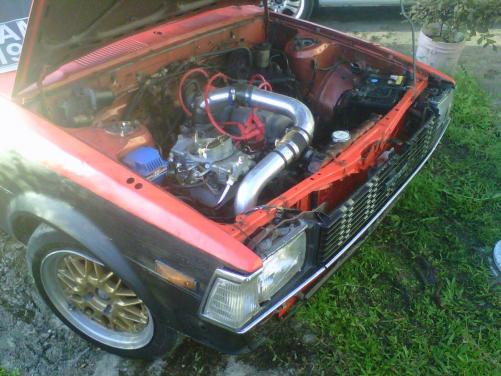
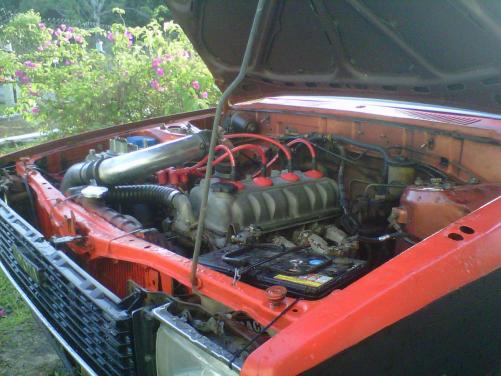
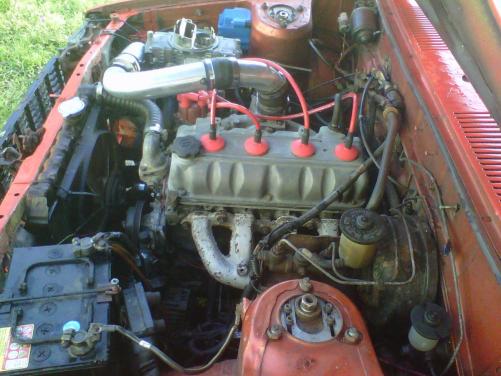
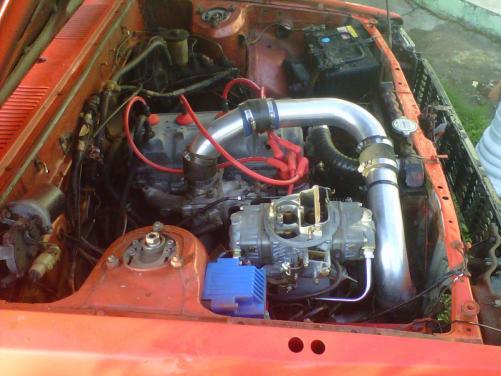
COROLLA IN THE BACKGROUND, WAITING TO DEVOUR NISSAN PREY PLAYING... AND NOW THE SURPRISE!!! 1600cc SUPERCHARGED 2T-B(Z).... (bka the sr20 slayer)
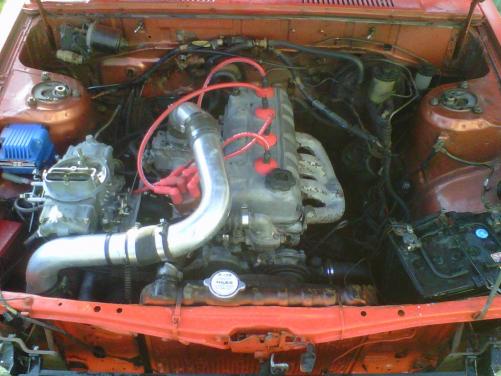
-
Thanks for the advice. I will!!!!!!
-
Correct!!!! Water injection coming soon.................................................... :yes:UPGRADED!!!!!!!!!! LETS SEE WHO CAN FIGURE OUT WHAT'S GOING ON;:;;;
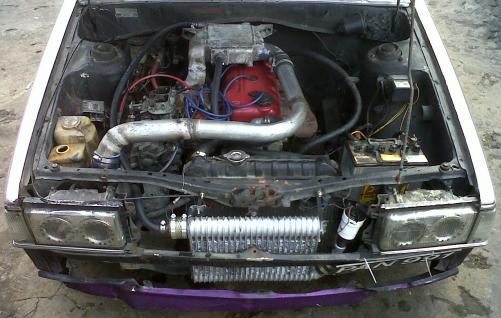
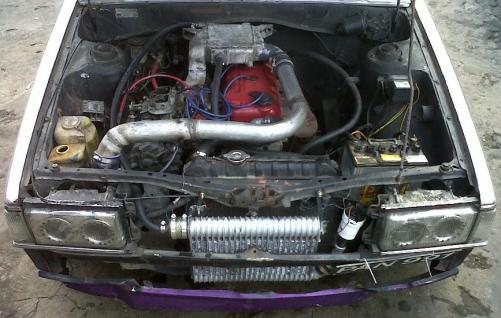 :D Yeah guys, we be superchargin and beatin anyone who wanna race!!!!Please just put in a 13T-U and supercharge it like i did below: transforming it into an out-of-factory unofficial 13T-UZ 5 psi on the stock engine, handling pretty well!! trust me, you won't spend more than $1200 US and you'll be doing some fast numbers
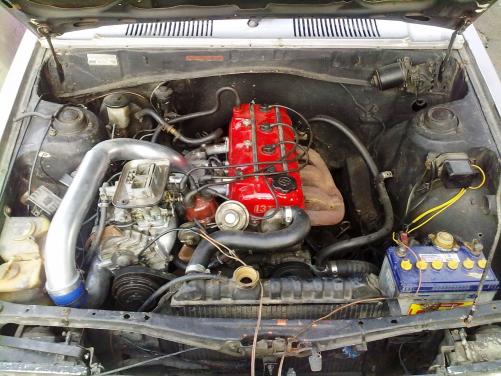 HI GUYS-- MY NAME: $lau$ MY LOCATION: Trinidad and Tobago, West Indies MY CAR: 1982 Toyota Corolla KE70 MY ENGINE : 13T-UZ MY MECHANIC : PUNY SEE PIC BELOW AND UNDERSTAND THE GREATNESS OF CARIBBEAN INGENUITY AND BACKYARD ENGINEERING:::