gazzman
Members
-
Joined
-
Last visited
-
Looks familiar :)
-
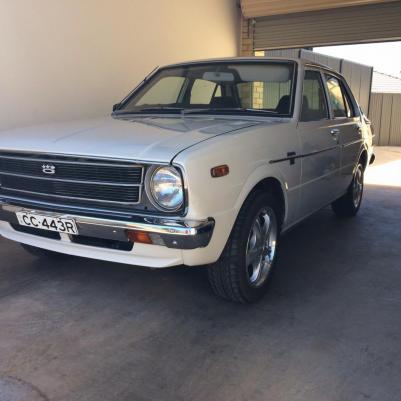
I still have my ke30
-
Hi everyone. My ke30 is need of some love. Where do you recommend taking her for a good service and check over. I live in Gawler. But will travel for the right Workshop. Regards Gareth
-
my old ke30 lives in the garage. I need to put some rego on her blow the cobwebs out.
-
I'll be watching this thread. I'll bring out my ke30
-
Sorry guys. Can't make it. :(
-
i will most likley leave from Lobethal. Seen as i live in Gawler.
-
Mines a white ke30. I am really hoping I can make it. Looking forward to a rolla cruise. Need to do an oil change on sat.
-
Ill do my best to be there.
-
I love the idea of a regular catch up. Been in adelaide for almost 4 years, and always seem to miss the cruises. Cheers Gareth
-
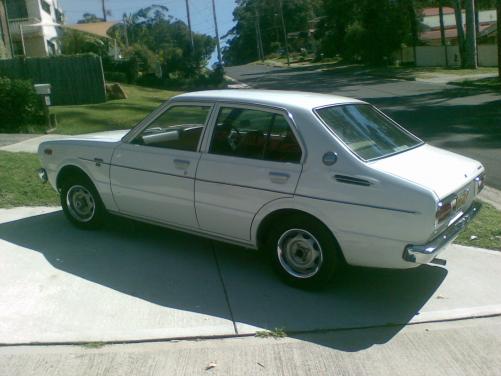
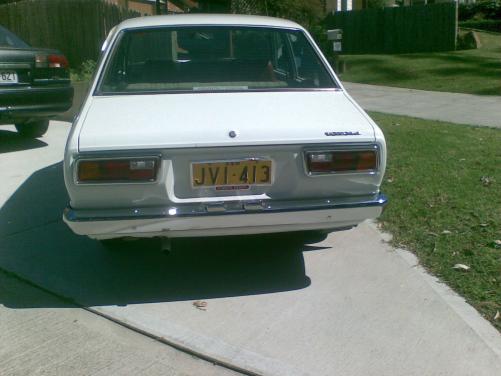
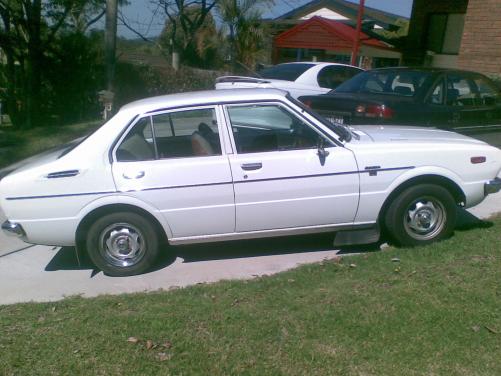
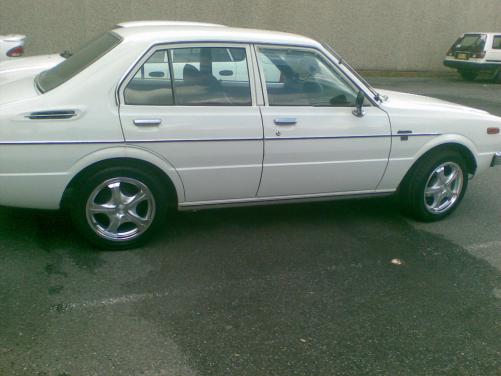
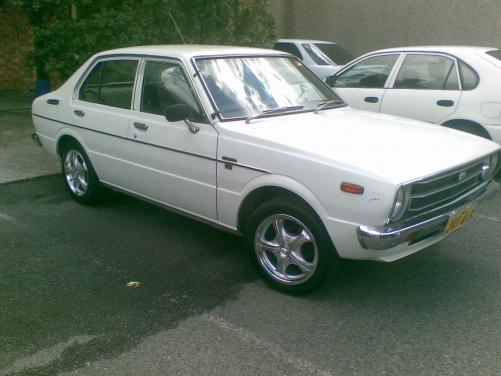
My name is Gareth. I am new to the rolla club. I Bought this rolla about 2 weeks ago. thought it would make an awsome project- engine conversion. Now not sure if i can bring myself to modifiy her, she is just so original. Time will tell hehehe. Name: Gareth Car: 1978 KE30 Corolla CS Motor & Driveline:Stock 3k motor with original 92000km Suspension & Brakes:stock Wheels & Tyres:stock Interior:as it left the showroom very neat Body: stock, straight and garaged all its life Other: bought it off the grand daughter of the original owner. some mags