Skip to content
View in the app

A better way to browse. Learn more.

rollaclub.com

A full-screen app on your home screen with push notifications, badges and more.

To install this app on iOS and iPadOS
  1. Tap the Share icon in Safari
  2. Scroll the menu and tap Add to Home Screen.
  3. Tap Add in the top-right corner.
To install this app on Android
  1. Tap the 3-dot menu (⋮) in the top-right corner of the browser.
  2. Tap Add to Home screen or Install app.
  3. Confirm by tapping Install.

KOLOR OLA

Members
  • Joined

  • Last visited

  1. KOLOR OLA replied to ForzaAE92's topic in WA / Perth
    i'll be there too... but without corolla, i'll bring my corona...
  2. KOLOR OLA replied to ForzaAE92's topic in WA / Perth
    come on....
  3. KOLOR OLA replied to ForzaAE92's topic in WA / Perth
    lets go....
  4. KOLOR OLA replied to h1_roll4's topic in WA / Perth
    barbagallo circuit
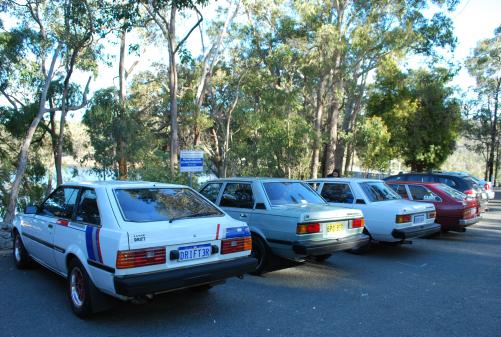
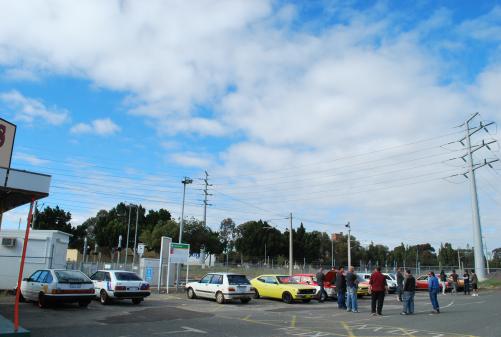
  5. another pics.....
  6. i'll be there with my lovely T18 :D
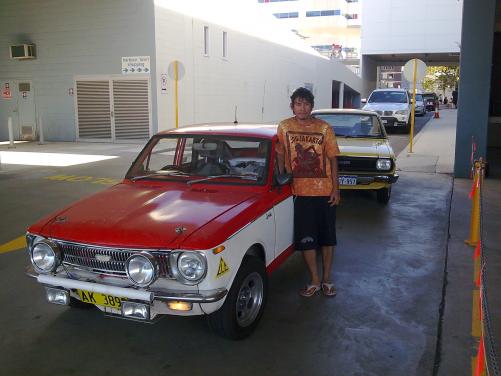
  7. Me and MarksKE25 car
  8. Feb 28? i interested! what time start n where? i live in wembley
  9. i have honda today 50cc... :wink:
  10. KOLOR OLA replied to rollas22's topic in WA / Perth
    hi... i interested to do it... may i know the address? thx

Account

Navigation

Search

Search

Configure browser push notifications

Chrome (Android)
  1. Tap the lock icon next to the address bar.
  2. Tap Permissions → Notifications.
  3. Adjust your preference.
Chrome (Desktop)
  1. Click the padlock icon in the address bar.
  2. Select Site settings.
  3. Find Notifications and adjust your preference.