
Leaderboard
-
altezzaclub
Regular Member1Points6846Posts

Popular Content
Showing content with the highest reputation on 08/29/17 in all areas
-
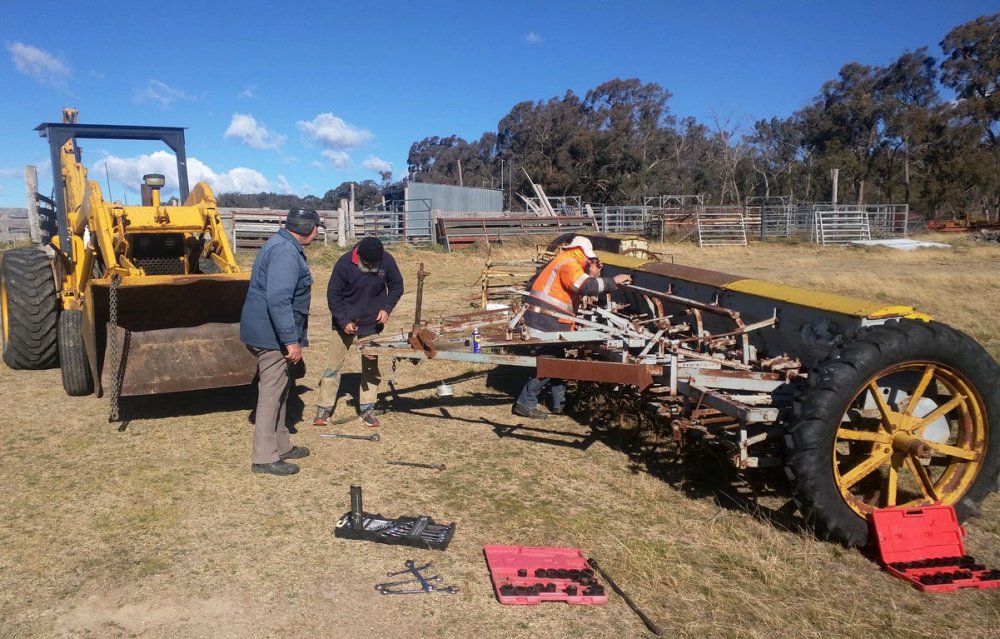
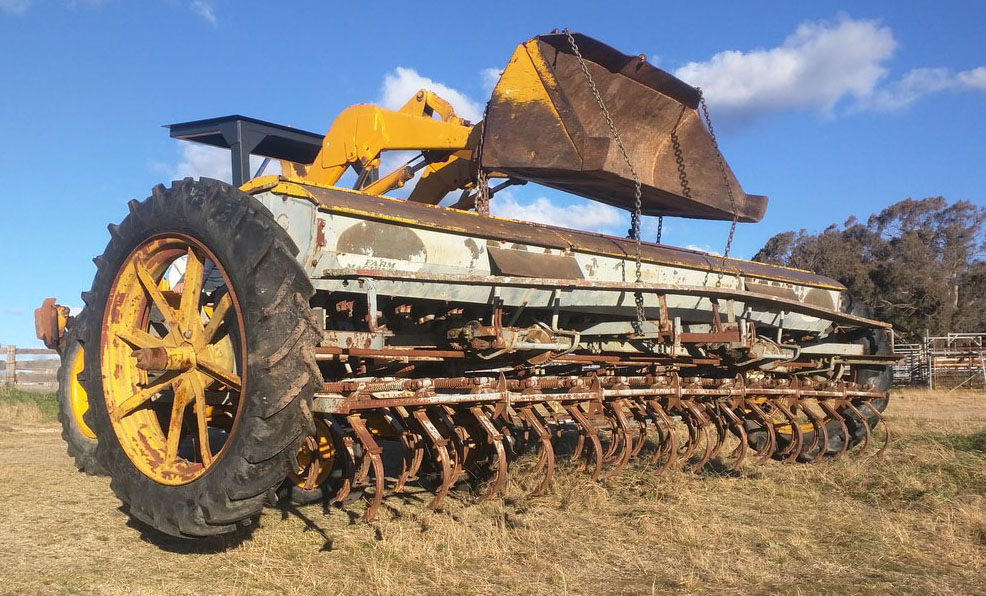
1 pointSteve bought a drill seeder off Great-uncle Neville, so we went out to fetch that. Way to big to fit on a truck.. Luckily Neville is an engineer and had handy things like several 3/4" socket sets! ..and a tractor big enough to lift it! Sadly both the farm tractors are smaller adn lighter, but we got it to sort-of fall off.. That's another giant project to get working in a few years time! So now we can concentrate on emptying the stuff out of the big shed and finally getting a concrete floor laid! Meanwhile we've agreed to service for Leighty in his 240RS for the Orange Rally next month. If you're around look us up!
 1 point

